How to Search for a Client
Click the Clients tab in the Resource Module.
All clients are identified by Name, Short Name, Address, Contact, and Group.
Click a column header to implement ordering the list according to that header.
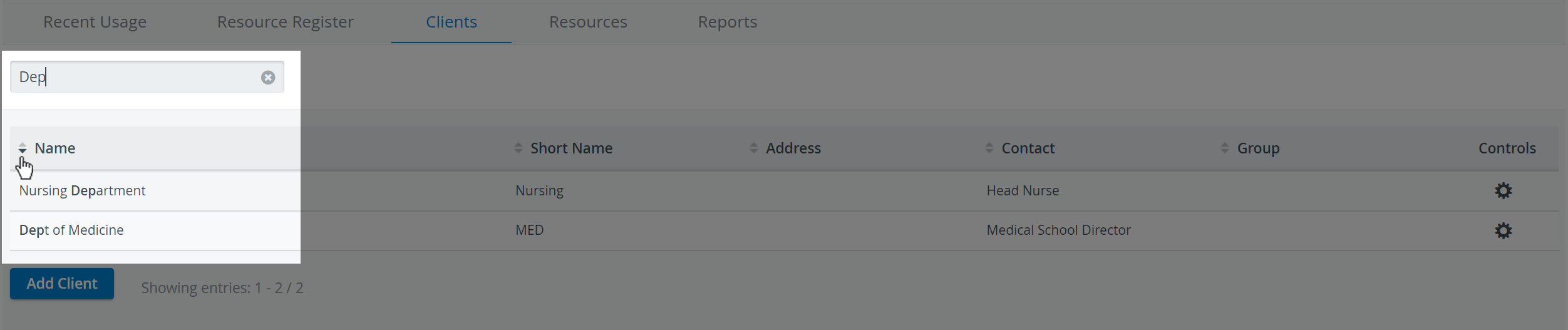
2. Enter a keyword in the Quick search field for a more targeted search. With every additional character, the list of results will be narrowed.
A keyword can be any word or part of a word related to a client (for example, part of the name or address). The more keywords used in the search, the more targeted the search becomes.
IMPORTANT: To start a new search, you must first clear the Quick search field by clicking the X in it.
For more information, visit our Resource Manager and Resources - How to pages.