How to Review the Resource Usage of a Recent Event
Click on the blue triangle arrow before an Activity to display its events on the Recent Usage tab.
Note
If no events were created within an Activity, the arrow is greyed out.
Each event has a separate Details link you can follow if you are only interested in a particular event's resource usage.
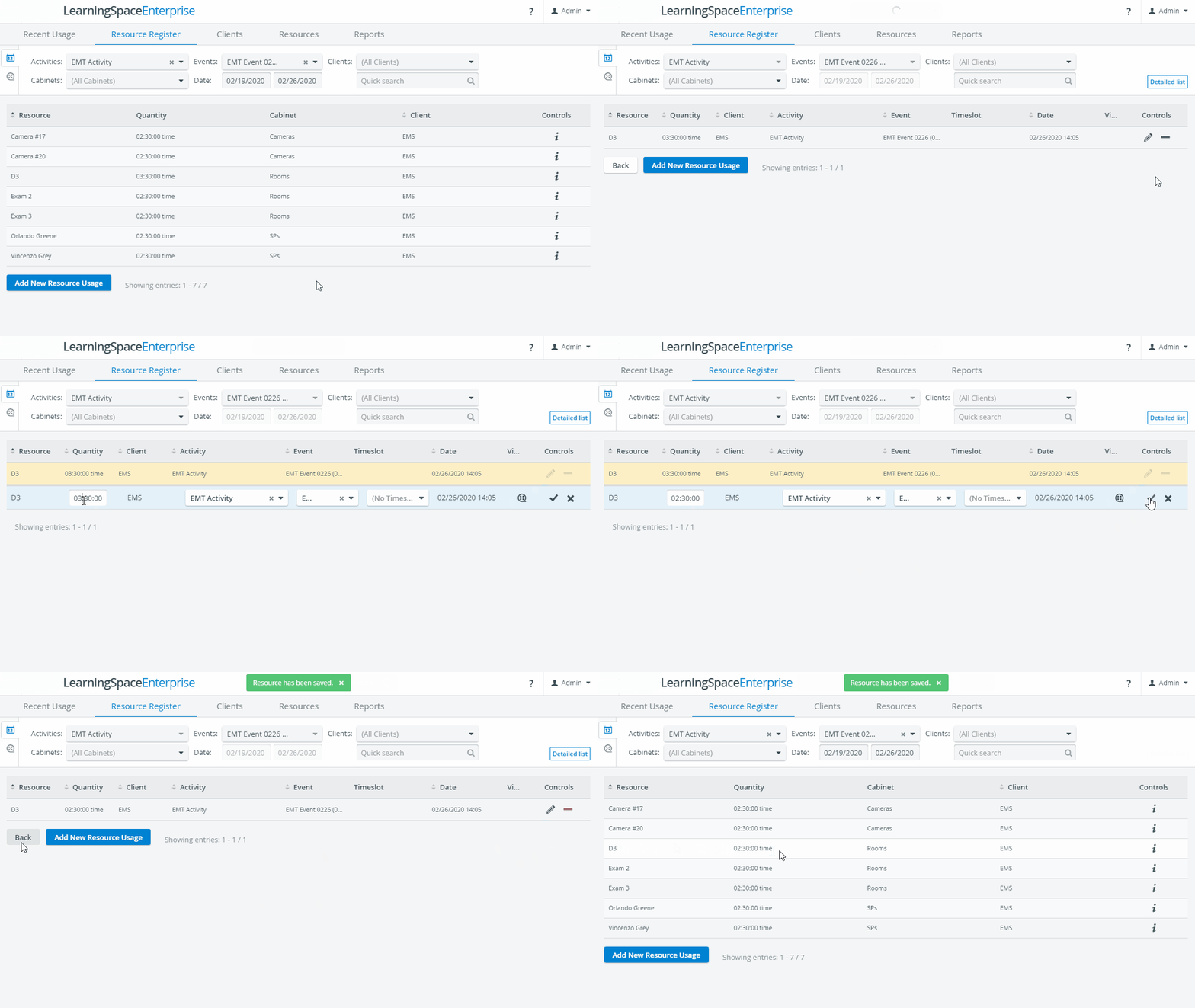
You will be brought to the Resource Register tab to view the event's registered resource usage.
You can filter down further by a Client or display only a particular type of resource with the help of the Cabinets drop-down.
Click the information icon to edit a resource usage entry.
For more information, visit our Resource Manager and Resources - How to pages.