How to Review Recent Usage of a Favorite Resource
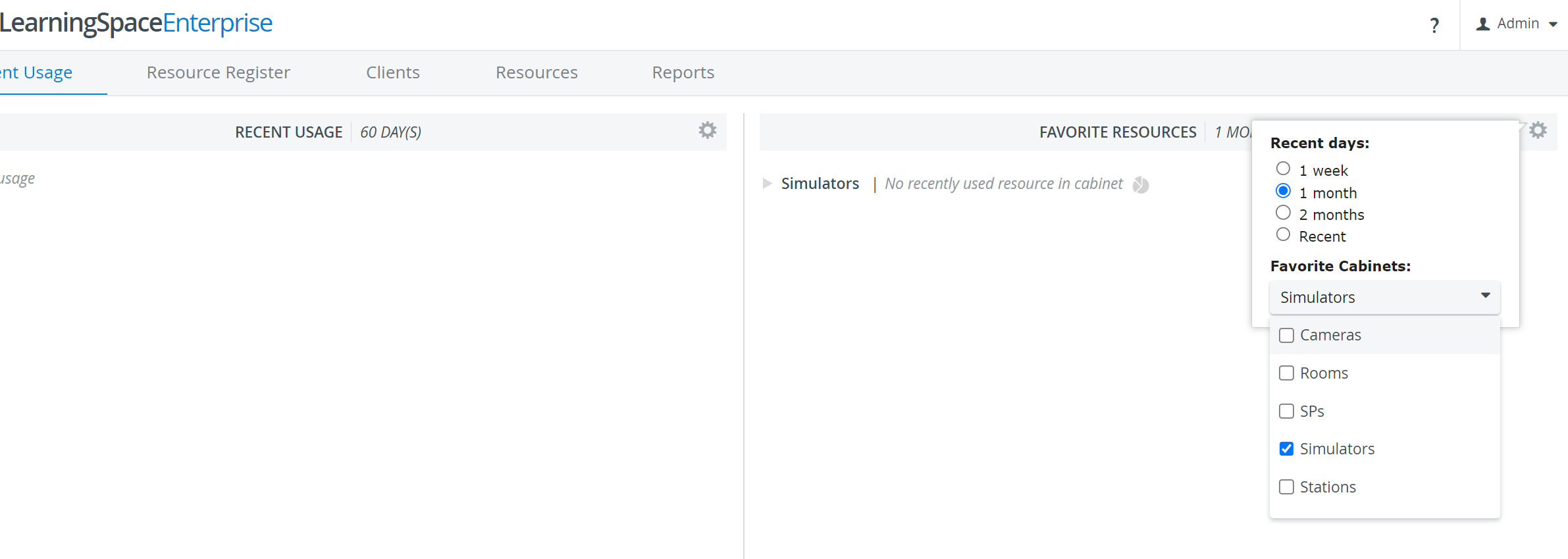
In the Favorite Resources panel, click the name of a resource cabinet.
The list of resources in the cabinet and the total usage for the defined period appear.
2. To find more information on how to use a certain resource, click the Details link after its name.
The Resource Register appears with information about resources used for the event during the defined period.
Resources can be edited or deleted.
3. To select another resource, click the Back button or switch to the Recent Usage tab.
For more information, visit our Case Manager, Resource Manager, and Resources - How to pages.