How to Manage Auto-texts
From the System Manager screen, select the Auto-text tab.
The existing Educational Prescription auto-texts and Diagnoses are listed.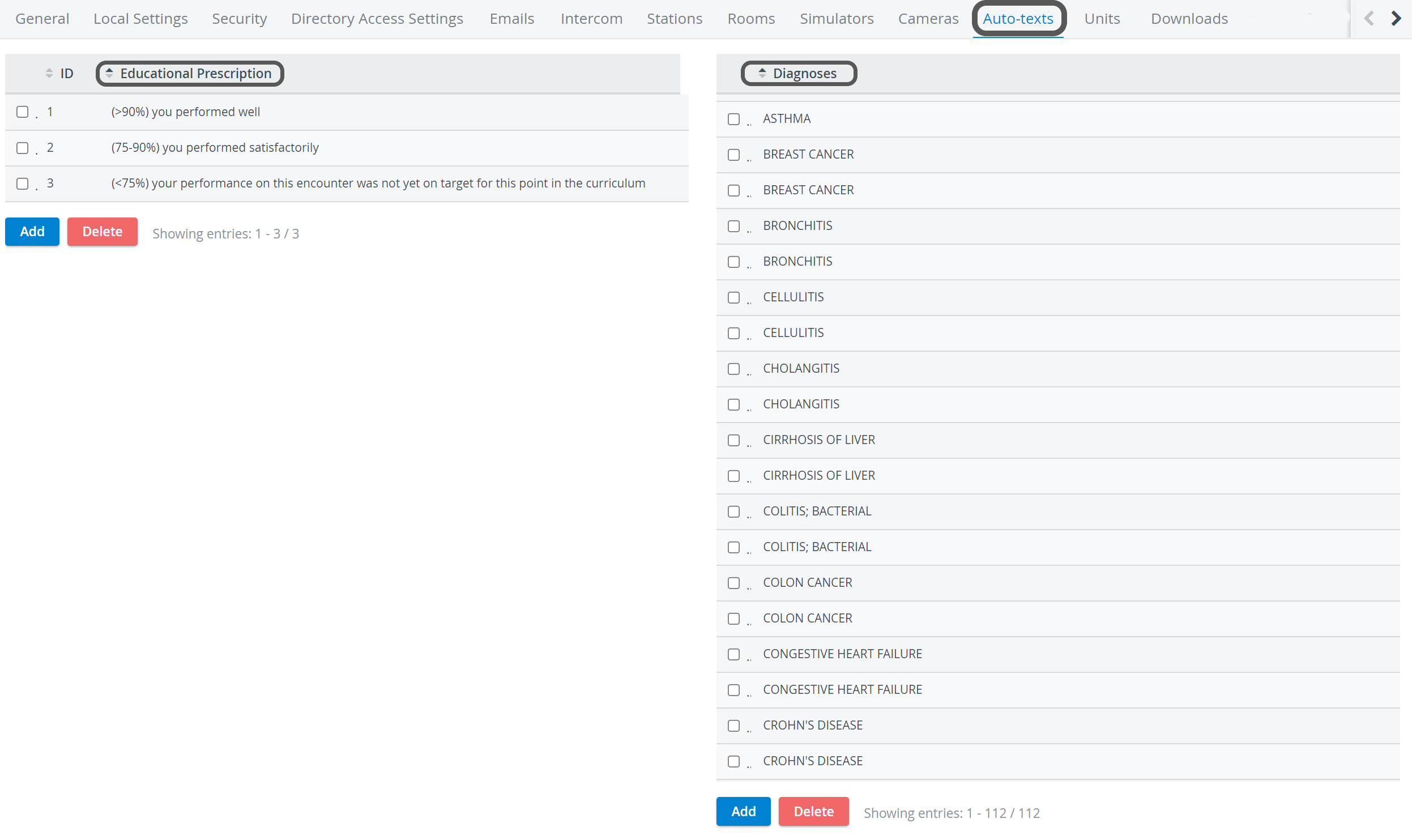
Select the ID column header to sort the list according to ID numbers.
To eliminate an item, choose the checkbox next to the desired auto-text and select the Delete button of that list.
Create a new auto-text option by selecting Add on either list. An editable field appears.
Enter the desired text, press Enter, or click anywhere outside the editable field.
Learn more on our System Manager pages.