How to Hide a Case
Hiding a Case is an alternative to deleting it, completely removing it from the database.
Hiding a Case has the following effects:
Data entry is still possible for a hidden Case if assigned to a running Activity.
Hidden Cases are also displayed in reports if the Activity is running.
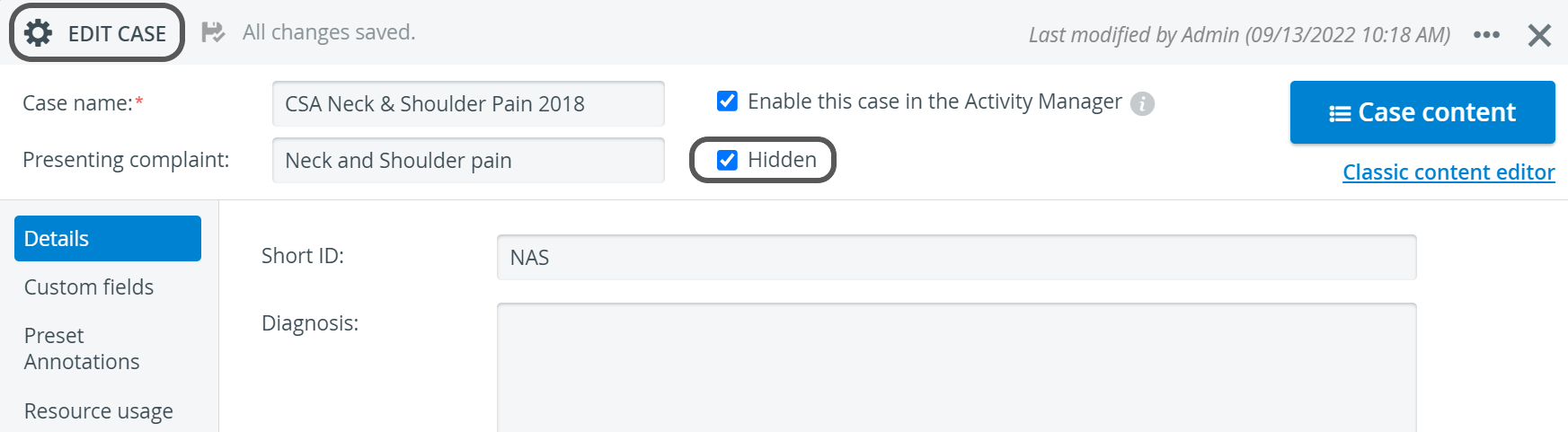
Open the Edit Case pop-up window for the Case intended to be hidden.
Tick the Hidden checkbox.
For further information, visit our Case Manager and Cases - How to pages or watch our Case Manager Training Videos.