How to Edit a Cabinet
In the Cabinets panel of the Case Manager screen, double-click the cabinet desired to be edited or highlight it and click Open.
The Cabinet Settings pop-up window appears.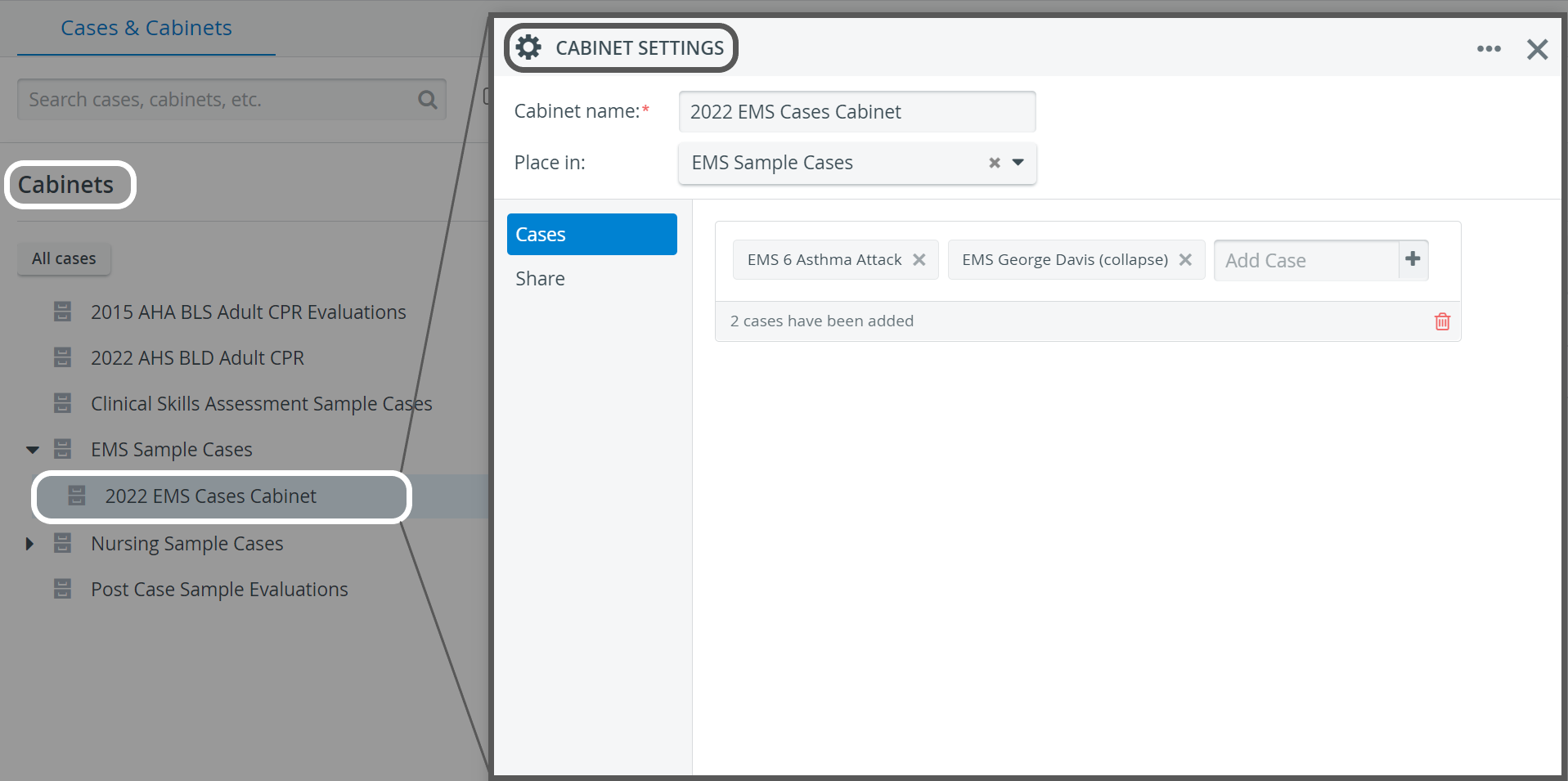
Make the desired changes.
The changes will be saved automatically. To close the window, click the X at the top right corner.
For further information, visit our Case Manager and Cases - How to pages or watch our Case Manager Training Videos.