How to Download a Recording of a Single Camera
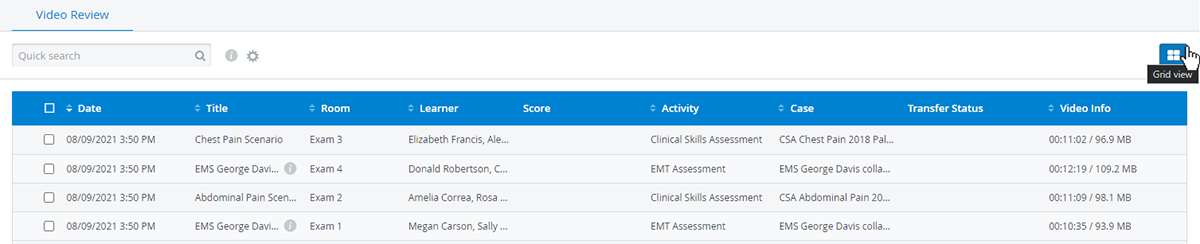
From the Video Review list, click anywhere on the row of the encounter where the video you intend to download is located to open it.

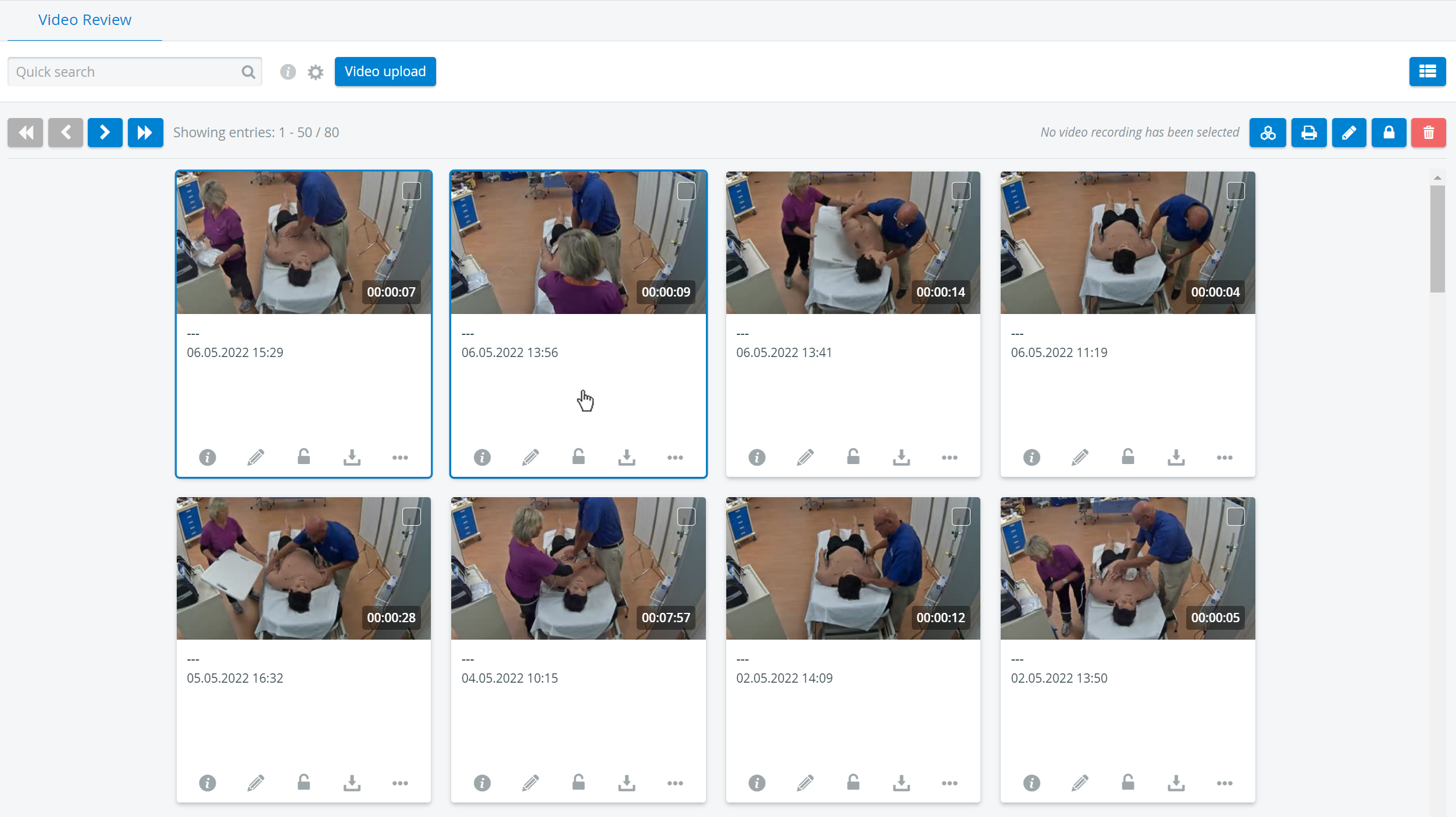
Also, click anywhere in the field below the selected video recording in Grid View and open it.
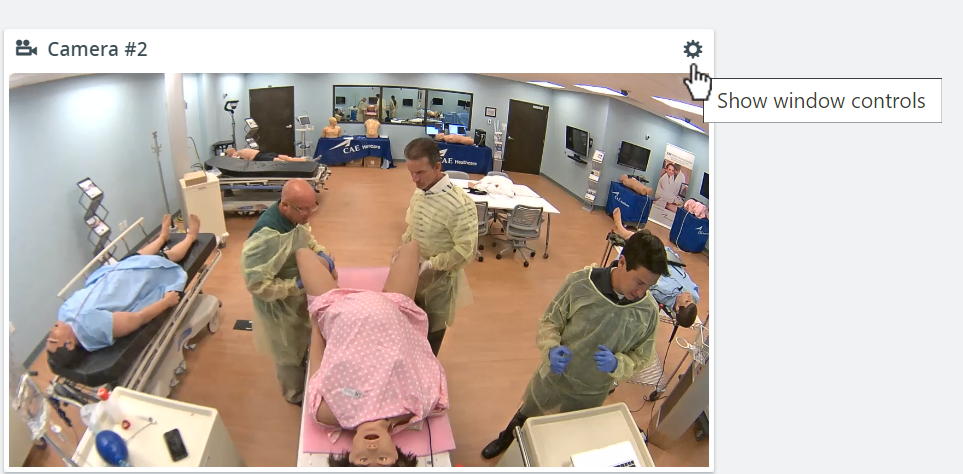
2. Select the video panel of the recording you intend to download and click the cogwheel icon in the top right corner of its window.
The Show window controls option appears.
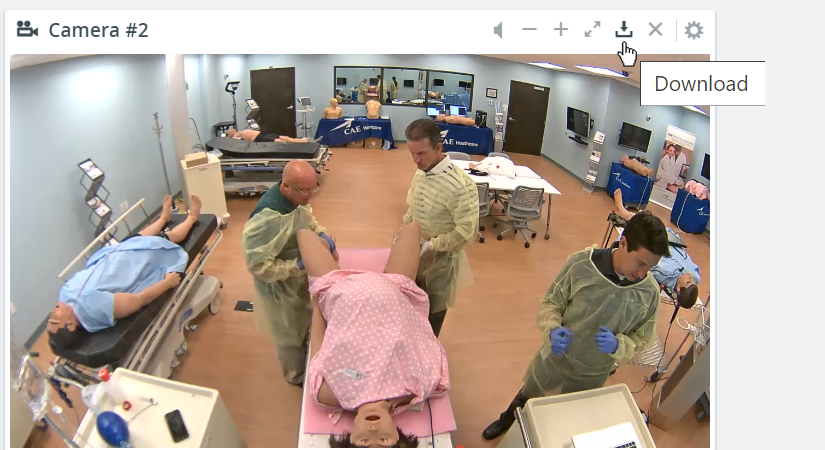
Click the download icon and save the recording of the selected camera in mp4 format according to your browser's process.
See more under Downloading a Recording and on our Video Review and Video Review - How to pages.