How to Display Usage of a Favorite Resource as a Pie Chart
On the Recent Usage tab, click the Pie Chart icon next to the cabinet whose usage is intended to be displayed.

A pie chart for the favorite resource appears.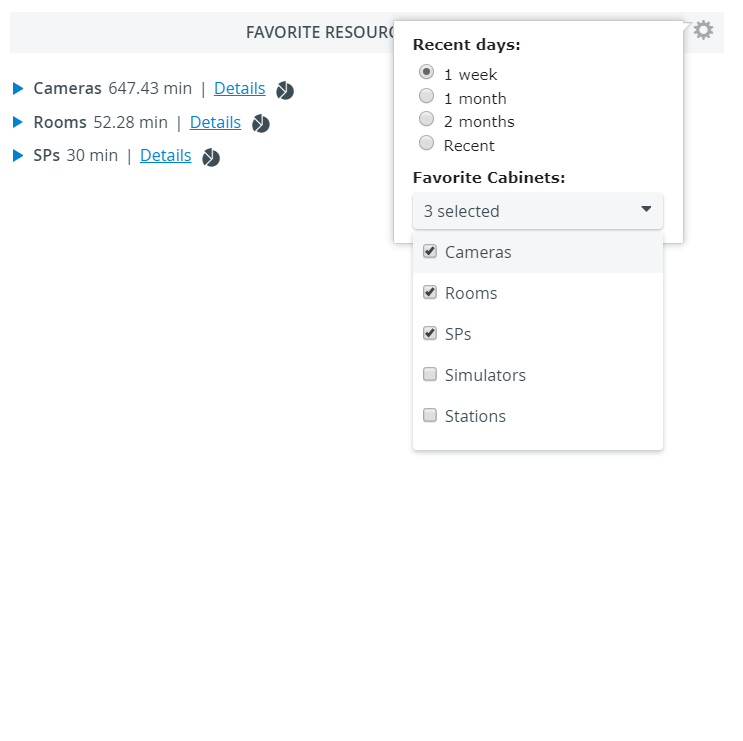


Hover over the pie chart slices to see details of the usage.
2. Click the X in the upper right corner of the chart window to close the window.
For more information, visit our Resource Manager and Resources - How to pages.