How to Delete Cabinets
The page explains to SP coordinators how to delete a Cast sheet Cabinet in the Standardized Patient Administration module of LearningSpace.
Deleting a Cabinet
Select the Cabinet you want to delete in the Casting Tab tab.
Click on the red trash icon.

Before you can delete a Cabinet, you will be asked to confirm the removal. You will receive the following message:
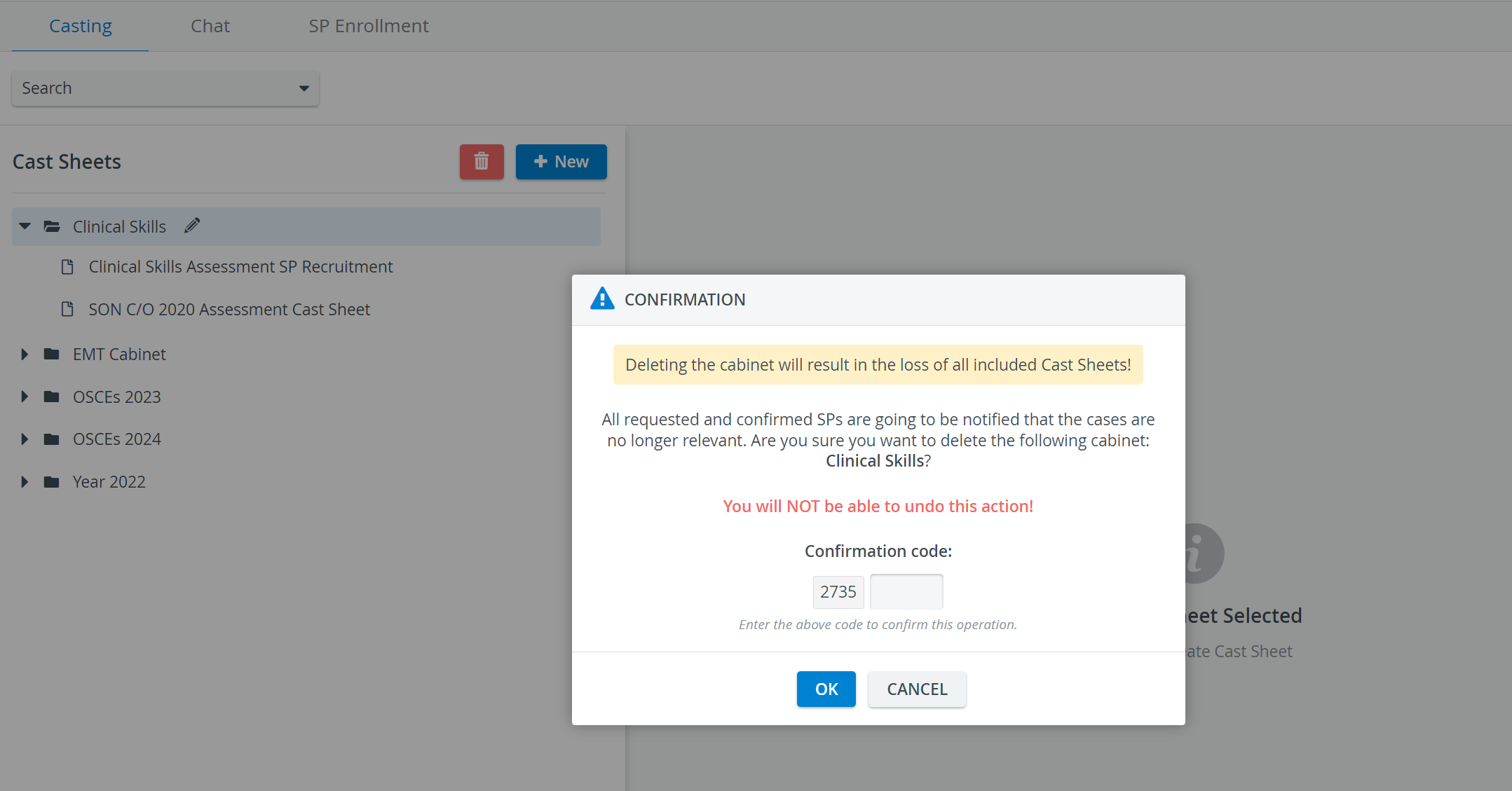
Enter the Confirmation code. Then click OK, and the Cabinet and its Cast sheets will be deleted.

For further information, visit our Standardized Patient Administration and Standardized Patient Administration - How to pages.