How to Delete an Activity Cabinet
In the Activities module, select the Cabinet intended to be deleted in the Cabinets panel and click Open.
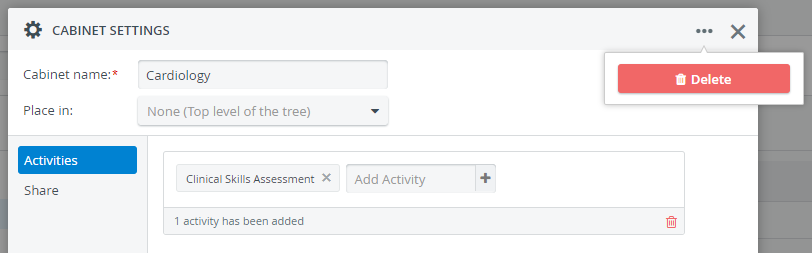
The Cabinet Settings pop-up window opens.Click the options ('three dots') icon in the top right corner of the window and click Delete.
A confirmation window will ask you if you are sure to delete the Cabinet:
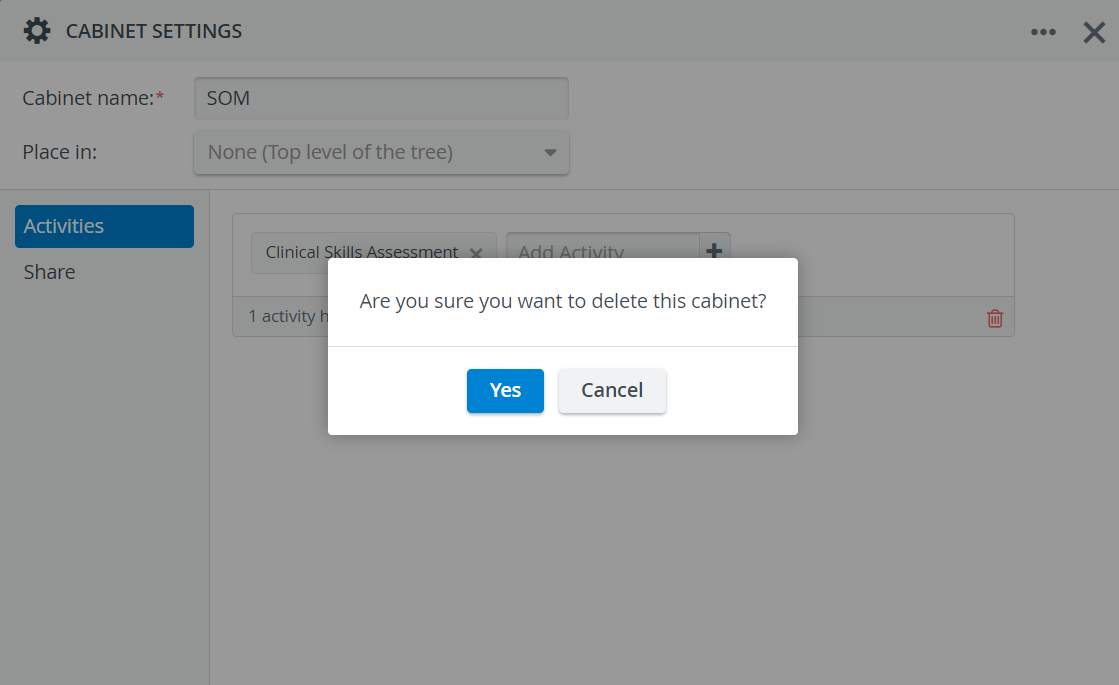
Click Yes, and the Cabinet will be deleted.
Deleting an Activity cabinet will not delete the Activities stored in that cabinet.
For further information, visit our Activity Manager, Activity - How to pages and view our Activity Manager Training Videos.