How to Delete a Saved Report Format
On the Scores tab of the Reports module, open the saved report format intended for deletion by selecting it from the New Report drop-down menu in the top right part of the tab.
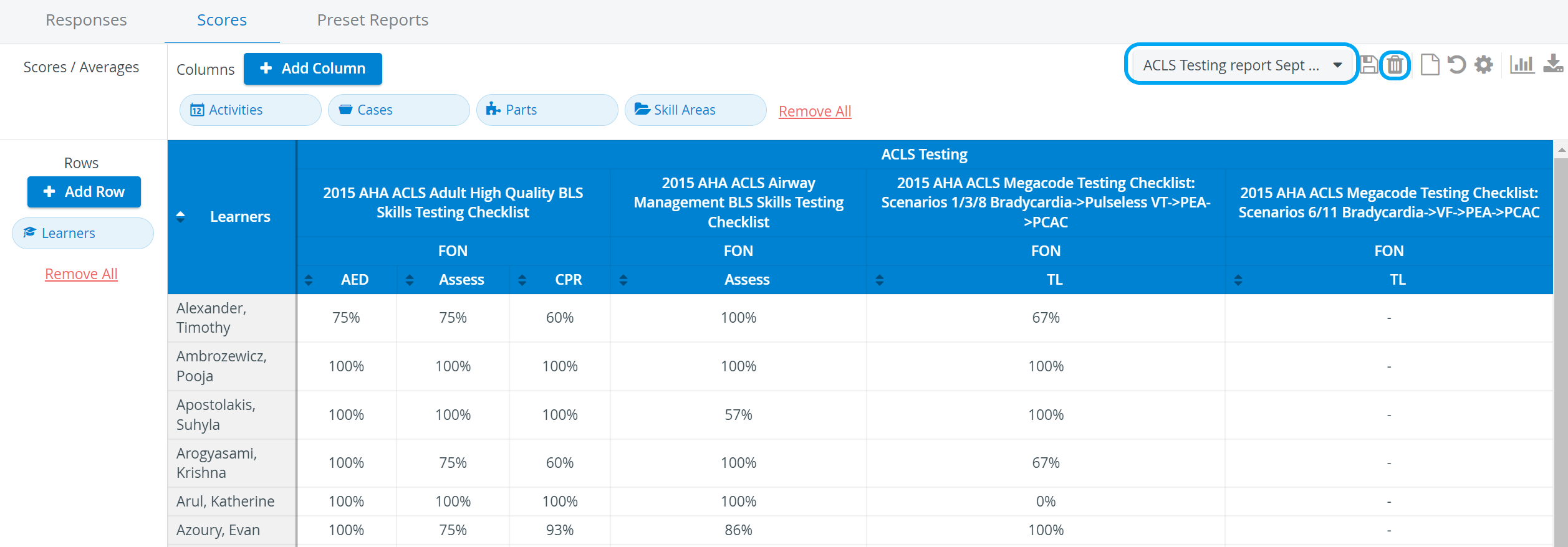
When it is open, click the trash bin icon next to the New Report drop-down (now displaying the name of the open report format).

NOTE: The trash bin icon is only active if a saved report is selected.
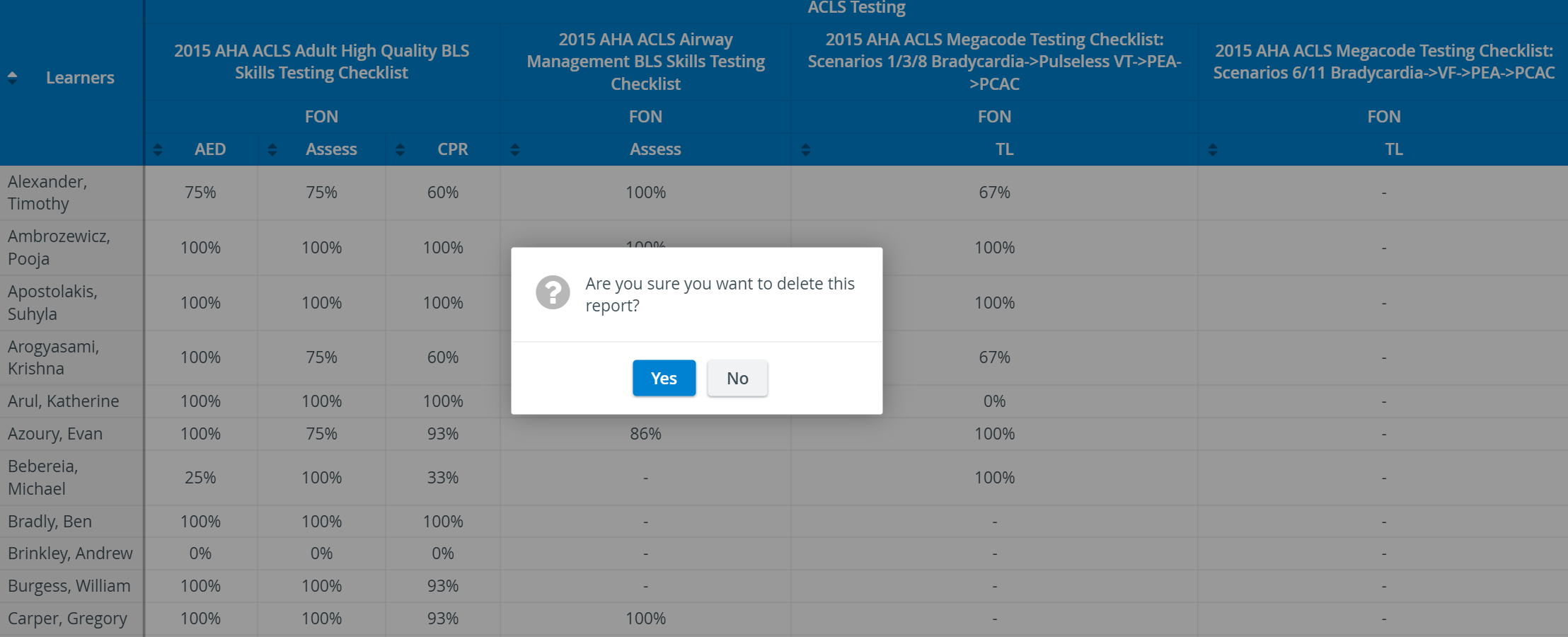
Click Yes to delete.
Learn more on the Reports Module pages and from our Reports Module Training Videos.