How to Delete a Resource Register Entry
On the Resource Register tab, use the drop-down menus to specify the target entry.
Click the Information icon of the target resource.
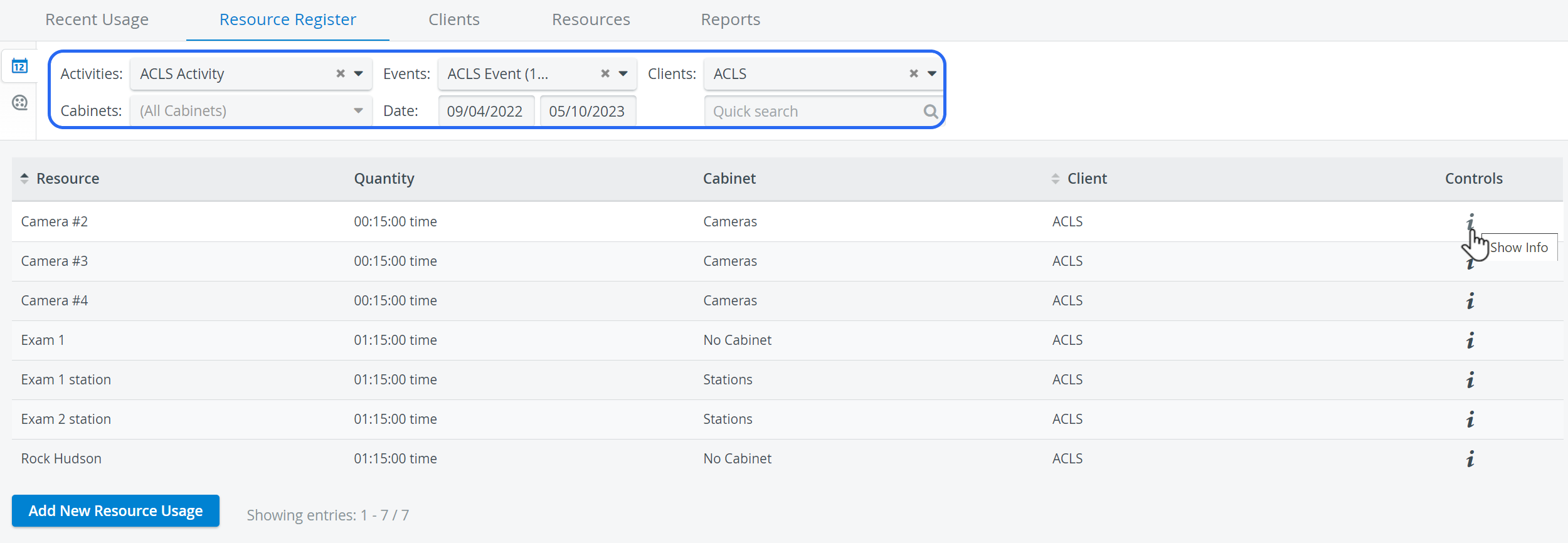
The Resource Register updates with a list of the selected resource and control options.
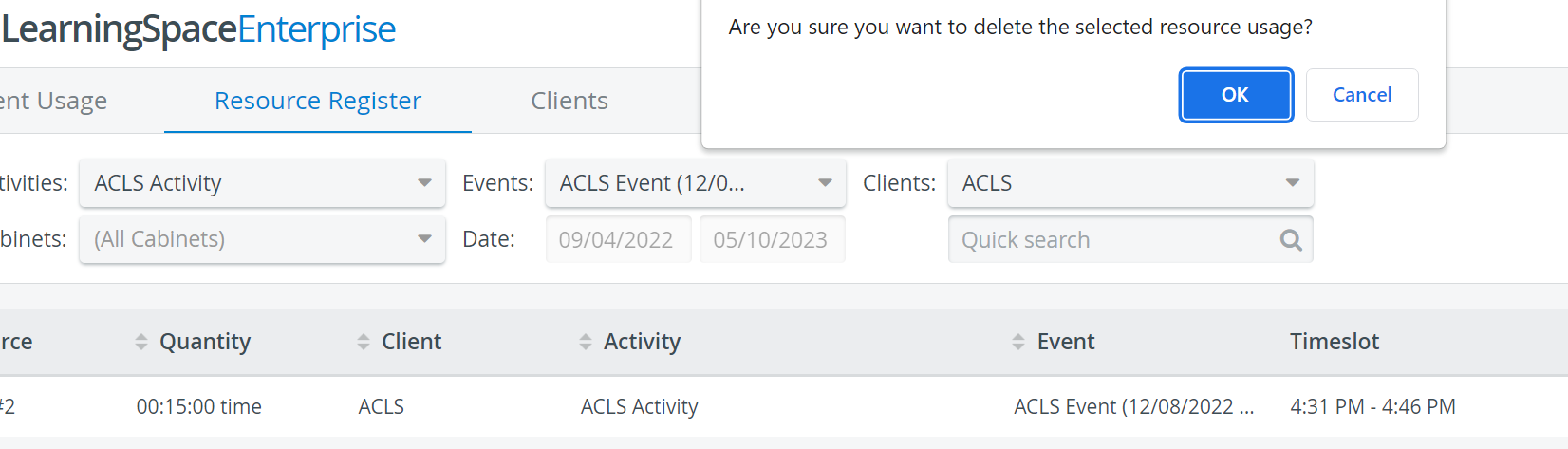
Click the red Delete icon for the resource to be deleted. A confirmation window appears to verify the deletion.

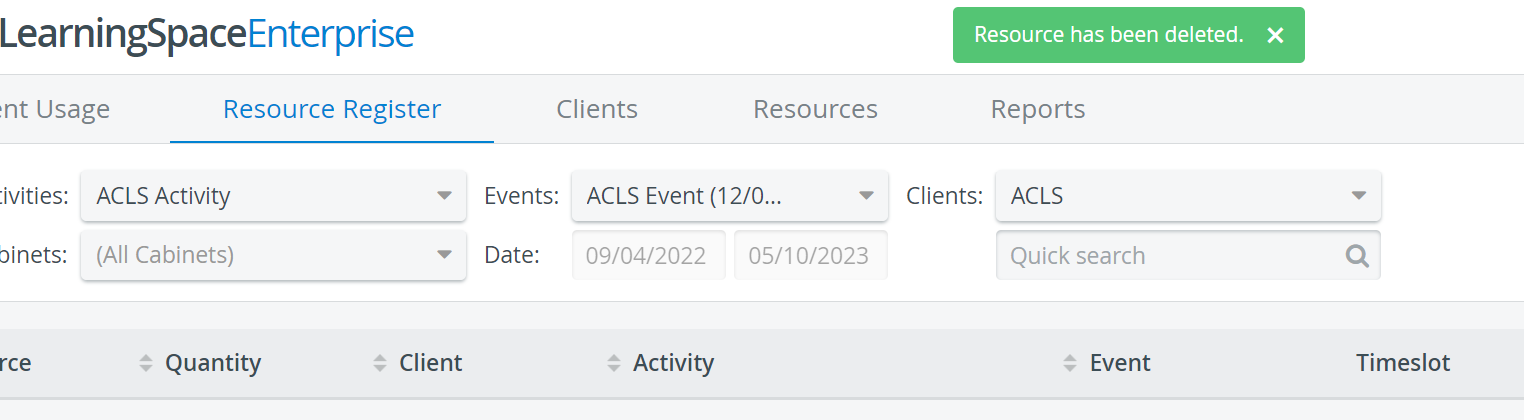
Click OK. The selection will be deleted from the list.
For more information, visit our System Manager, Resource Manager, and Resources - How to pages.