How to Create SP groups
The page explains to SP coordinators how to create SP groups within Cast sheets.
With the Create SP Group option, you can set up a group for the SPs included in a Cast Sheet:
Select a Cast sheet.
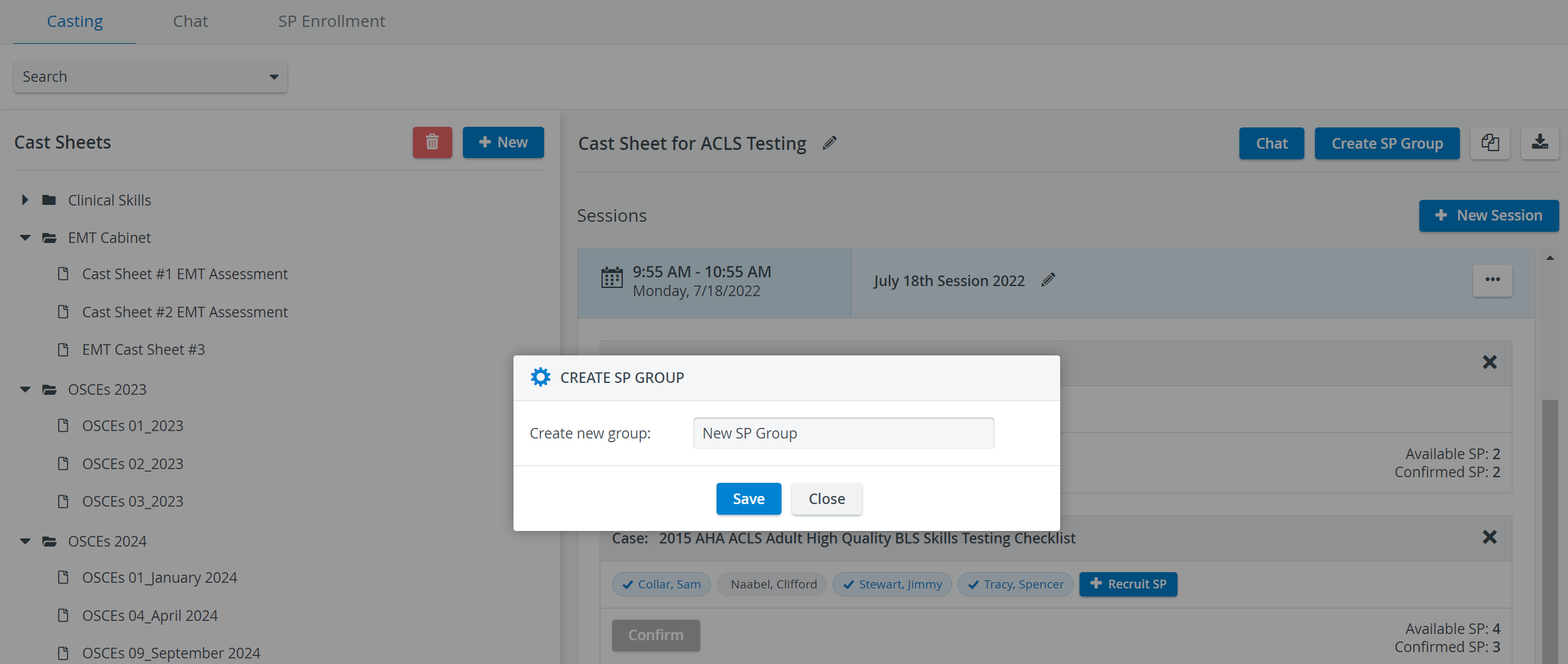
Click on the Create SP Group option located in the upper right corner.
In the Create SP Group popup, type in a name for the group and hit Save.
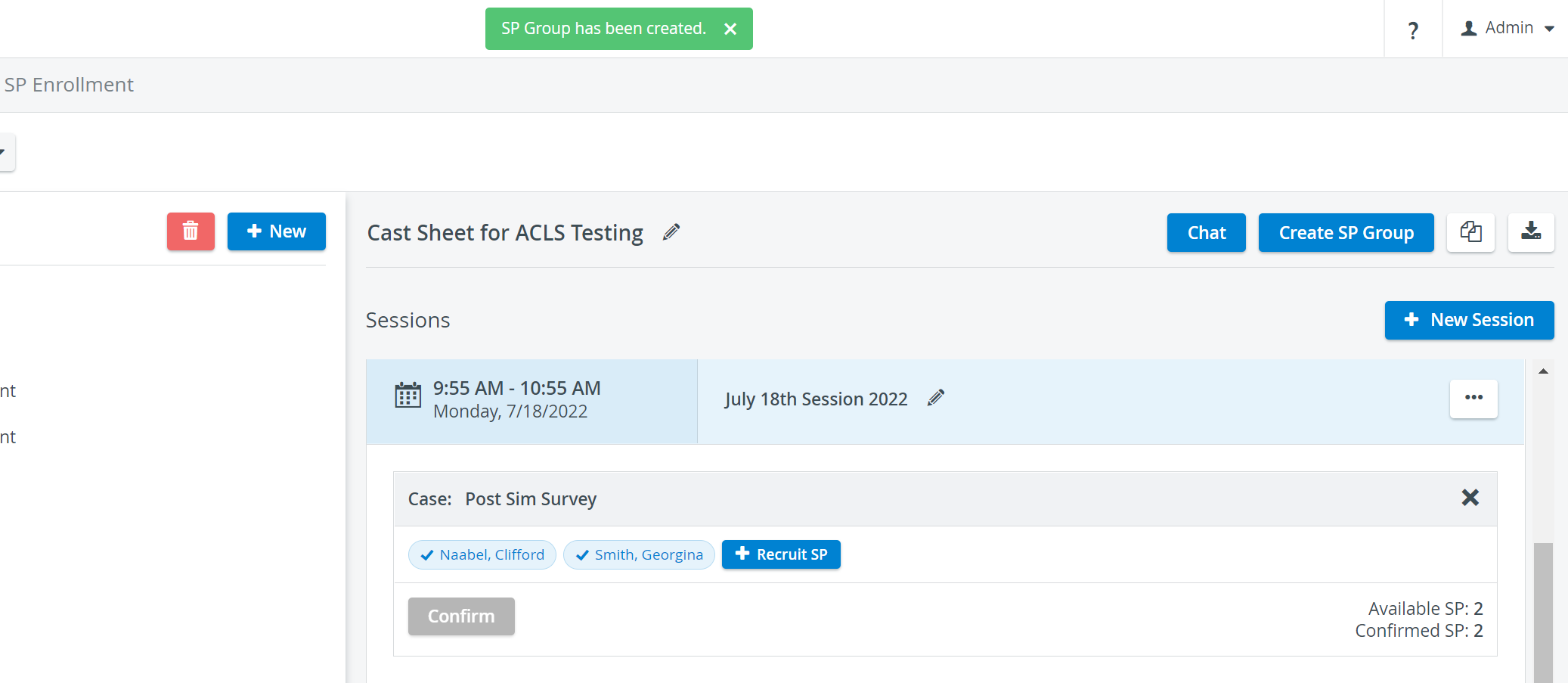
The SP group - including all confirmed SPs of the Cast sheet - will be listed and can be managed in the User Manager under Groups.
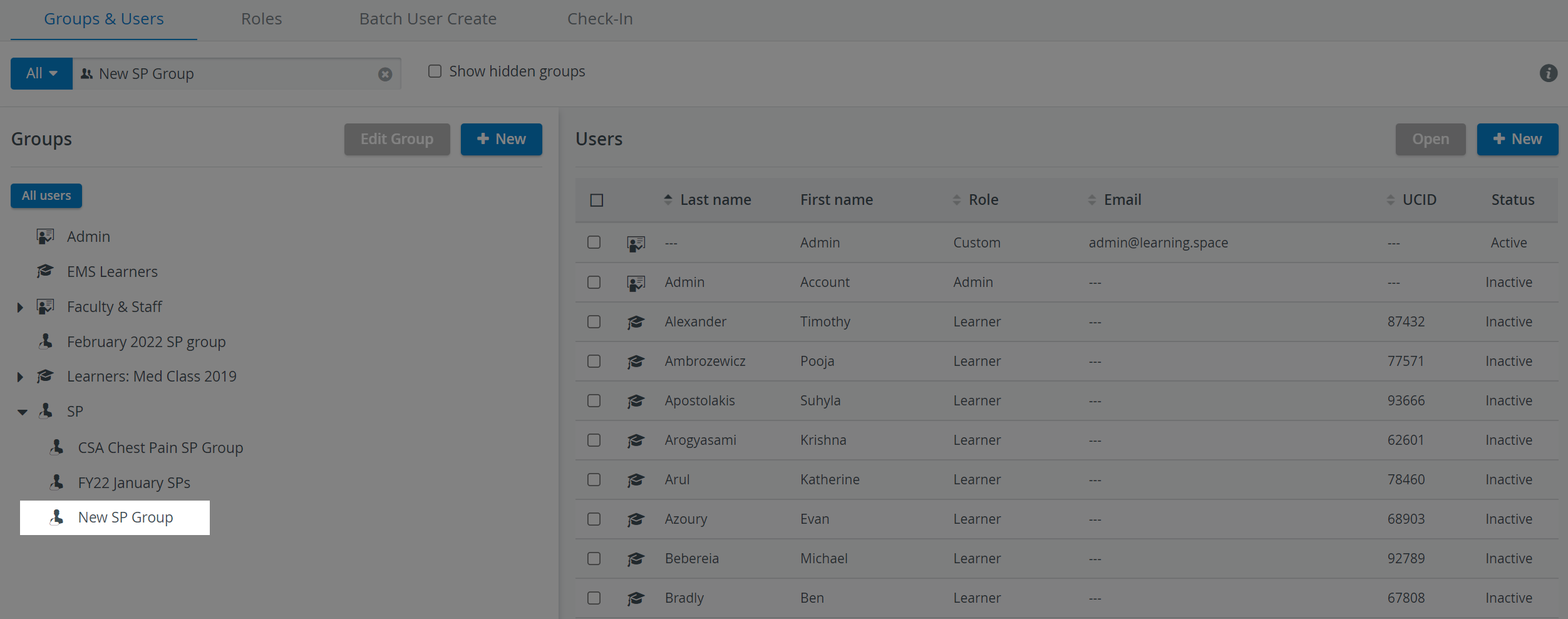
TIP: Name new SP Groups according to Session date and time for easier identification for setting up Events (see Managing Events ) or Scheduling (Advanced Scheduling ).
For further information, visit our Standardized Patient Administration pages.