How to Control the Recording Window while Reviewing
If your layout is different in your Single Room View, you probably have the Legacy version. For the user guide of Legacy pages, please go here.
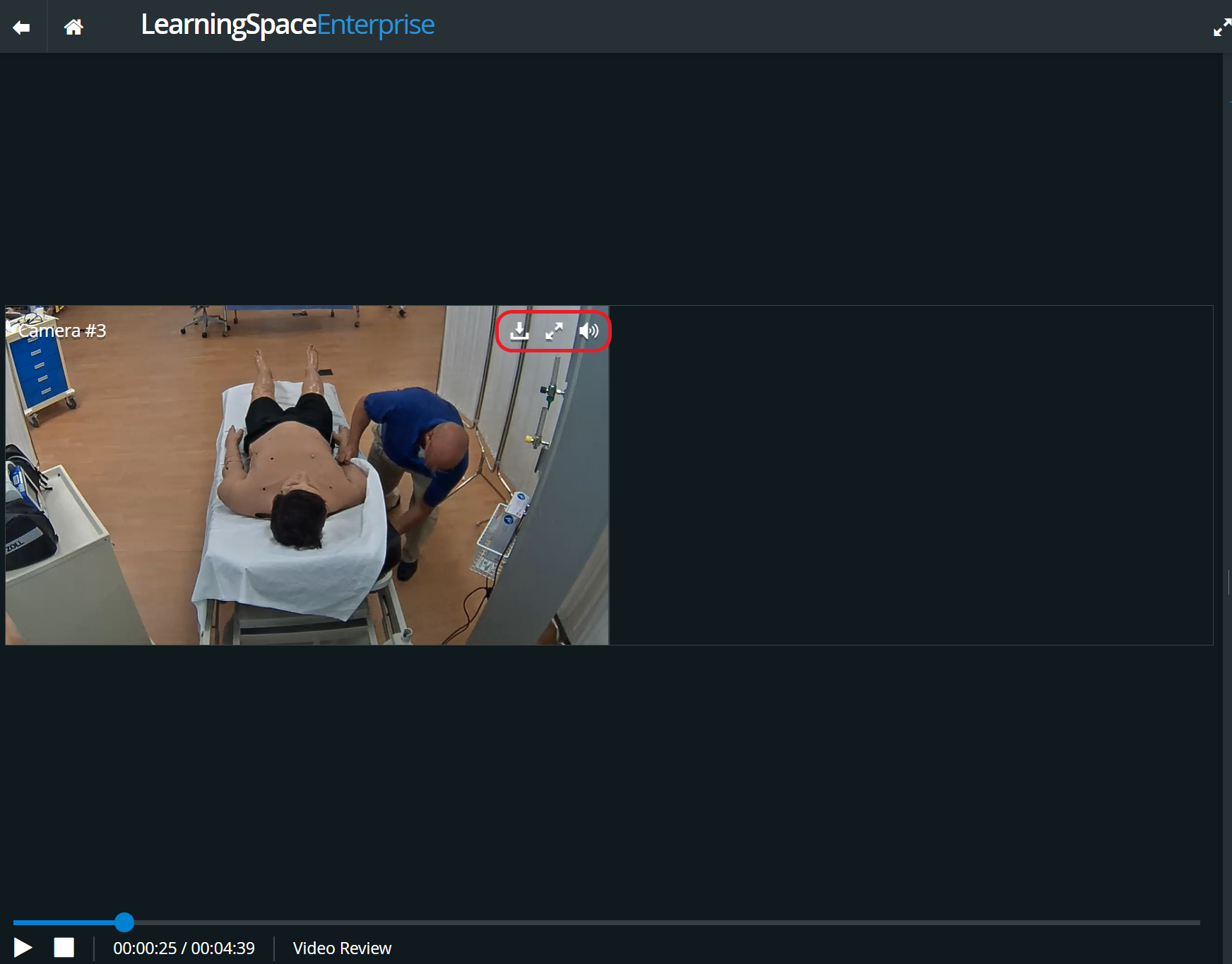
The Window control options are available at the top right of each video panel.
Click the download icon
to download the recording of the specific camera.
Click the full-screen icon
 to switch to full screen.
Click the speaker icon
to turn the audio on or off.
To close the full screen, click

For more information, visit our Video Review pages.