How to Add Favorite Resource Cabinets to the Favorite Resources Panel
On the Recent Usage tab, click the Favorite Resources cogwheel.
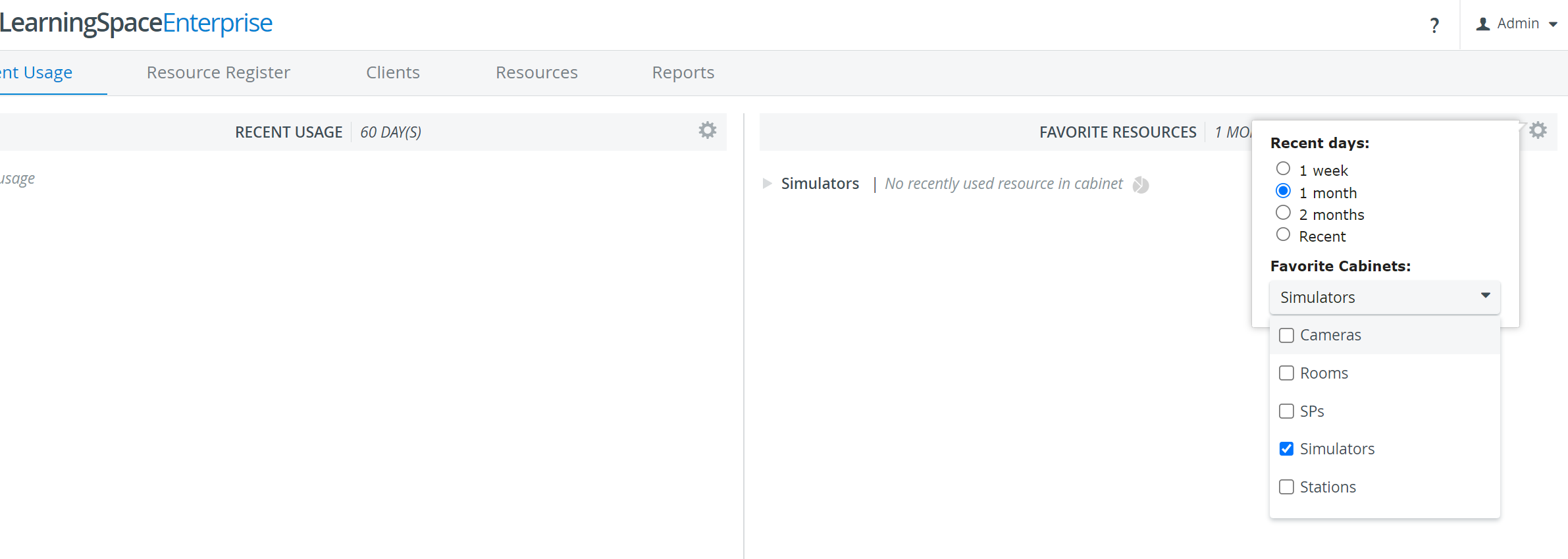
The Recent Days popup appears with the Favorite Cabinets drop-down at the bottom of the window.Click the Favorite Cabinets drop-down menu to see the list of resource cabinets.
Check the box before the resource cabinet or cabinets you want to select as favorites.
Click outside the drop-down menu to save your choices and add them to the Favorite Resources panel.
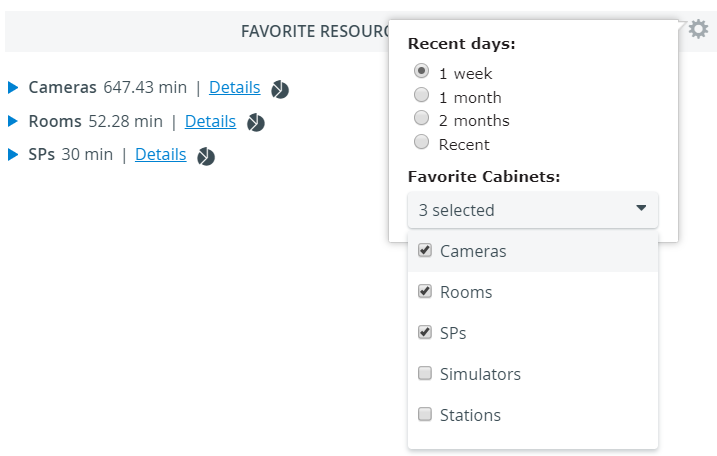
The Favorite Resources panel updates to display the Resource Cabinets you selected as favorites.
For more information, visit our Resource Manager and Resources - How to pages.