How to Add Directory Servers to an LS system
This page explains how to connect with your directory server(s) to authenticate, import, and synchronize users from your proprietary user database.
Contact your organization’s network administrator or IT professional for the details of your directory server.
LearningSpace Enterprise supports connection to multiple directory servers at a time.
Go to the Directory Access Settings tab in the System.
At LDAP Server Settings, add one or more directory servers:
Click New: the drop-down will change to a text field.
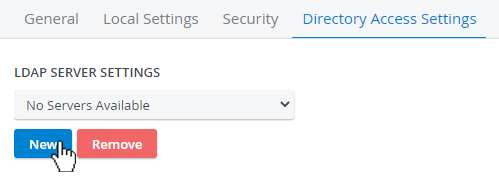
LDAP Server Settings
Enter the name of your directory server.

Add new LDAP Server
Elevate Healthcare strongly recommends configuring LearningSpace with a secure LDAP (LDAPS) capable LDAP server for increased security. As additional security measures, we recommend that the organization’s IT implement outbound firewall rules to prevent the LearningSpace server from initiating connections to unauthorized external ports or addresses.
Click Add.
The LDAP Login and Synchronization Settings will become available once a directory server is added.
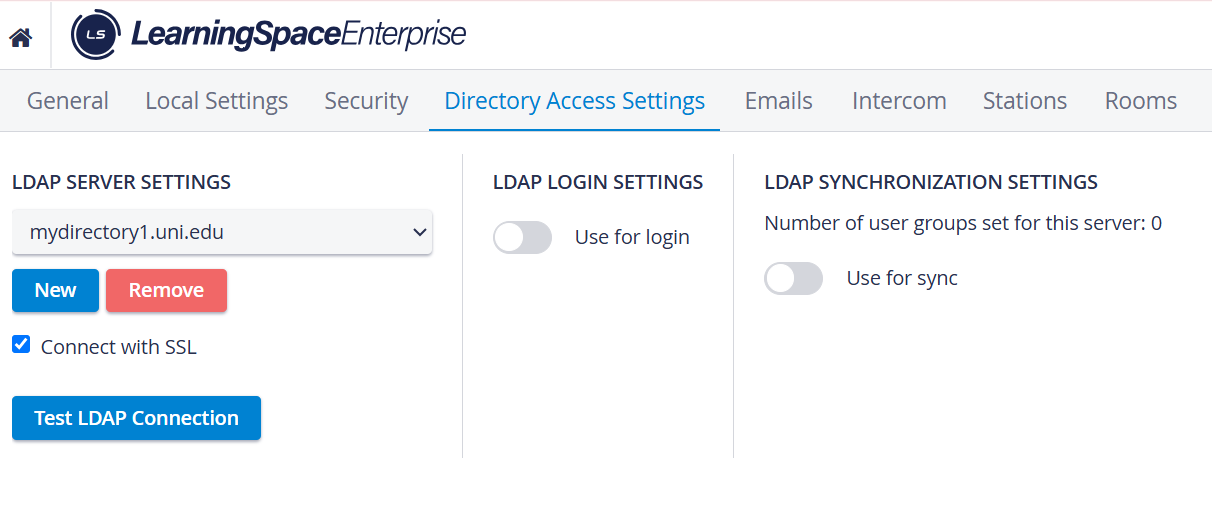
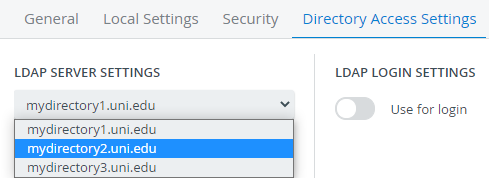
Repeat the process to add more directory servers:
Click Test LDAP Connection at every directory server before continuing.
The system will inform you about a successful or failed connection.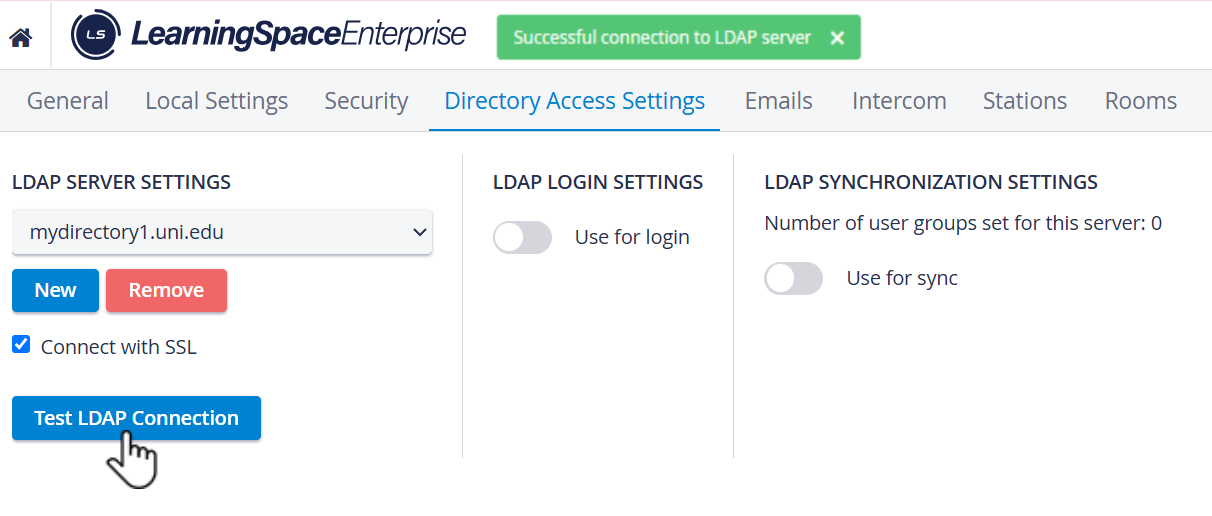
Once your connection is established with the directory server(s):
Switch on the Use for login toggle to continue with LDAP Login setup.
Switch on the Use for sync toggle to continue with the LDAP Synchronization setup.
For further information, visit our System Manager pages.