How to Add a New Resource
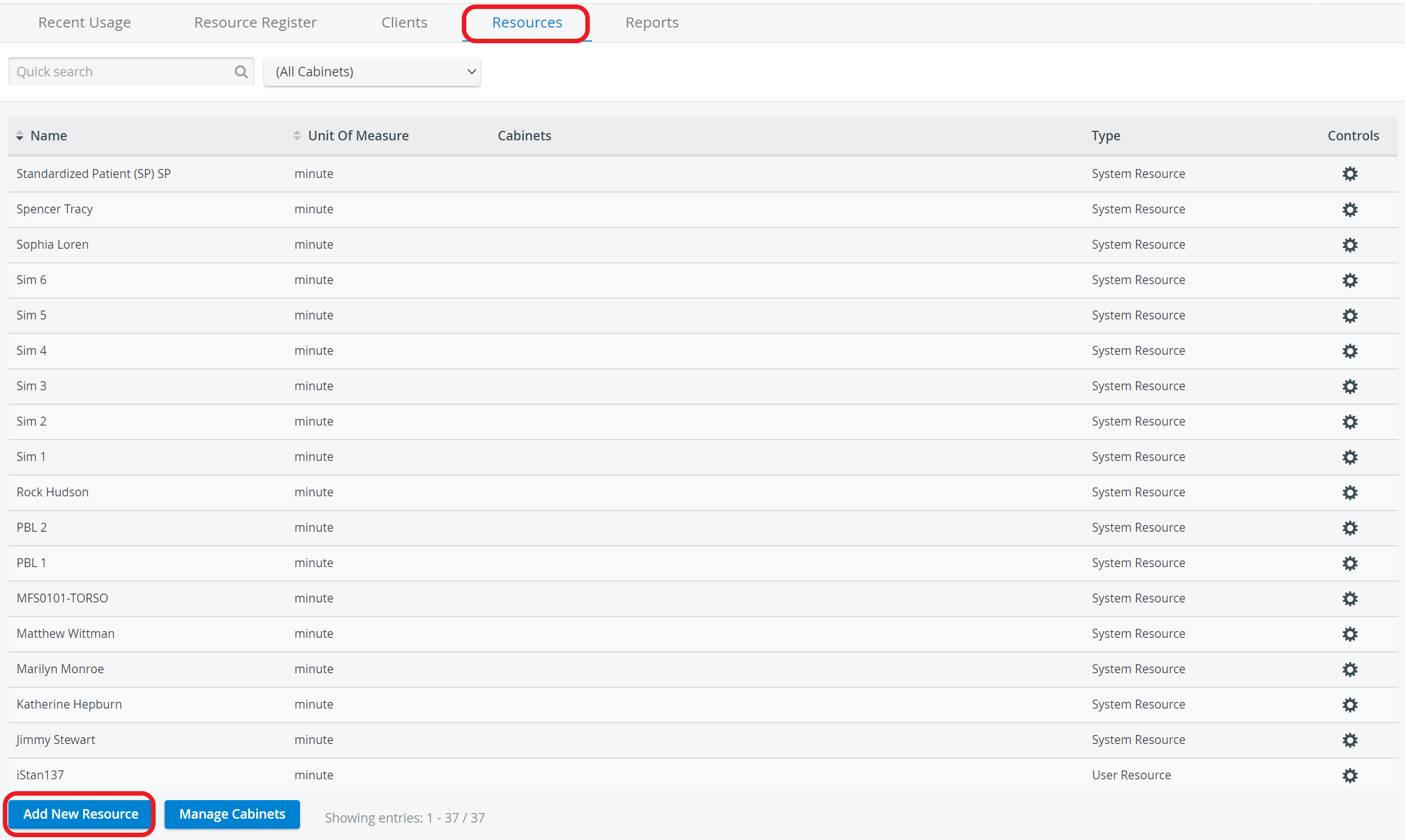
On the Resources tab, click the Add New Resource button at the bottom of the list.
The Add Resource window appears.Select the cabinet for the resource from the Cabinet drop-down menu.
A resource can be added to multiple cabinets by checking the box next to the desired cabinets.
3. Enter the name of the resource in the Name field.
4. Identify the unit of measure from the Unit of measure drop-down menu.
5. Enter a value for Availability.
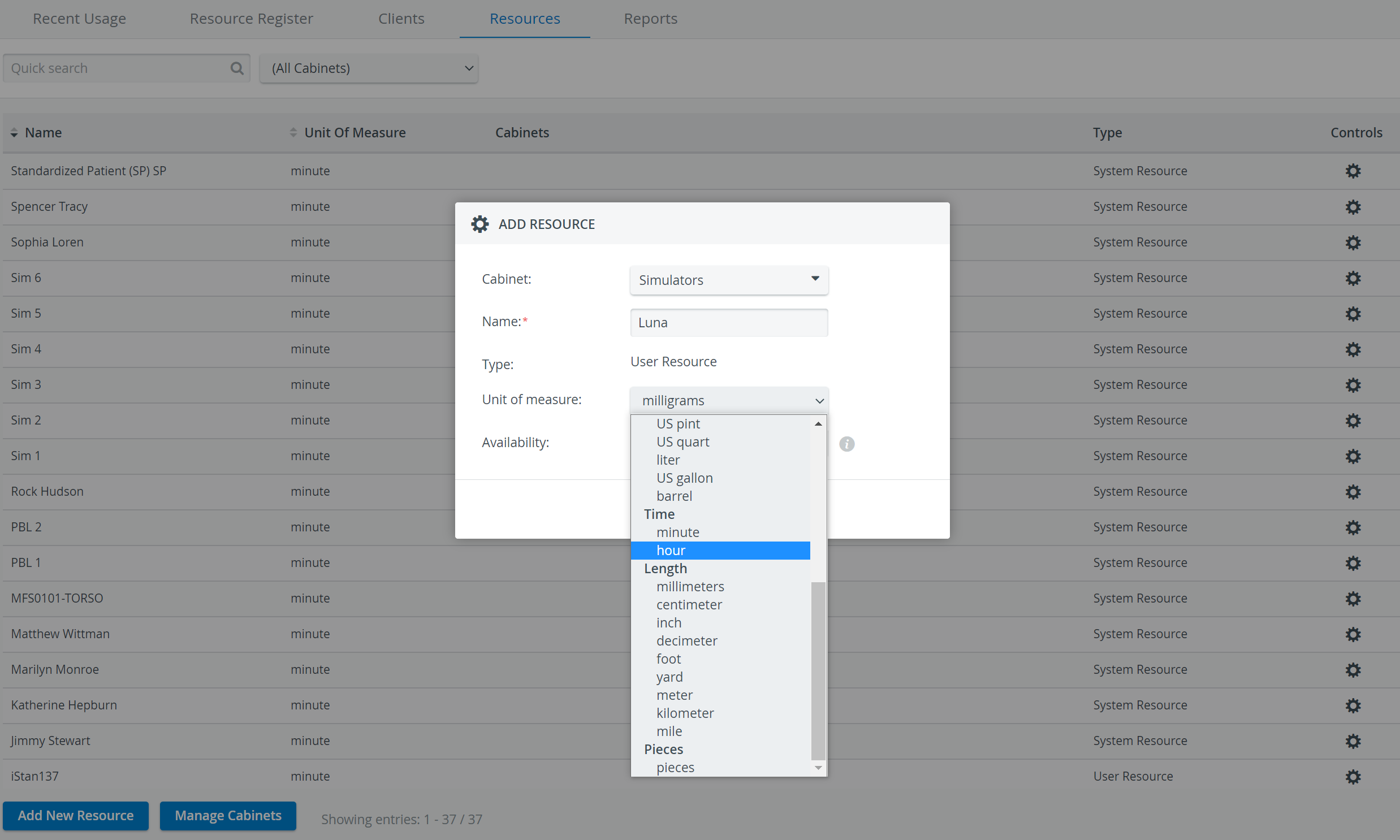
Availability defines the maximum daily availability of the resource in terms of the unit of measure. For example, if the unit of measure is "ml" and the availability is 500, then the maximum daily availability for the resource in question is 500 ml.
Defining resource availability is important for calculating and reporting resource usage allocation. If the maximum daily availability is reached, usage is 100% and will be reported in the Resource Allocation Report as 100% allocation.
6. Click the Add button to save the new resource.
The new resource with its specifications will be added to the list of resources.
For more information, visit our Resource Manager and Resources - How to pages.