FON Performance Review
The FON Performance Review report lists the performance of all Faculty members who entered data or assessed a selected Case or Activity (based on Sections).
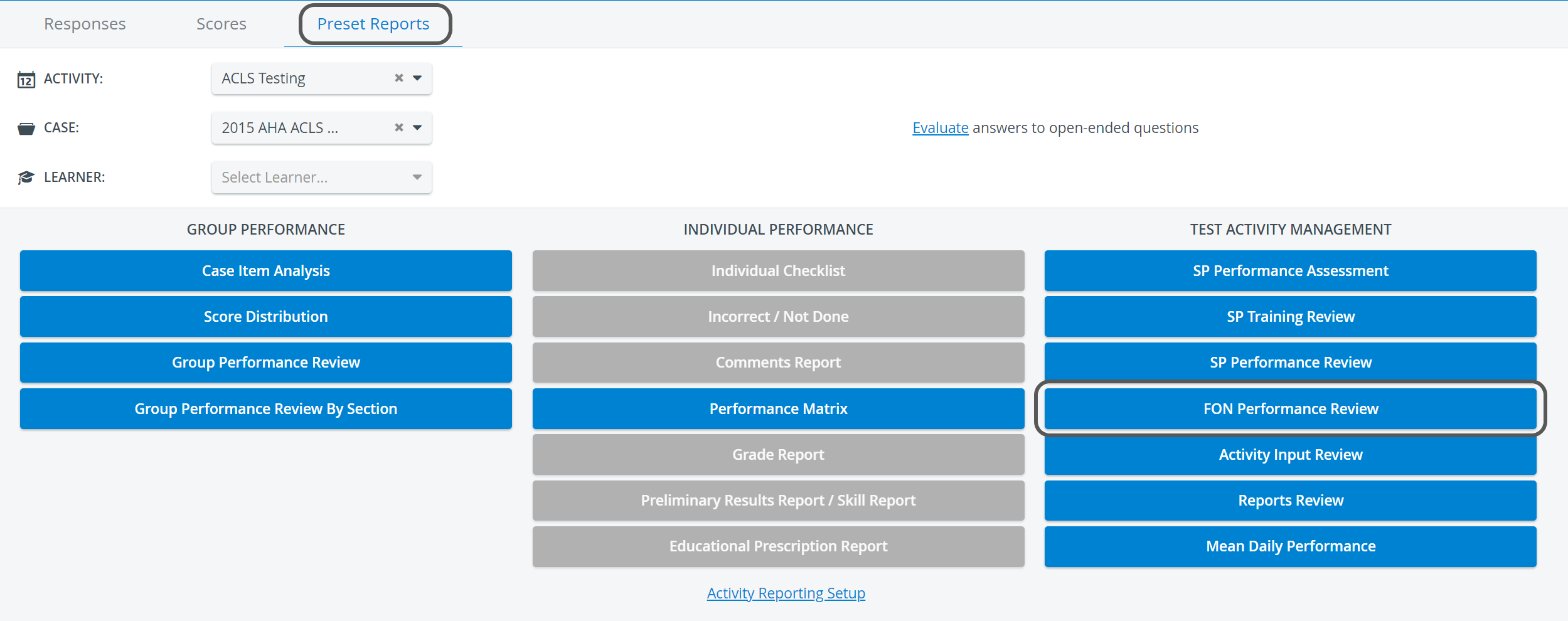
The FON Performance Review report button, and by extension, the report itself, becomes accessible only when FON Data Entry is submitted in the selected Activity.
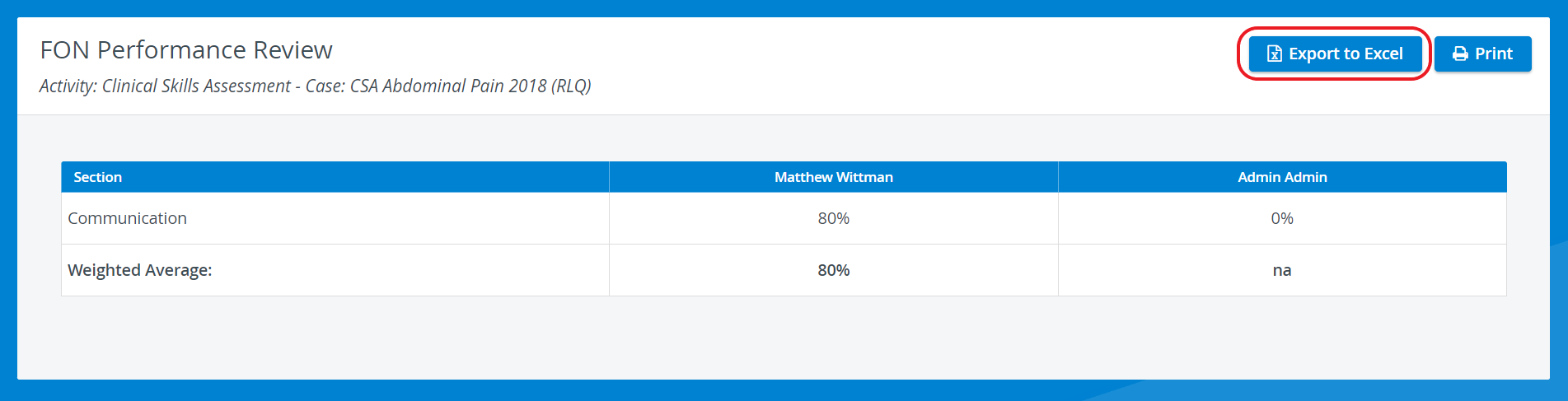
On the FON Performance Review page, a table displays
the names and results of all Faculty members who have already completed the FON part in Cases of the Activity which contains a FON part,
the weighted average of the section scores.
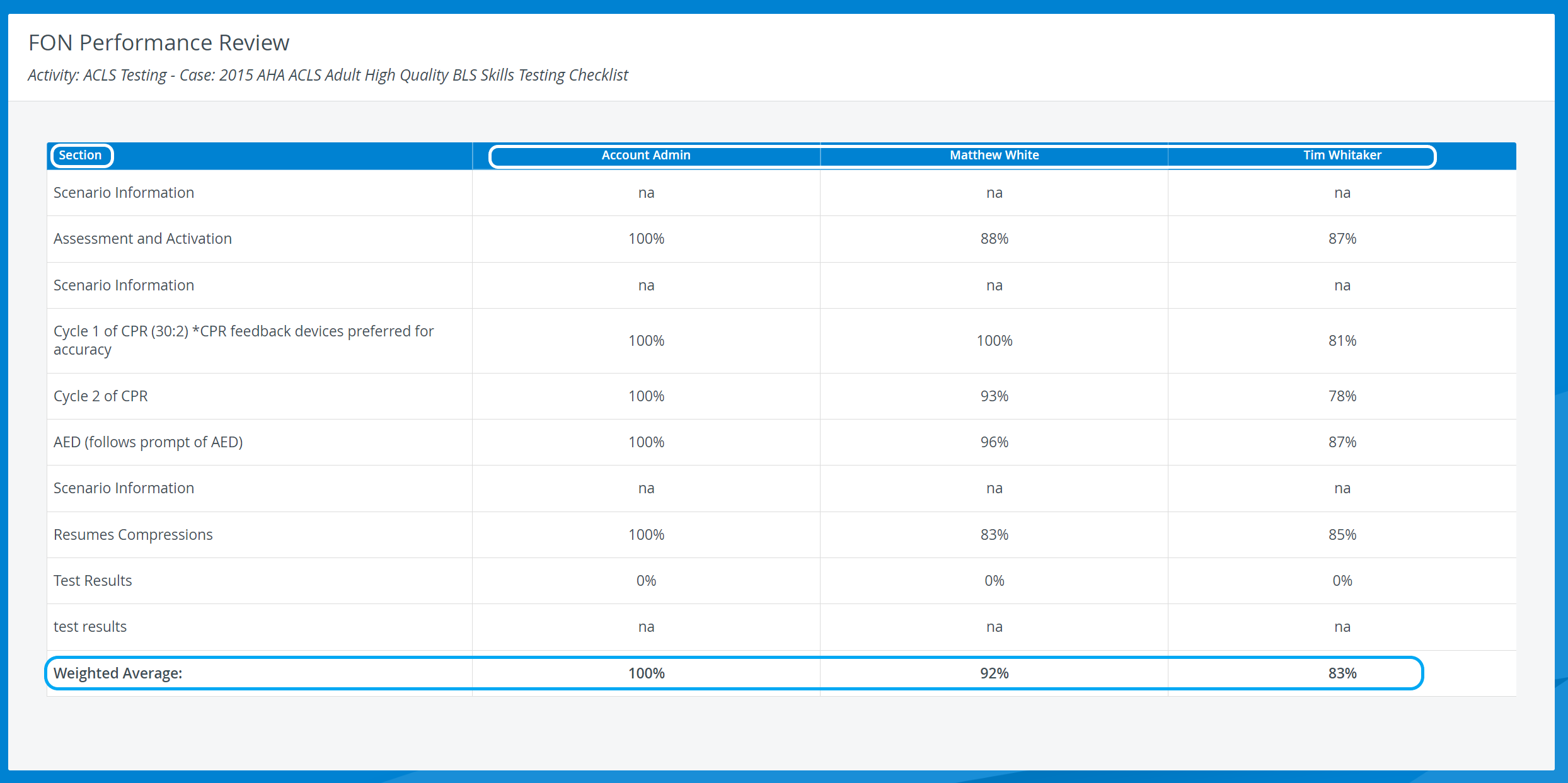
See FON Performance Review in Classic view here.
Printing a Report
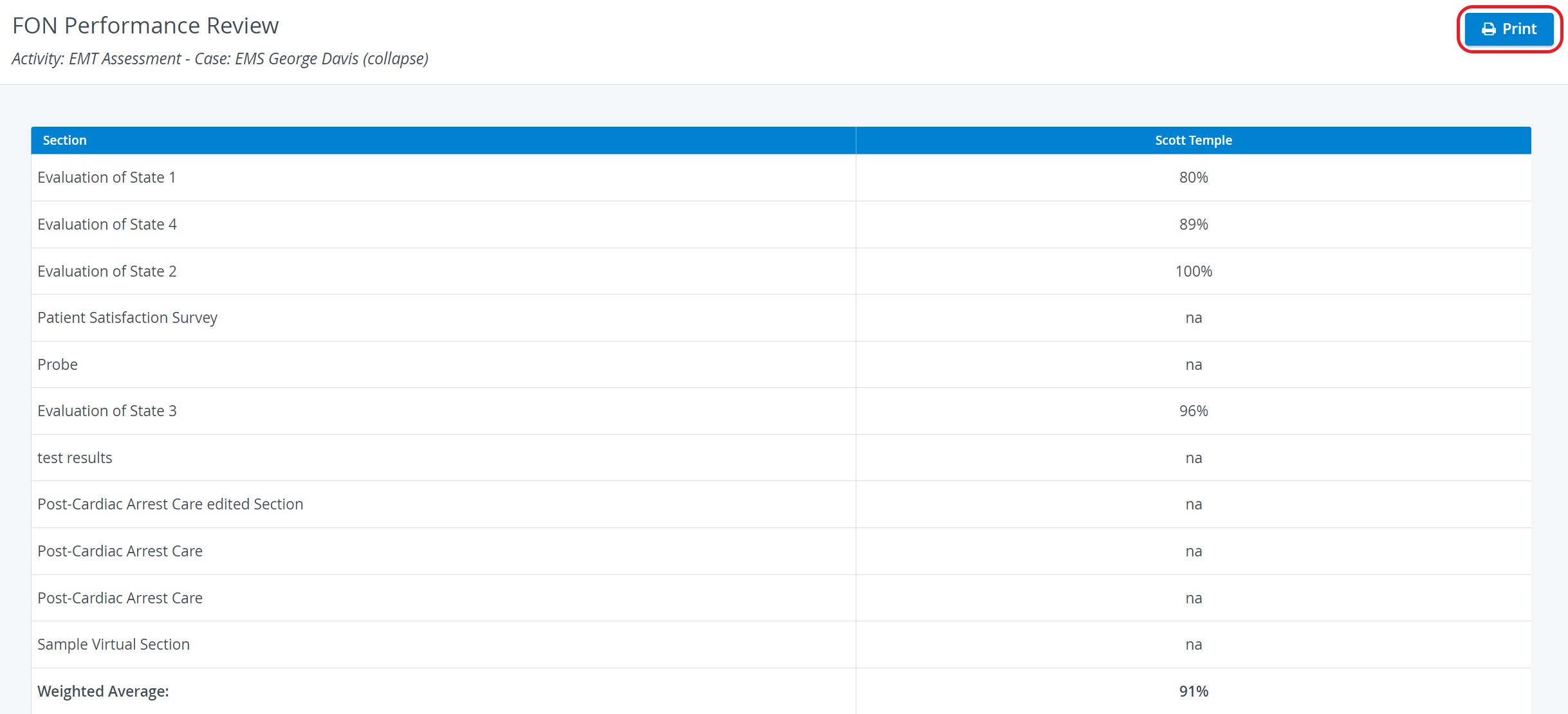
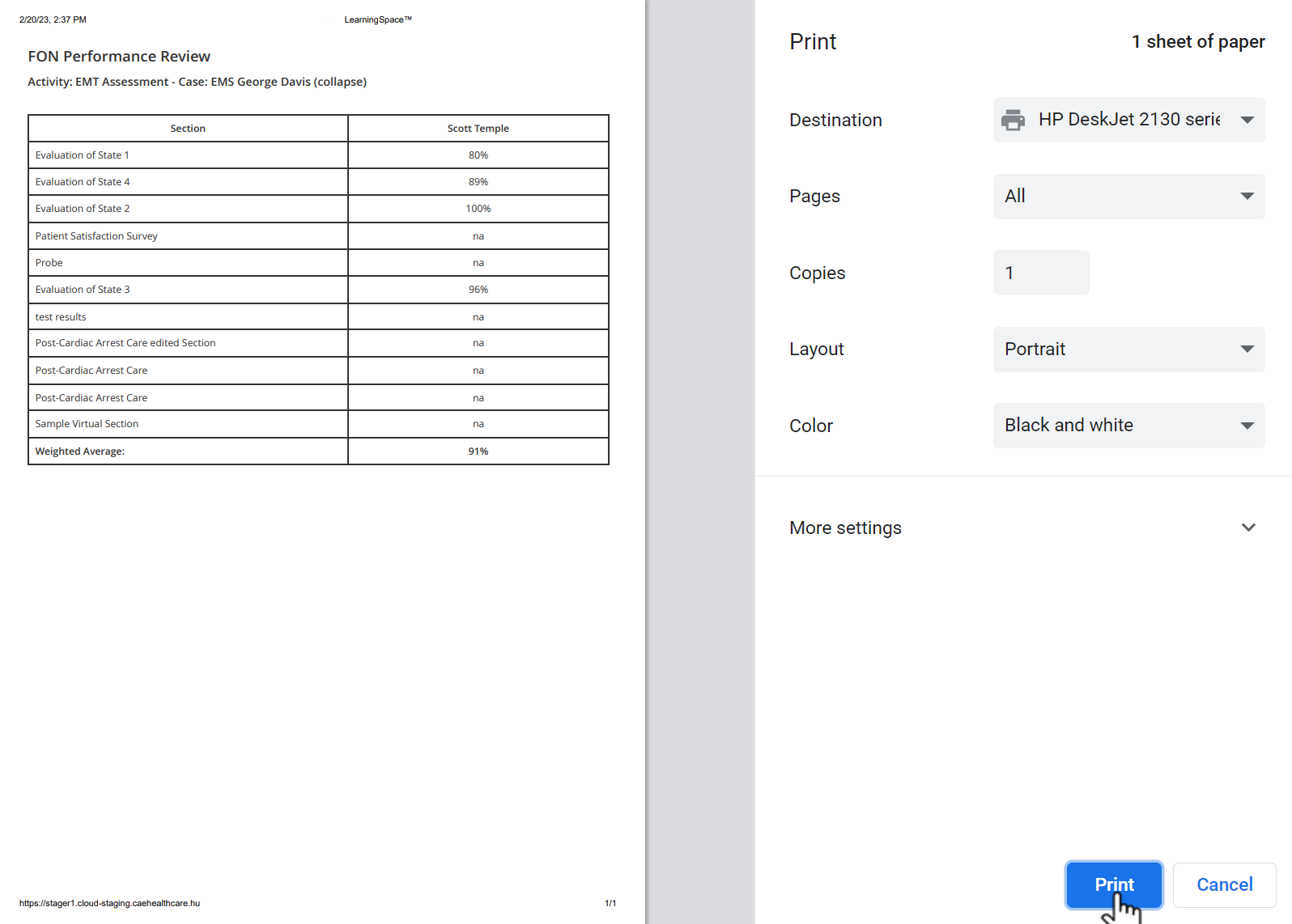
To print an FON Performance Review Report (on paper or as a PDF), click the Print button at the top right corner of the screen.
Export to Excel
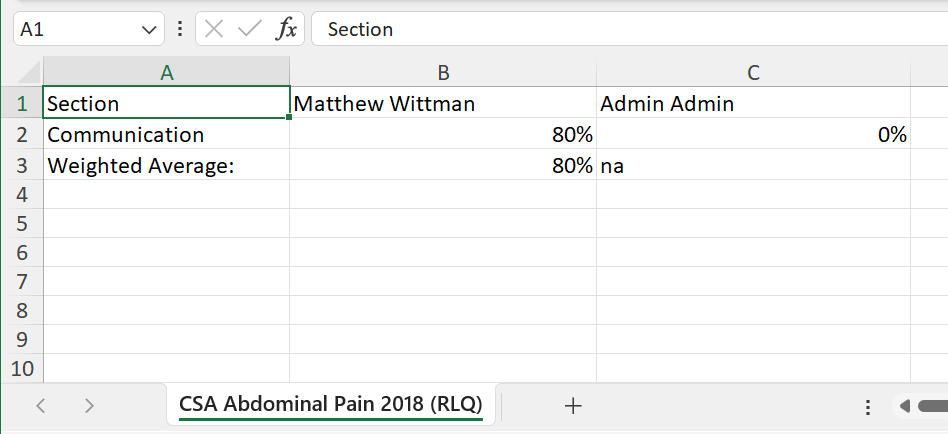
In the latest versions of LearningSpace, this report can be exported to an Excel (xls) file as well for more convenient management and an essentially easier use of the exported data in applications like Microsoft Excel or Google Sheets.
For more information, go to How to Print a Report.
Learn more on the Reports - How to pages and the Reports Module Training Videos.