Faculty Observation and Narrative (FON) Part
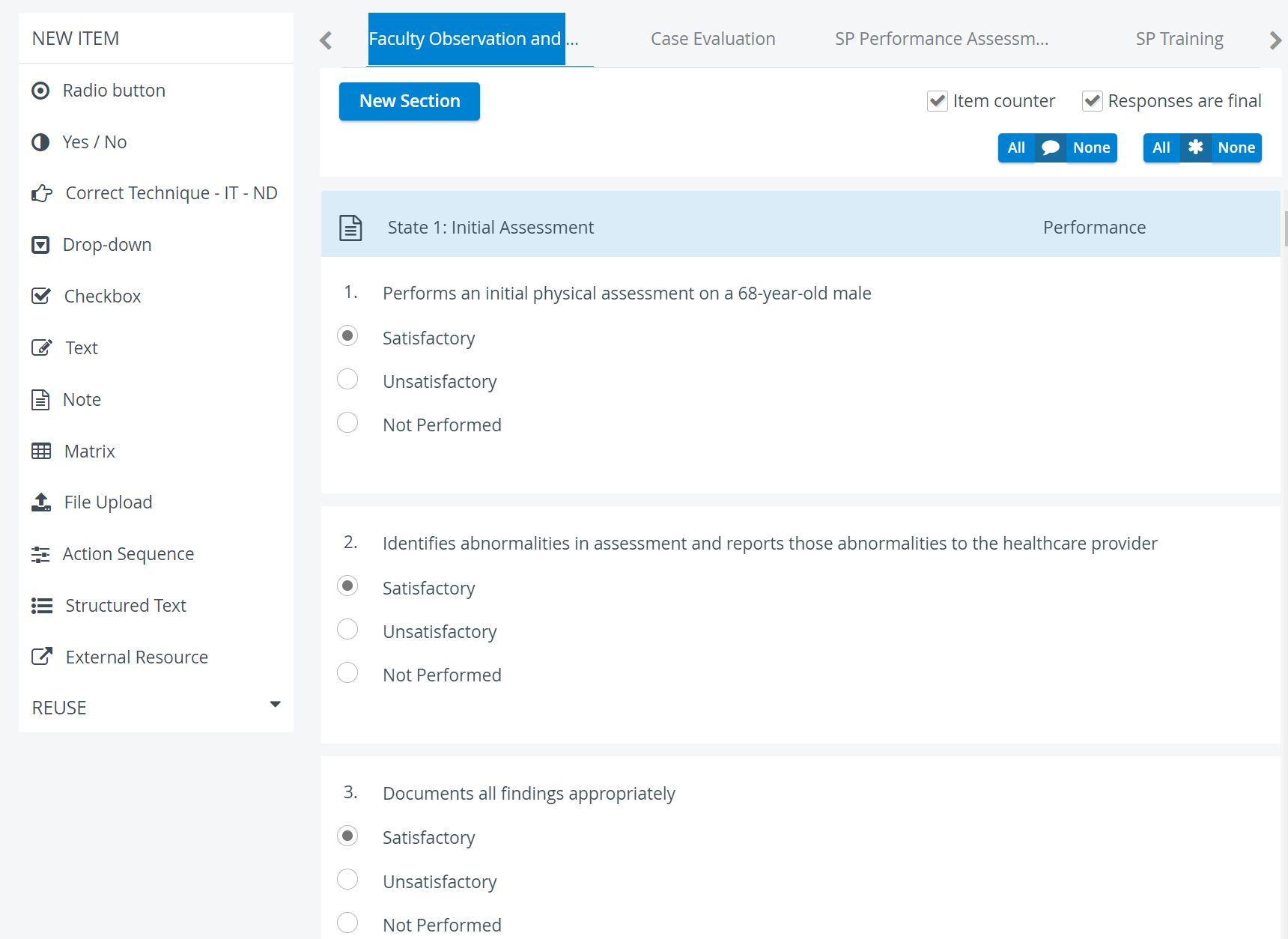
Filled out by Faculty members who hold FON Data Entry privilege
Purpose: Learner evaluation from a professor's or professional's point of view
This checklist is designed for faculty to evaluate learner performance. Our recommendation is to set up FON checklist items as Scored items so that the Faculty Observation and Narrative (FON) evaluation may significantly impact learners' overall scores.
The FON part can be accessed and completed by users with FON Data Entry privilege during live recordings, or through the Video Review module or the Your Activities pane on their dashboard for saved recordings.
Continue to the Checklists page to learn more about how checklists build up Cases.
Note
The Item counter option is checked by default, so added items are numbered sequentially.
Responses are final
If the Responses are final option is checked, FON Data Entry users can submit their checklists only once; they will not have access to modify their responses later.
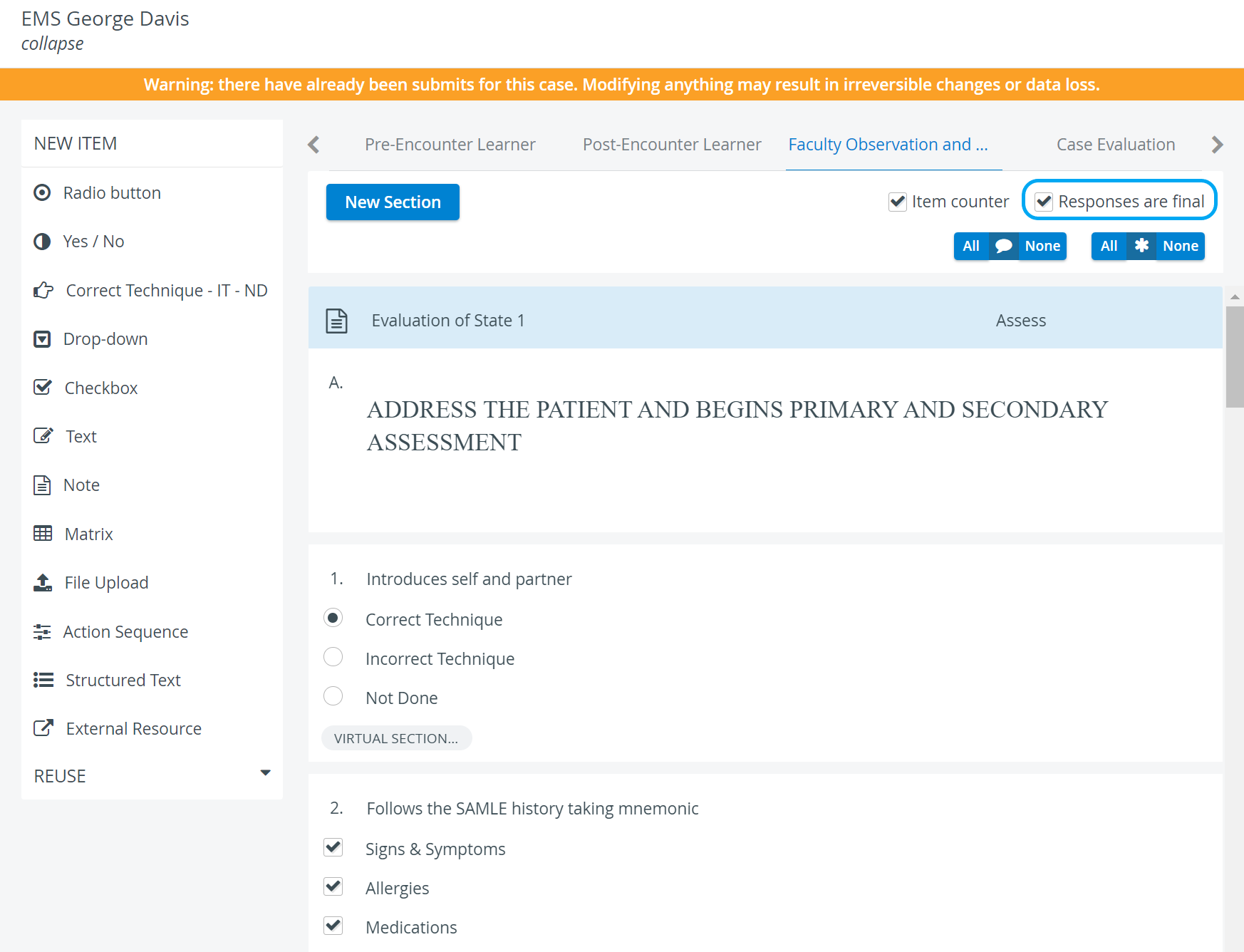
All/None Switches
With one click, you can enable or disable Comment boxes


The All/None switches at the top of the checklist apply to every item.
 | Comment box | When enabled, every item will have a comment field displayed at data entry for faculty evaluators to add notes. |
 | Answer required | When enabled, submitting the checklist is not allowed until all questions are answered; if no questions are required, the checklist can be submitted even if none have been answered. |
For further information, visit our Case Manager and Cases - How to pages or watch our Case Manager Training Videos.