Custom fields tab
The Custom fields tab accommodates all information pertinent to the Case that is not represented by a field on the Details tab.

Such information is not displayed anywhere but can only be seen by users with Case Manager privileges.
Information can be added to each field by clicking on the pencil icon. Here, file upload is also possible:
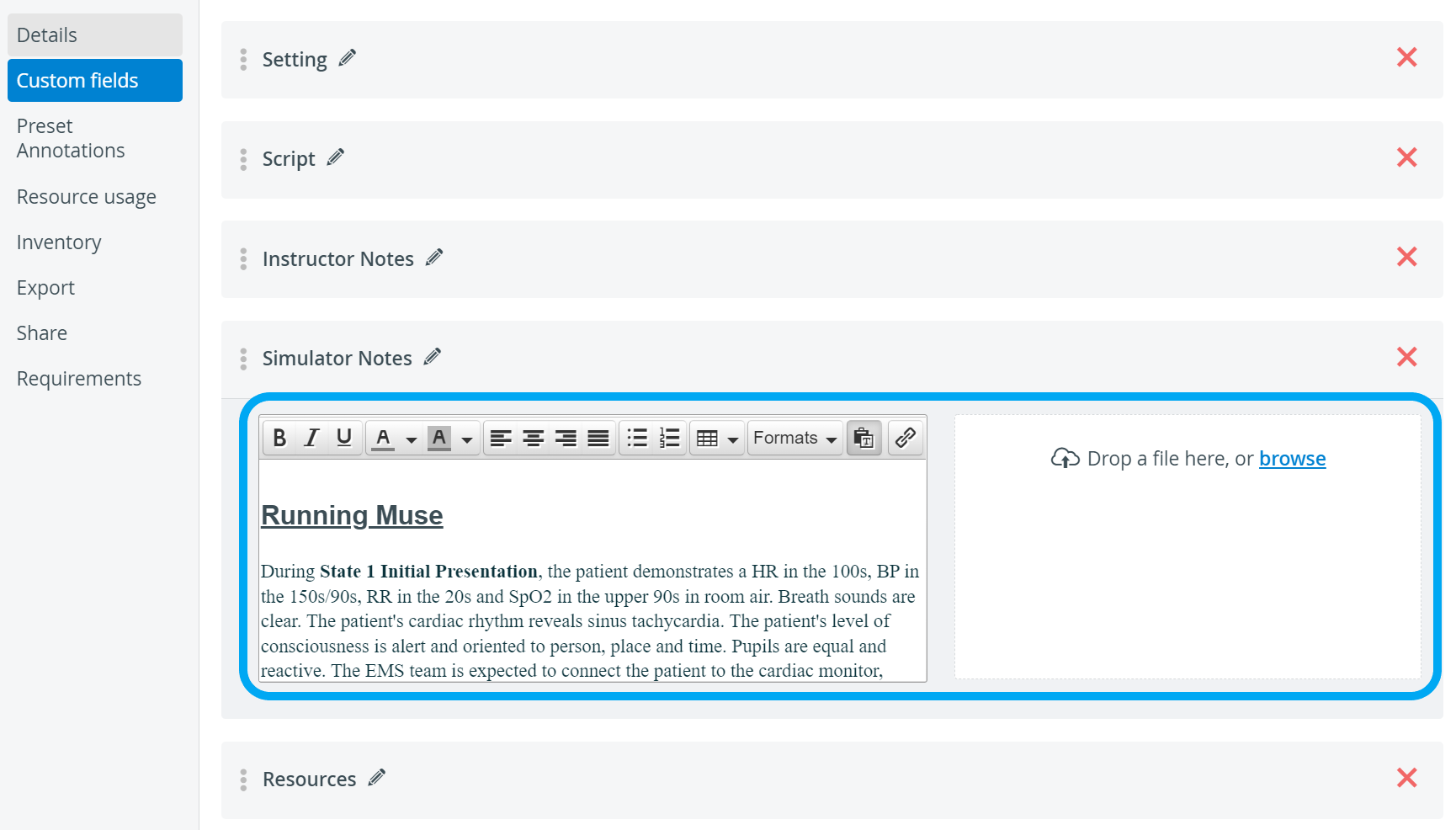
The Custom field may have information on the expected room setup for a simulation exercise, SP demographics describing the potential SPs used for the Case, equipment setup, etc.
A new custom field can be added by clicking the + New field button. When clicking the title field to specify the type of information, a text field is displayed for entering details, and a field is provided to upload the desired files.

For further information, visit our Case Manager and Cases - How to pages or watch our Case Manager Training Videos.