Content Delivery
LearningSpace Enterprise and Essentials can also be used to deliver content such as videos and PDFs to users. With this in mind, there are a number of ways it can be put to use:
Deliver lectures, practical lab presentations, and demos:
Faculty allowed on-site can give a lecture or perform a demonstration in a room equipped with LearningSpace cameras.
Students can observe or review the recordings.
If you record the lecture, presentation, or demo, be sure to assign the appropriate students to the recording.
To add learners to a recording, you first need to select an Activity.
Make sure you allow learner access to saved video recordings in the selected Activity’s Reports tab: Learner Access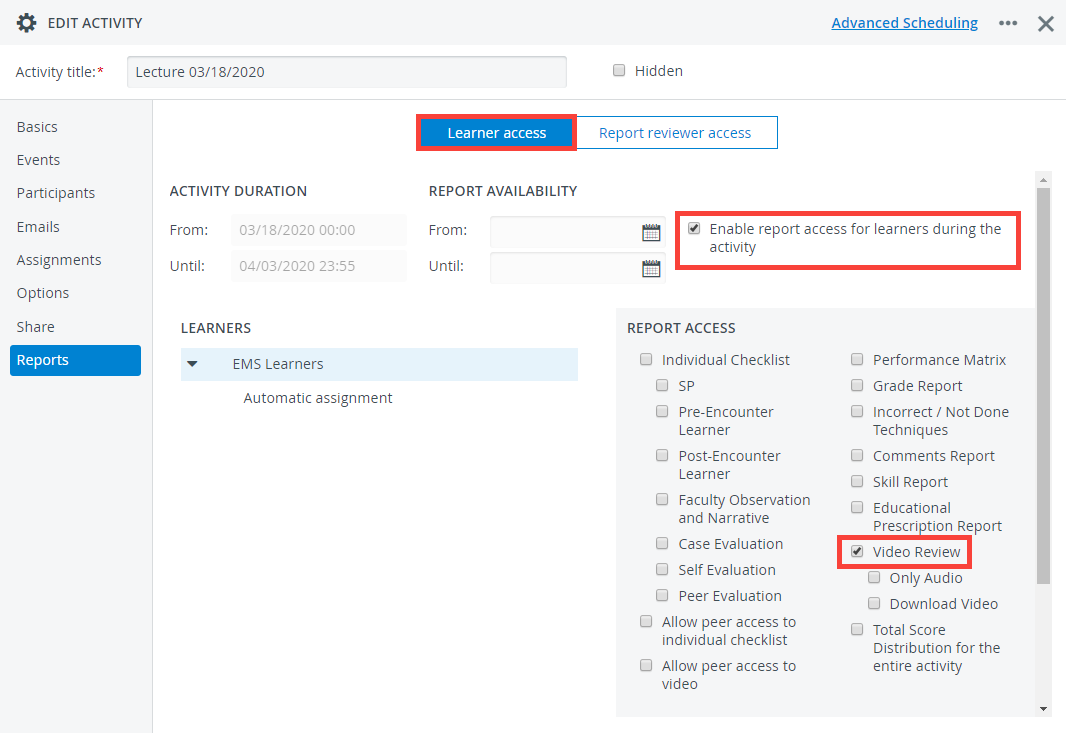
In LearningSpace Enterprise, you can verify that Learners have reviewed (or at least opened) a recorded video by consulting the Reports Review on the Preset Reports tab for the activity.
Embed videos or other media in an SP case part or Learner case part
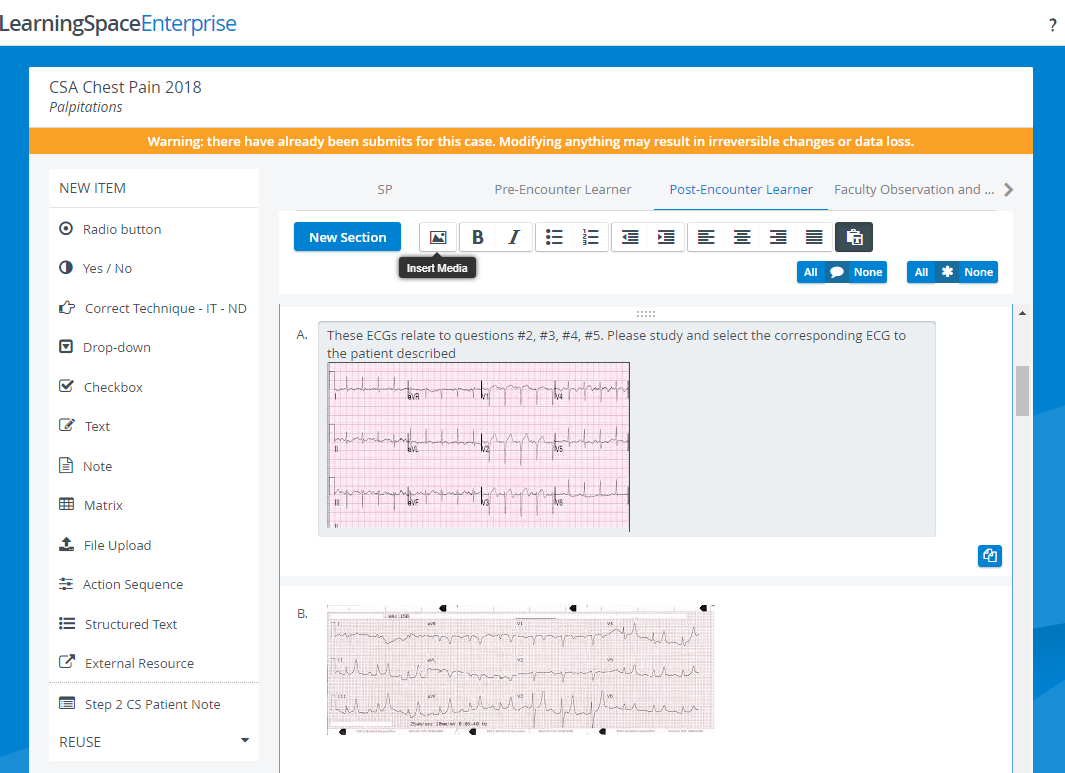
Multi-media items such as videos, documents, or images can be embedded in items when you build a case by selecting the Insert Media option from the toolbar.
Click in the field of a checklist item – as if you were editing a question – to display the toolbar that will appear at the top of the checklist you are currently editing:
Manage learning materials by creating a case on each topic you want to cover with your learners and arrange them under a single Activity.
Once you have prepared the learning material, you can inform your participants via Activity Email that the content is accessible: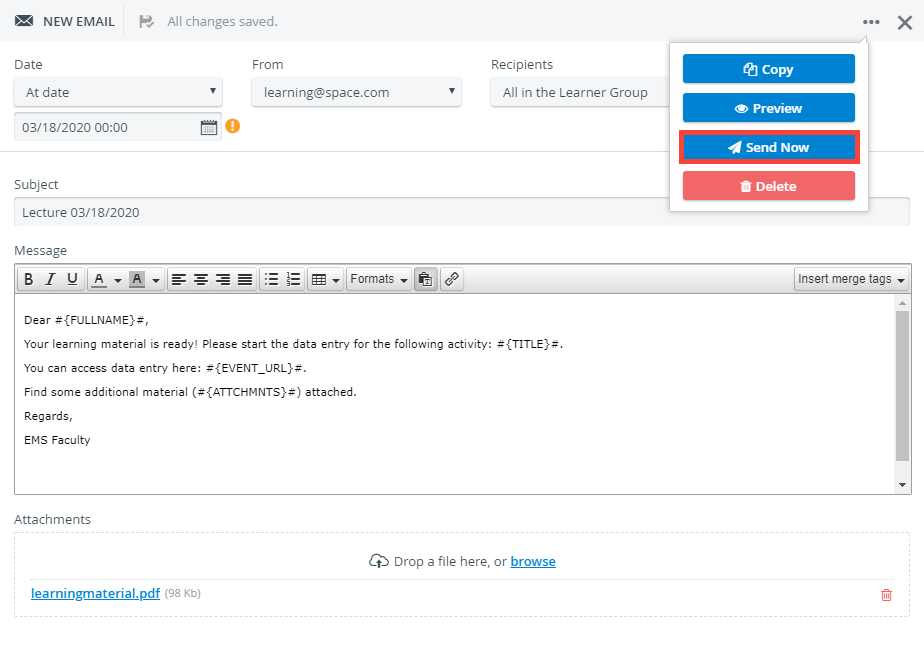
Send Emails Immediately
Use the Send Now option to send your Activity-related messages immediately.