Classic View
Classic View is an alternative home screen that provides access to LearningSpace functions not available via the Dashboard.
By default, the Dashboard view is displayed upon login. Switching to and returning from the Classic View can be done by clicking the diagonal arrows in the header's top-right corner (next to the User profile).
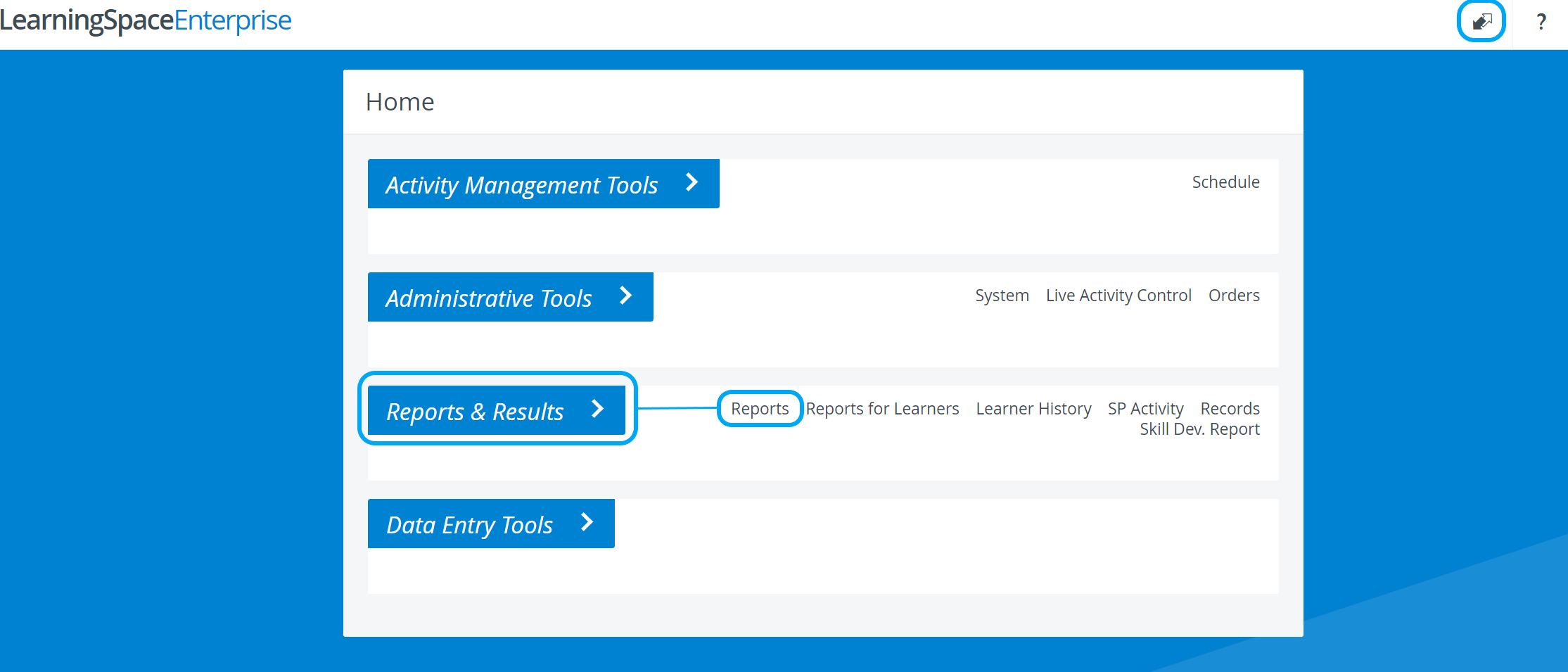
Functions available only in Classic View:
Activity Snapshot (See also How to Print a Report)
Data export (Raw Data export and Raw Score export)
Record Manager (including Record Transfer)
Pages related to login
Scheduling via Classic View:
Advanced Scheduling can be accessed via the Schedule link under the Activity Management Tools tab:
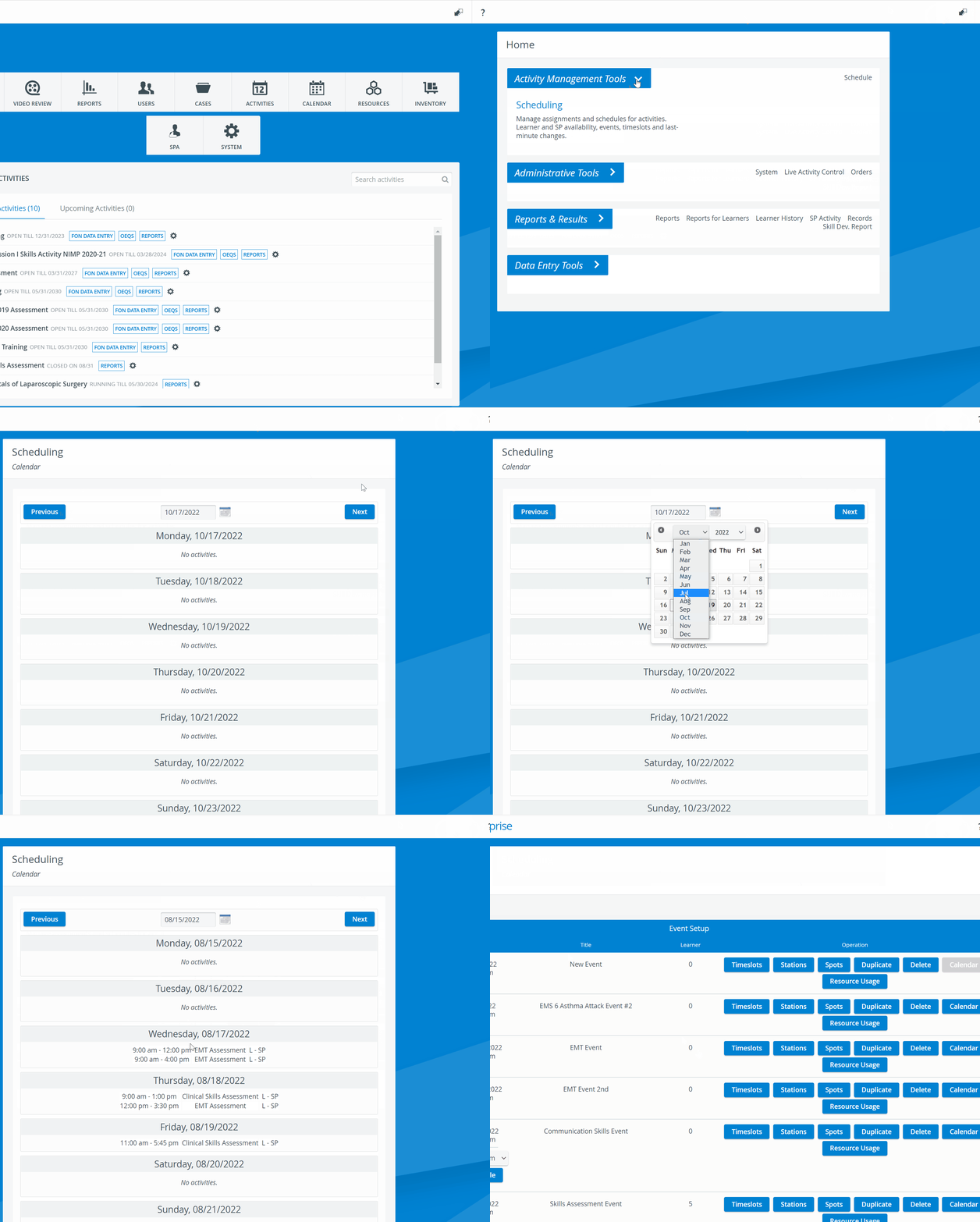
Learn more on the Scheduling via Classic View page.
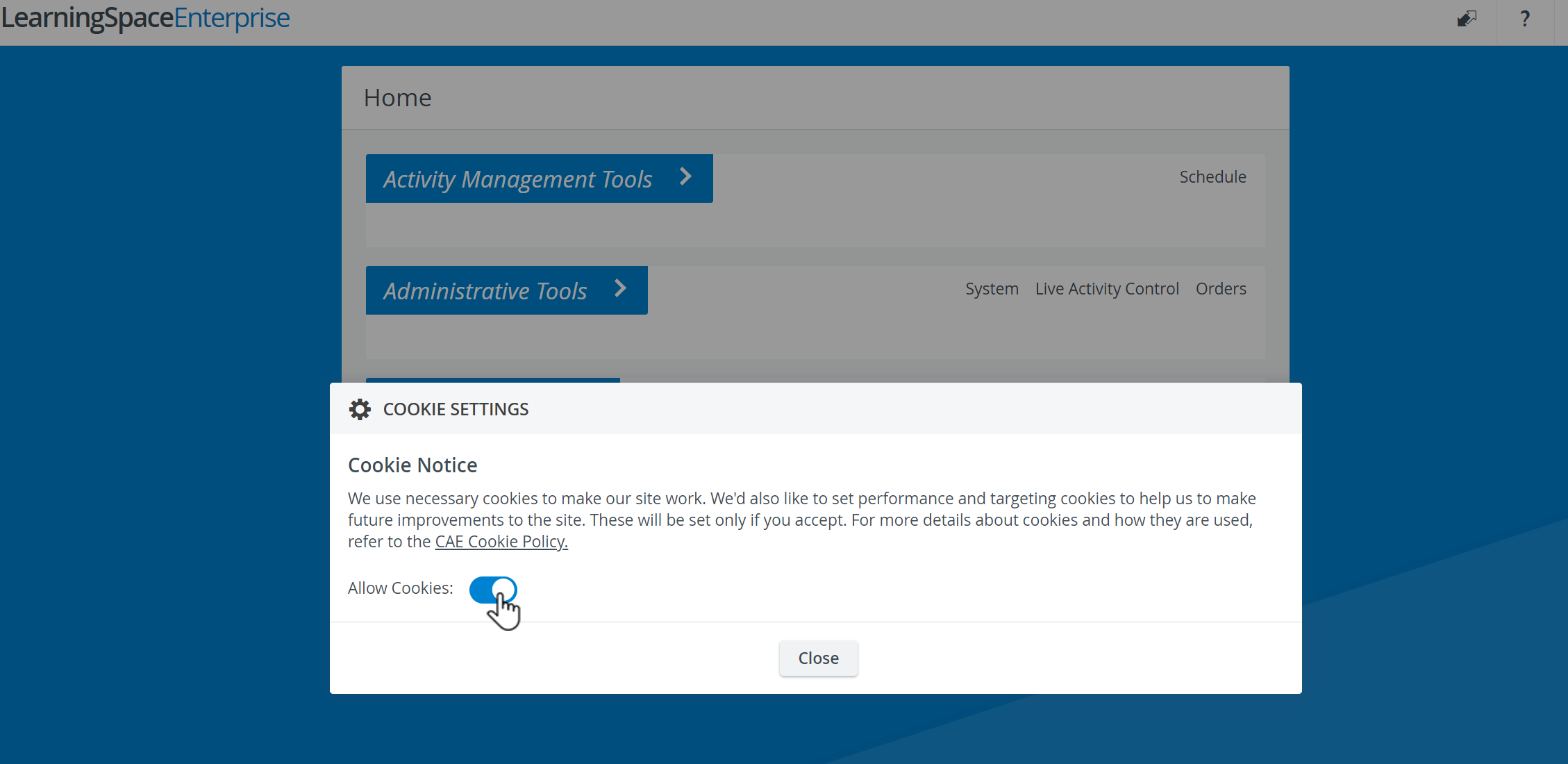
Cookie Settings
When the User options dropdown in the upper right corner is opened, the Cookie Settings option becomes accessible.
In the Cookie Settings pop-up window, the necessary cookies can be enabled by using the 'Allow Cookies' toggle: