Chat in SPA
Keep in touch with Standardized patients using our instant messaging system included in the SPA module.
Privileges
SP Coordinators: Communicate with SPs individually or in groups using the built-in chat and group chat functions within the SPA module and Cast sheets.
Enter the Chat tab to view and send messages to SPs or SP coordinators.
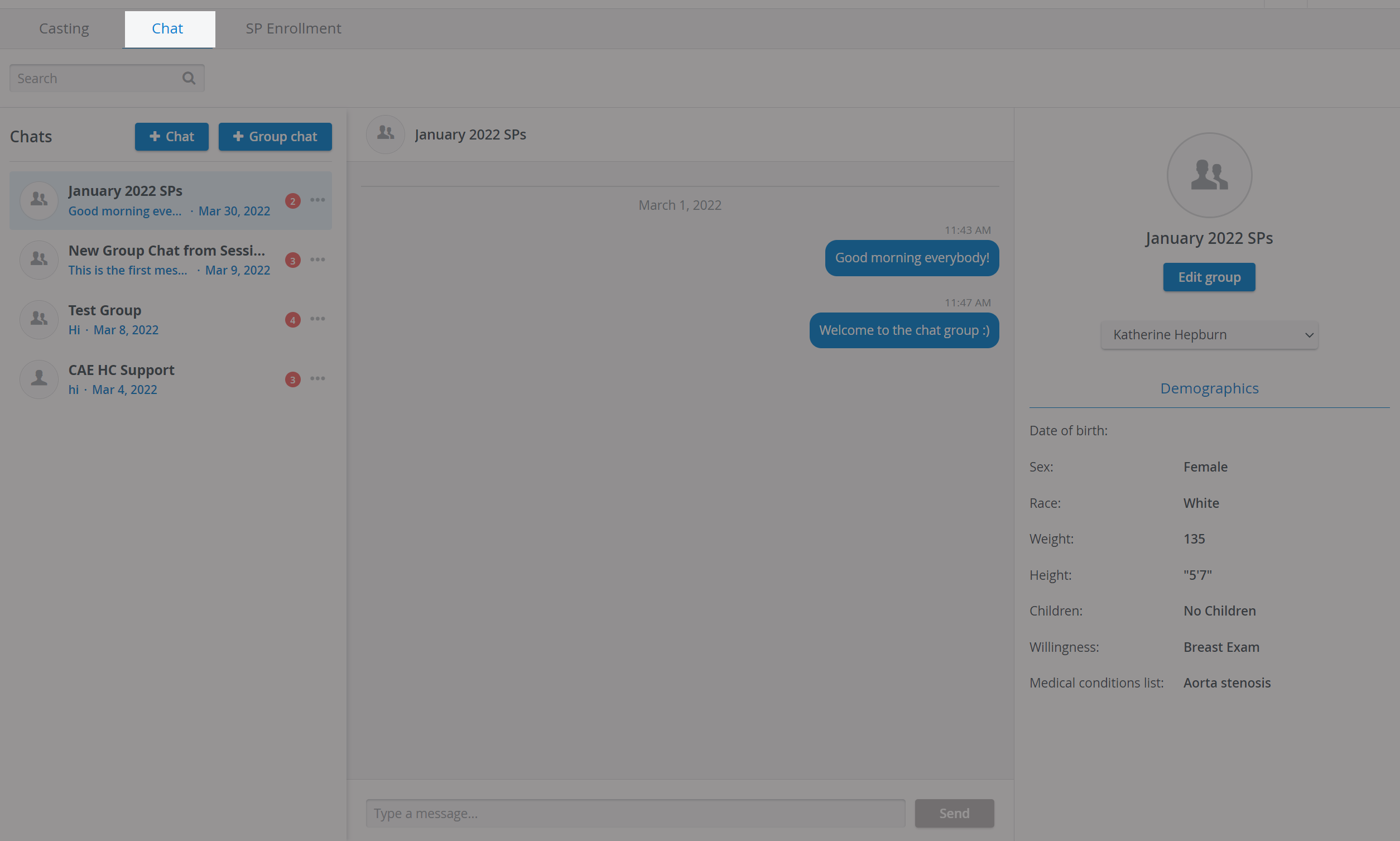
You can create custom SP chat groups with the help of the + Group chat option:

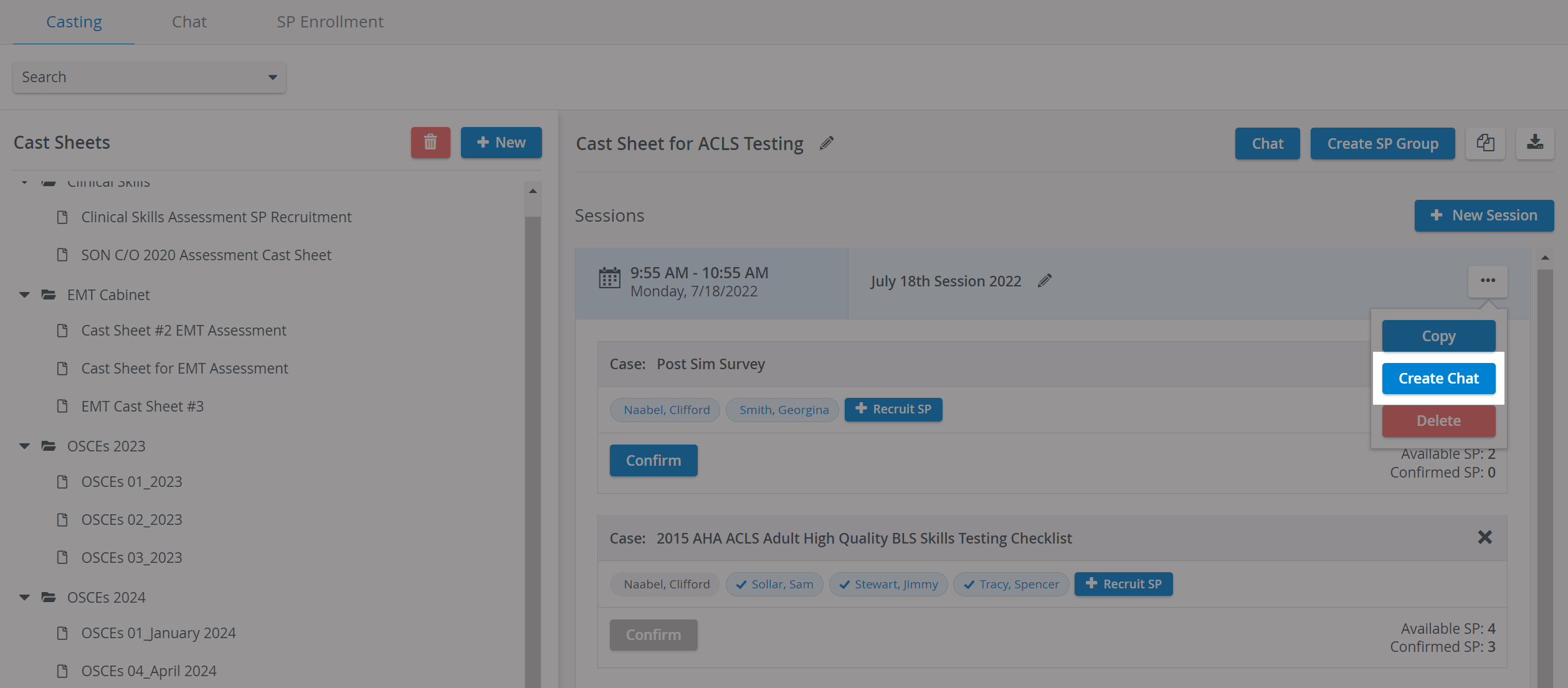

If only unconfirmed SPs are included in the Group chat, the Group Chat creation fails.

Group chat can also be created for all confirmed SPs on a Cast sheet. The Chat icon is located on the right in the Cast sheet's header.

The Edit group option opens the Edit Group Chat pop-up window, where you can add additional SPs you have requested in your Cast sheet to the Group chat.

Follow up with your SP groups until the day of your Session, and stay up to date on their availability.
For further information, visit our Standardized Patient Administration and Standardized Patient Administration - How to pages.
Related page: