Cast Sheets
Create Cast sheets to get started with the SP recruitment process.
Cast sheets hold together a series of simulated patient encounters that collectively form a comprehensive medical training program. You can provide Cast sheet titles that refer to courses, departments, or Activities, etc.
Important:
Cast Sheets Are Not Equivalent to Activities
You can adapt your Cast sheets to Activities created in your LearningSpace system. However, Cast sheets function independently of Activities: the two components are not interchangeable and cannot be tied together in any way.
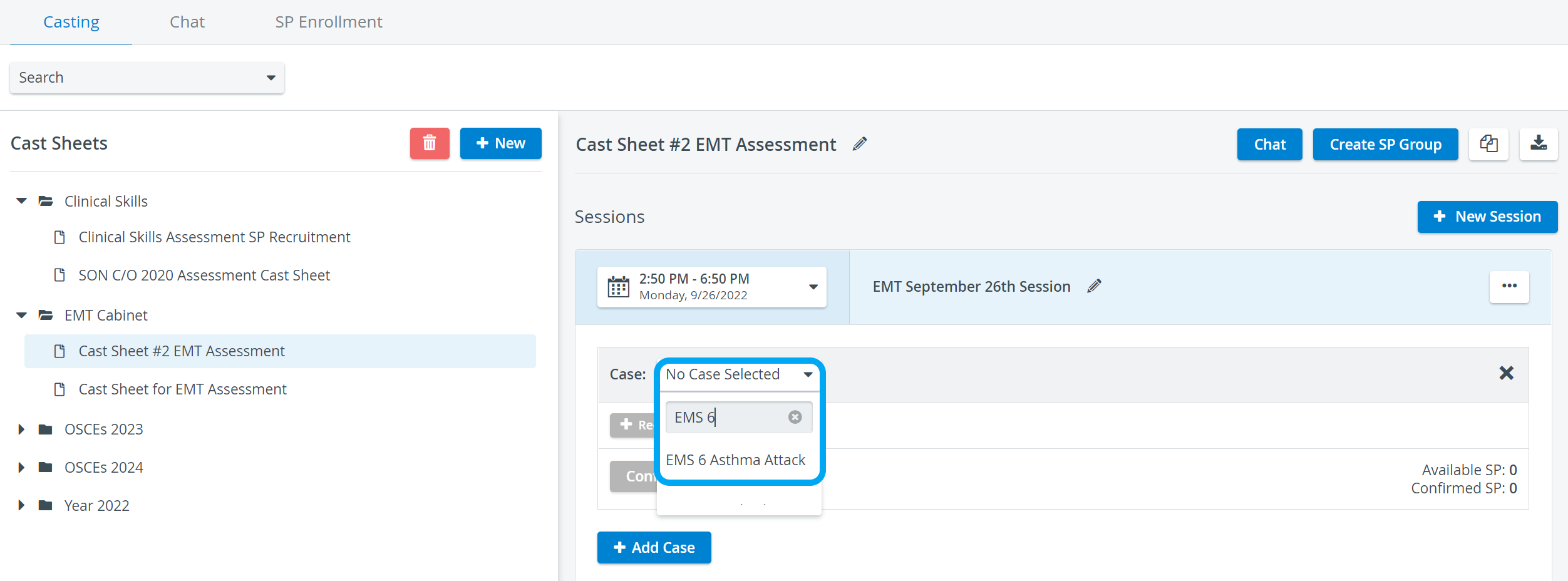
Cast Sheet Management
Creating Cast Sheets
To start the SP recruitment process, create Cast sheets related to a curriculum, class, subject, or long-term medical training project.
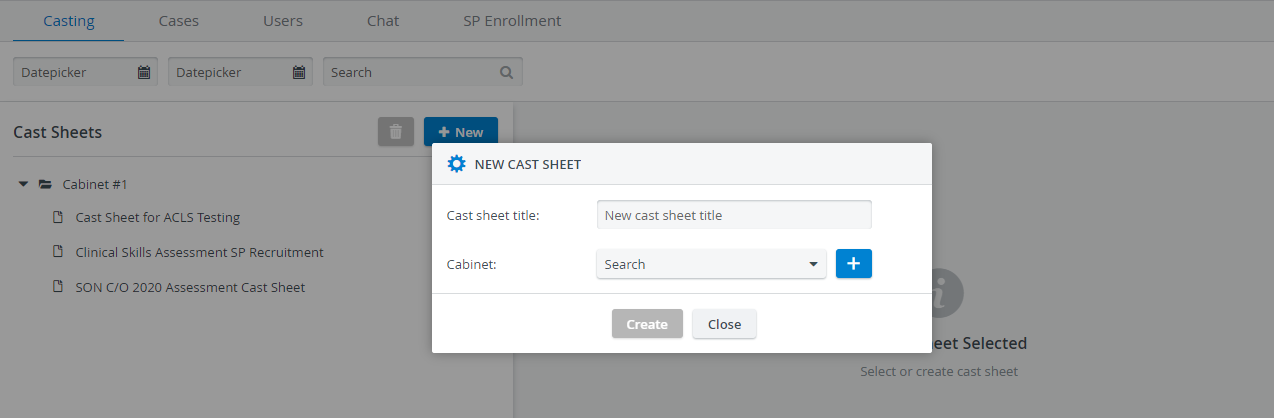
Cabinets
Like other modules, the SPA module uses Cabinets to organize your Cast sheets.
Provide the title of a new Cast sheet and place it in a new or existing Cabinet:
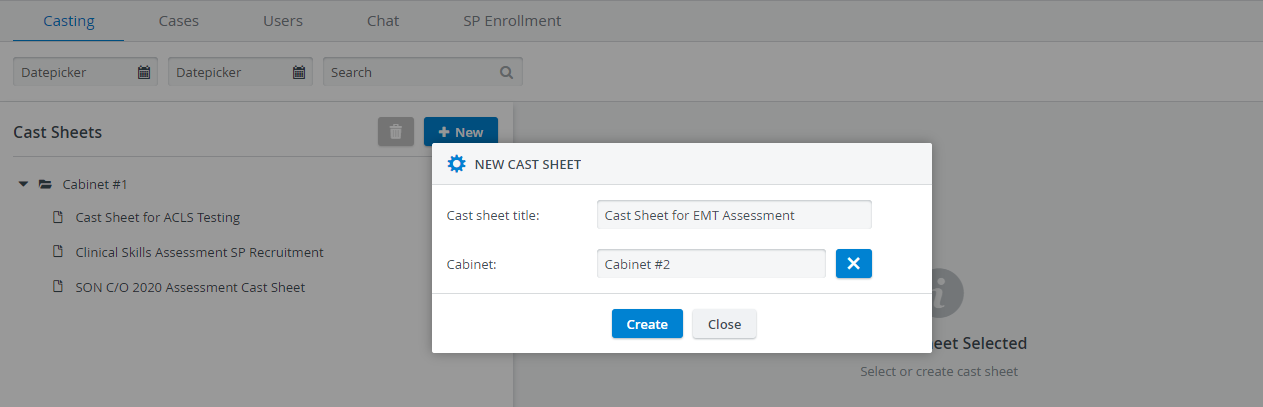
You can save a Cast sheet only if you add it to a Cabinet. See also How to Delete Cabinets.
Creating Sessions
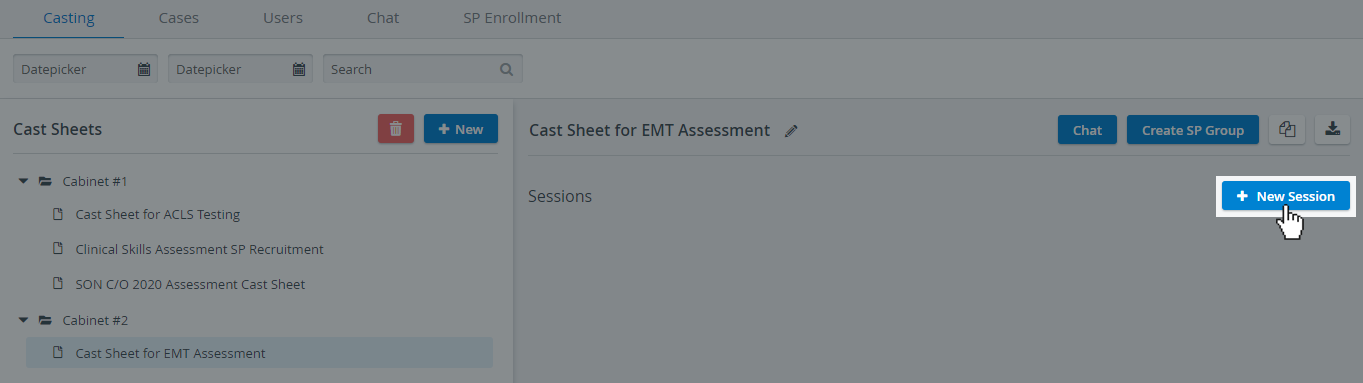
Once you have set up a blank Cast sheet, you can start adding new sessions to continue planning upcoming simulated patient encounters:
Adding Cases to Sessions
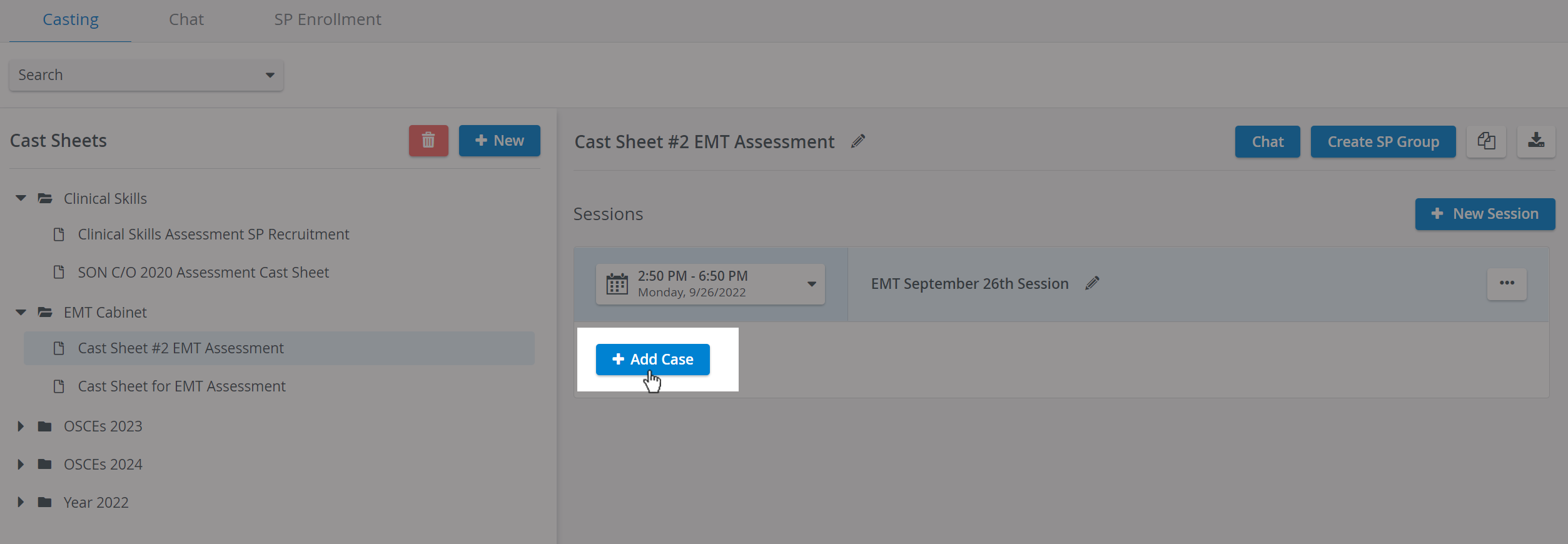
After creating Sessions inside a Cast sheet, you can add Cases to request and confirm selected SPs.
Creating SP Groups
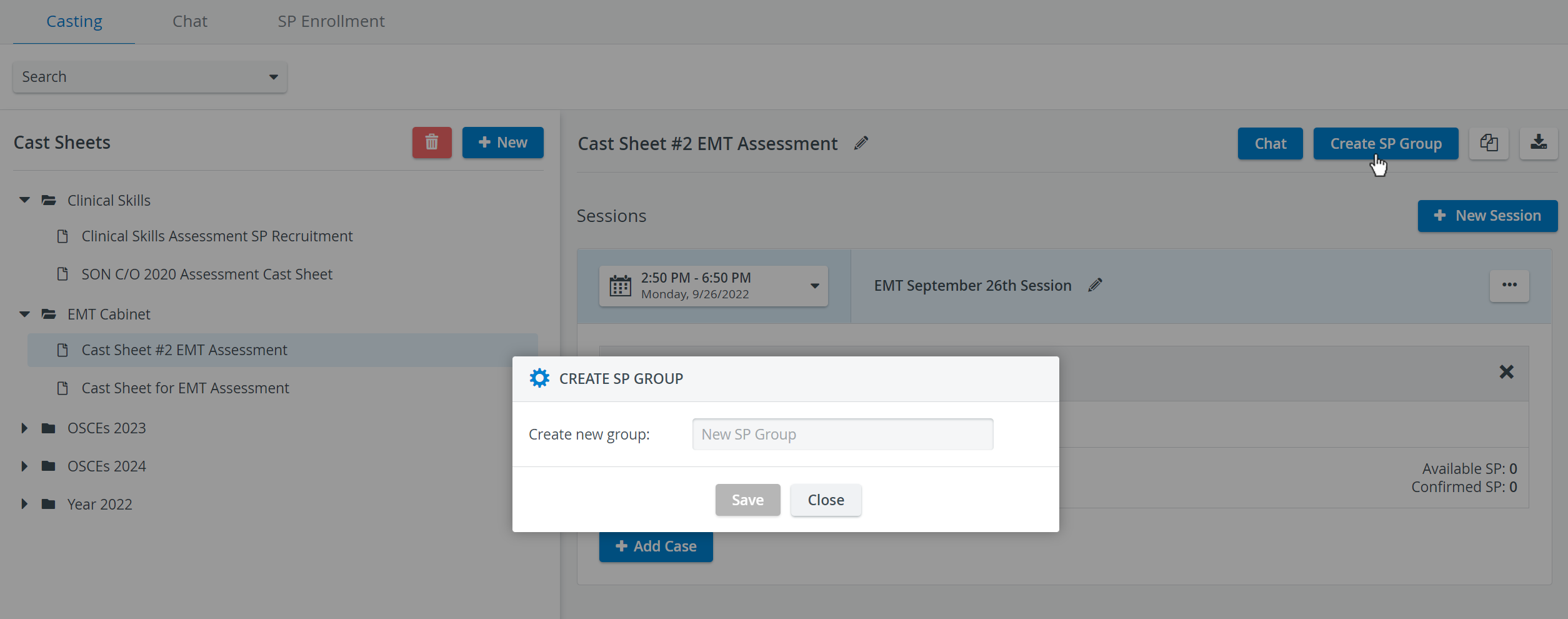
With the Create SP Group option, you can set up a group for the SPs included in a Cast sheet. This group will then be listed and managed in the User Manager under Groups
Copying Cast Sheets
Cast sheets can be copied by clicking on the Copy icon, located in the upper right corner of the Casting page:

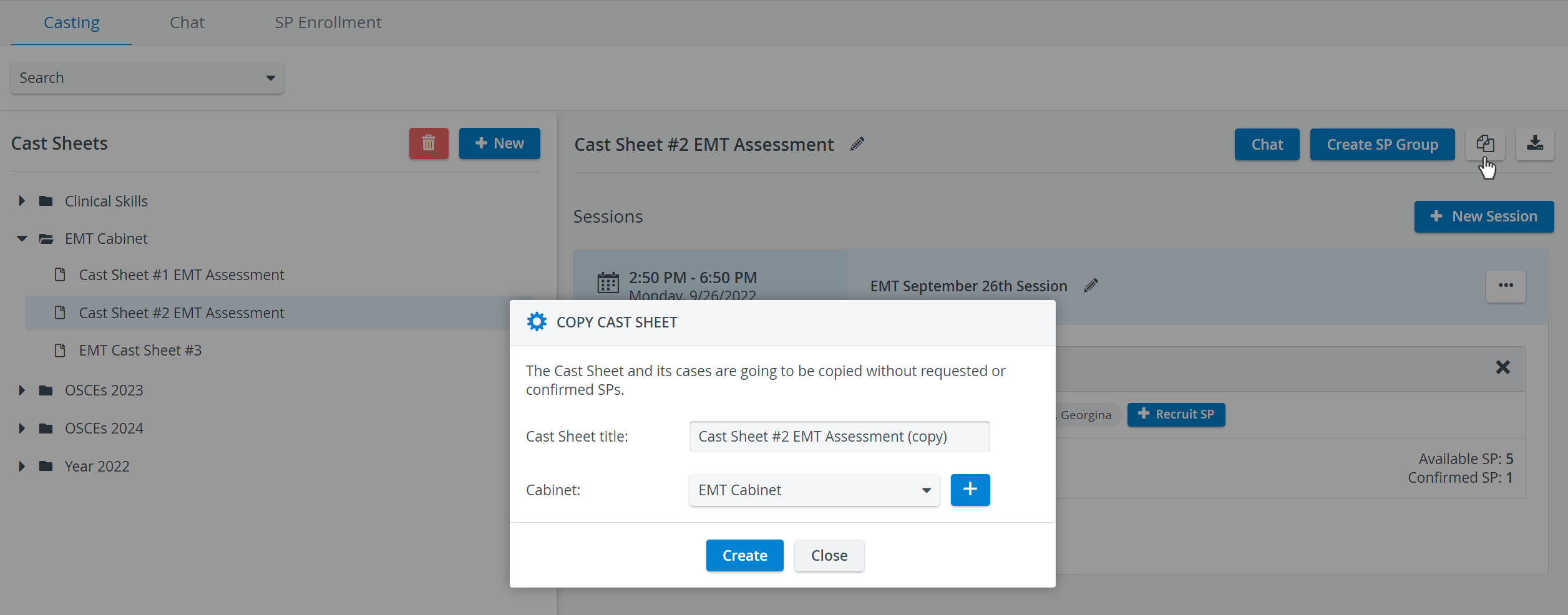
See Copying Cast Sheets.
Exporting Cast Sheets
The data from the Sessions included in the Cast sheets can be exported to XLSX or PDF files using the Export Cast Sheet option located in the upper-right corner of the Casting page.

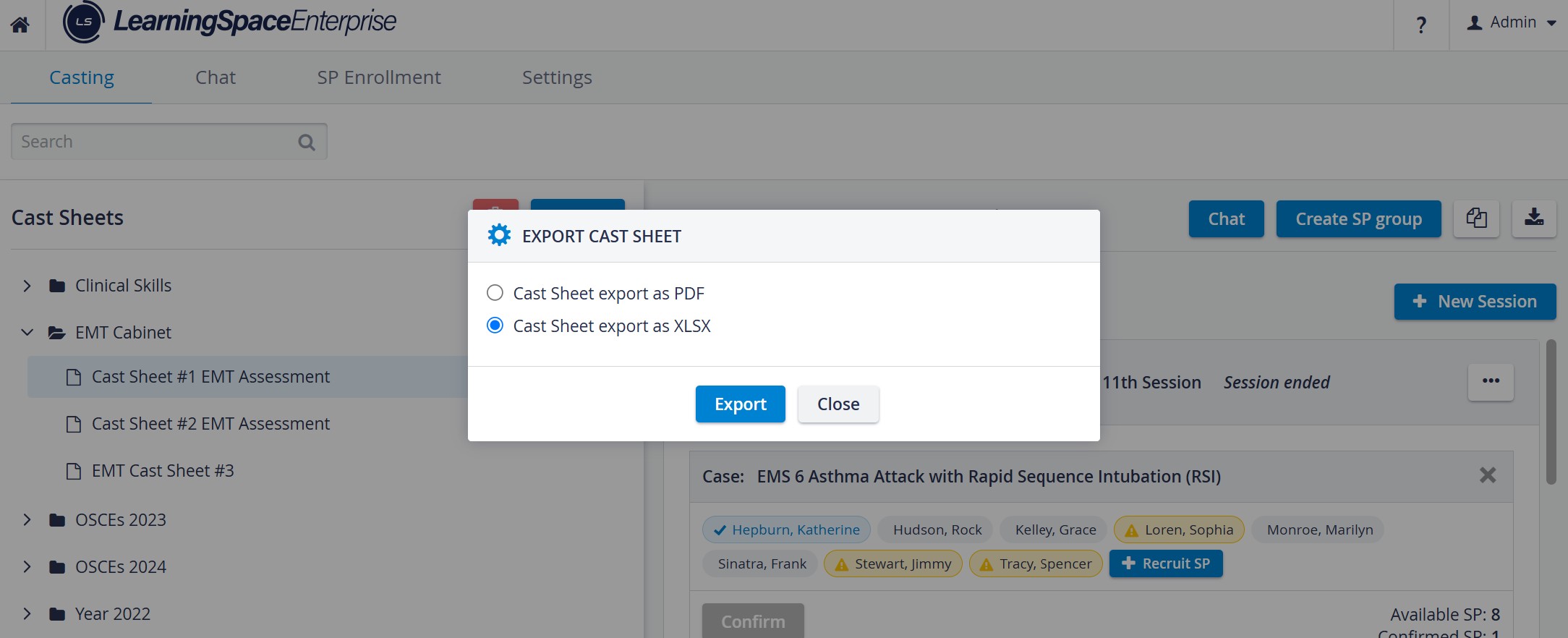
The exported file contains:
Name of the Sessions
The date of the Sessions
Start time of the Sessions
End time of the Sessions
Case names
SPs' names
SPs' state (Confirmed, Available).
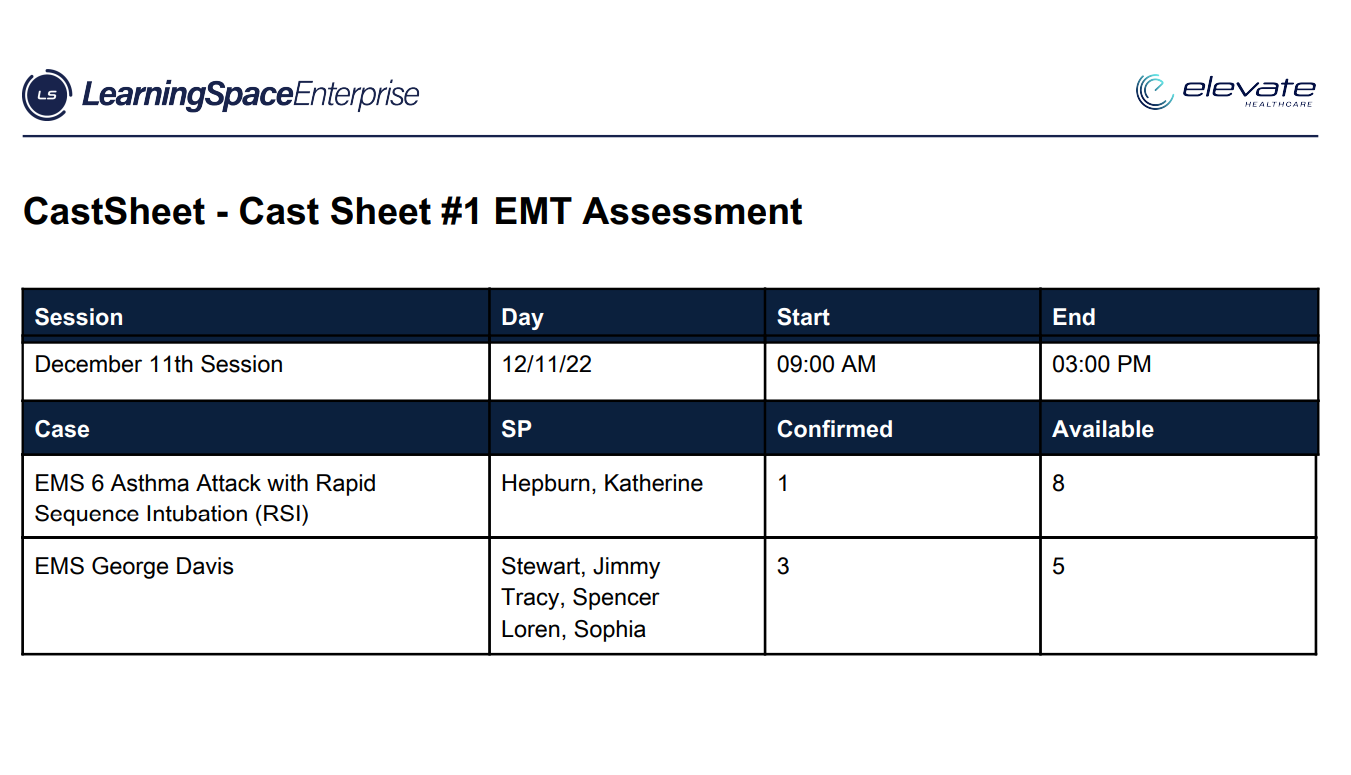
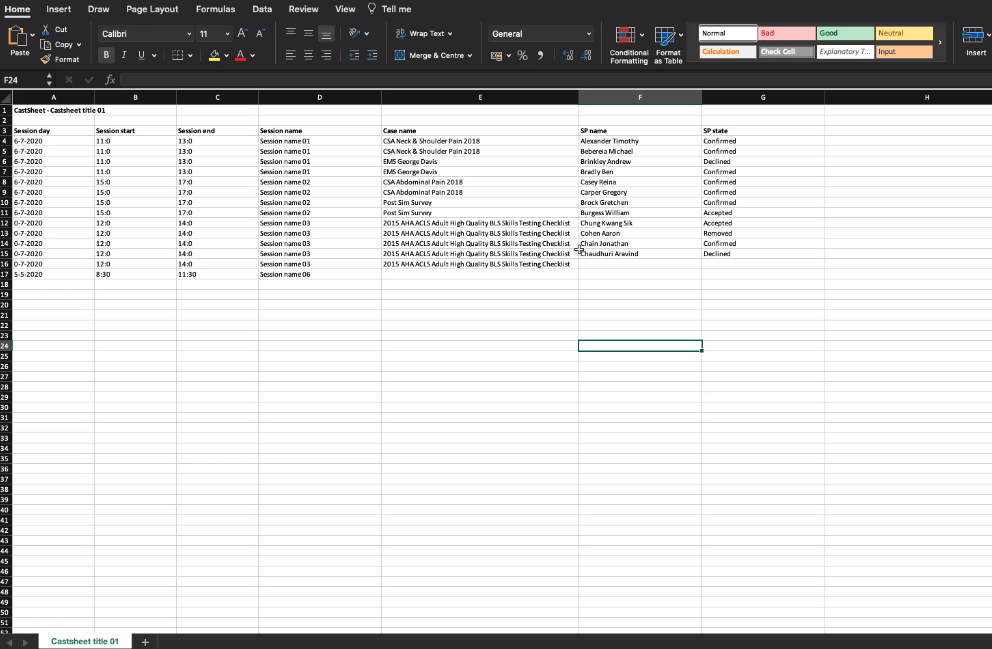
A latest enhancement allows Cast Sheet Export as PDF to support Chinese, Korean, and Cyrillic characters.
For further information, visit our Standardized Patient Administration and Standardized Patient Administration - How to pages.