Case Manager
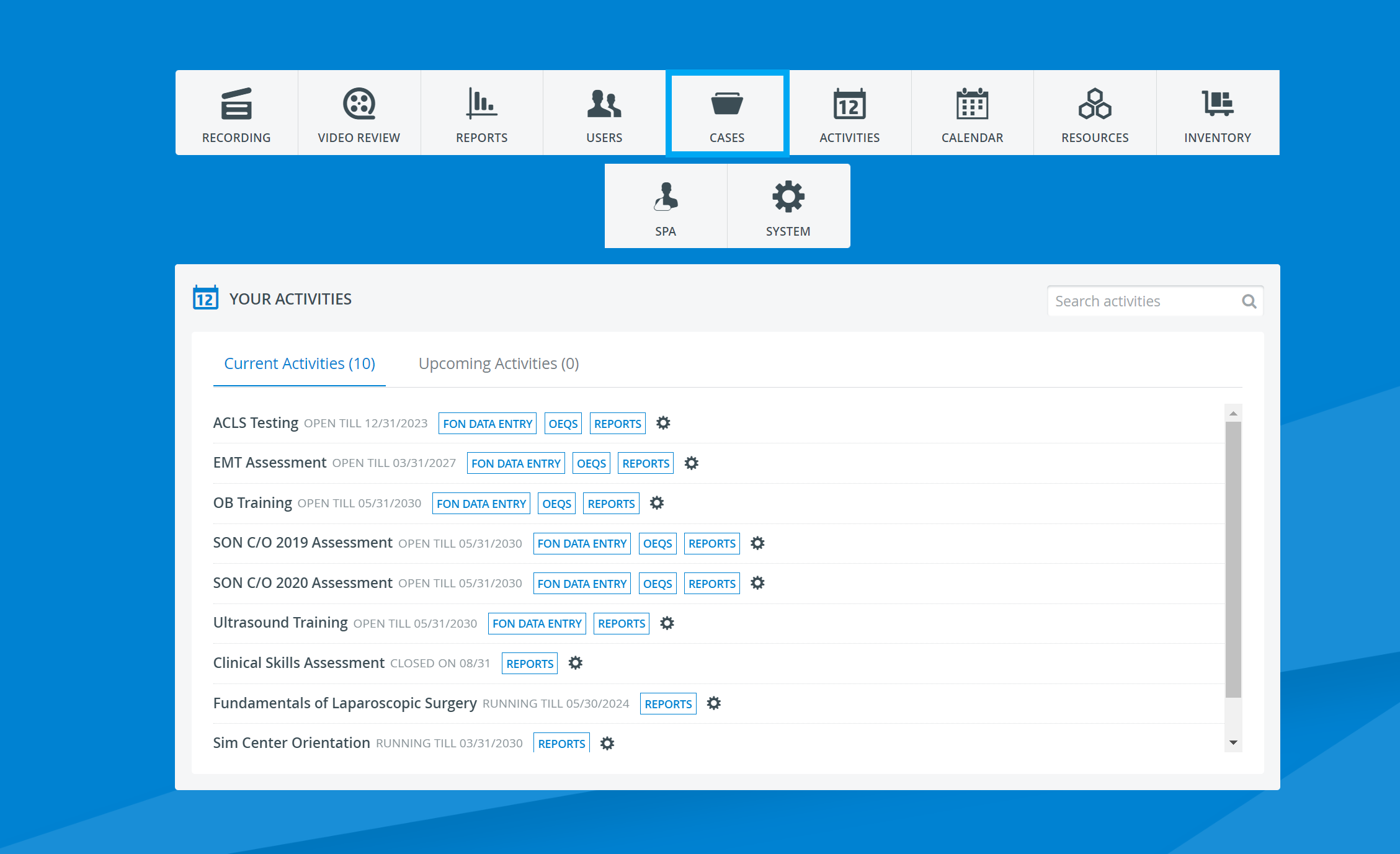
The Case Manager module of LearningSpace can be accessed through the Cases tab located on the dashboard.
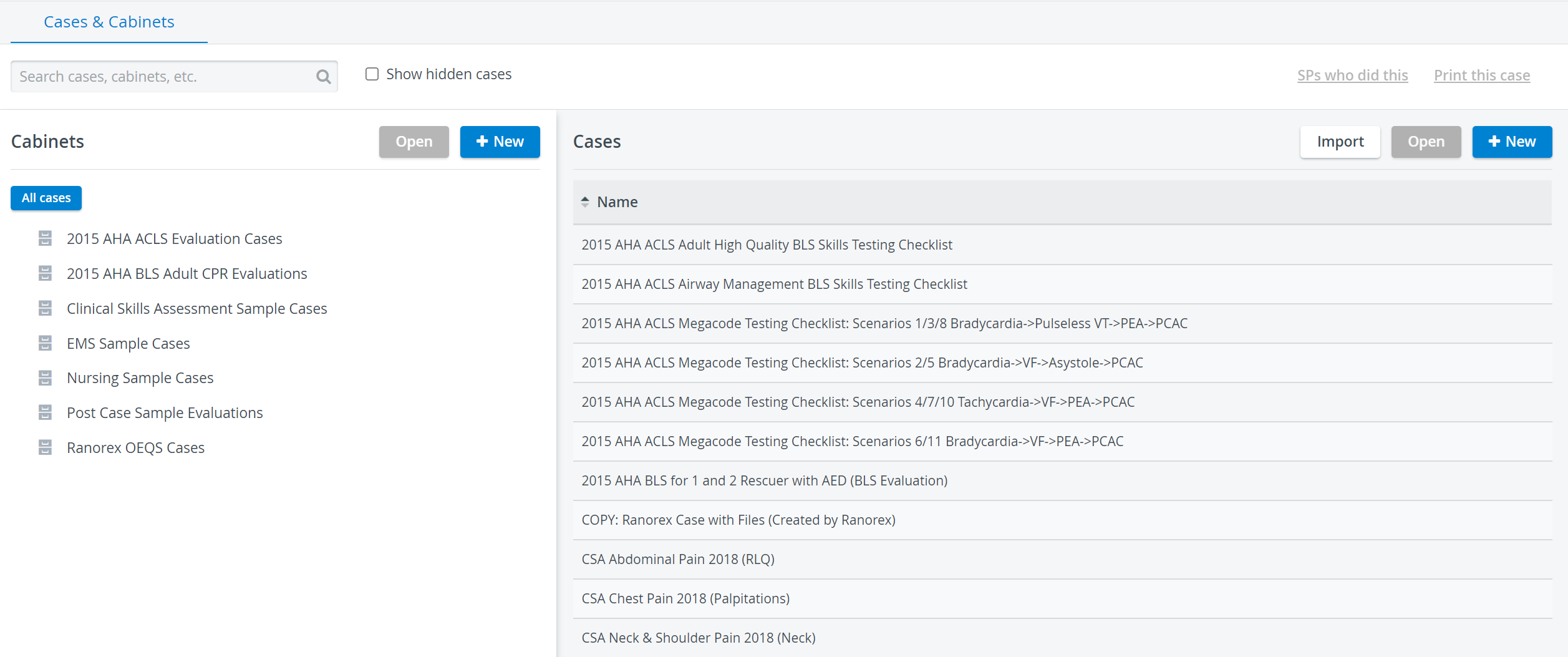
It accommodates all Cases and Case Cabinets available in the system.
What is a Case?
Cases provide the content to an Activity, medical content through which the purpose of the Activity can be achieved (learning, practicing, or testing certain skills or knowledge).
Cases present background and guidelines to a simulation exercise:
Standardized Patient (SP)-Learner encounter
or Learner interaction with a manikin/simulator.
Cases also include questionnaires for the different participants in an Activity.
Who can access the Case manager?
Necessary privilege to access the module: Case Author Users with Case Author privilege
Case Author (full control) A user with full control privilege has
|
When a Case is copied, all of its specifications, including the sharing assignments, are duplicated as well; consequently, the copied Case will be shared by default with any Case Author or Case Author (full control) user the original Case has been shared with.
For further information, visit our Case Manager and Cases - How to pages, or watch our Case Manager Training Videos.