Additional Settings for SPs
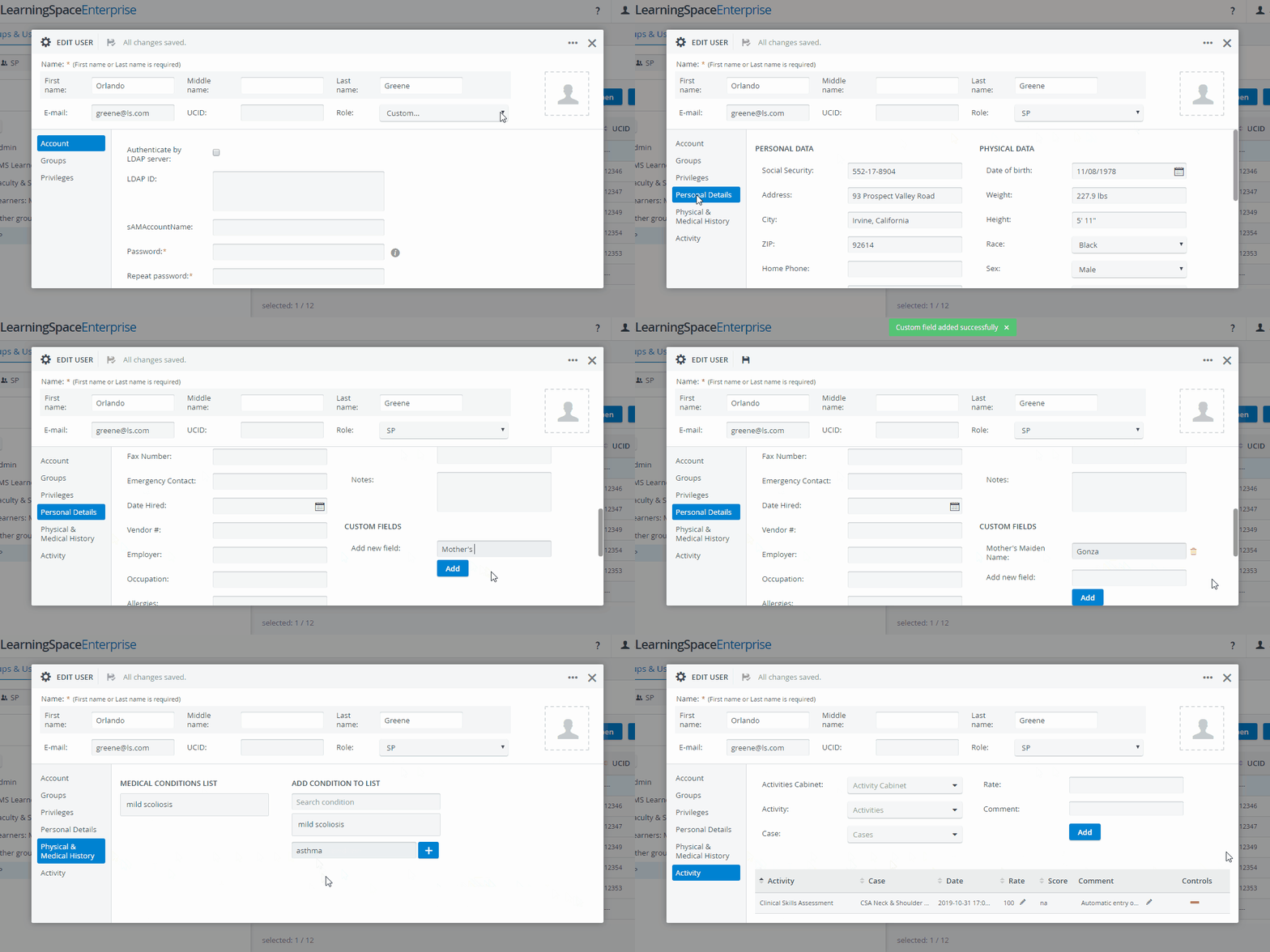
When creating an SP user, three additional tabs are added to the left side of the New/ Edit User window.
Personal Details
In Personal Details, the basic information of the SP can be registered. It is also possible to add custom fields for further personal details.
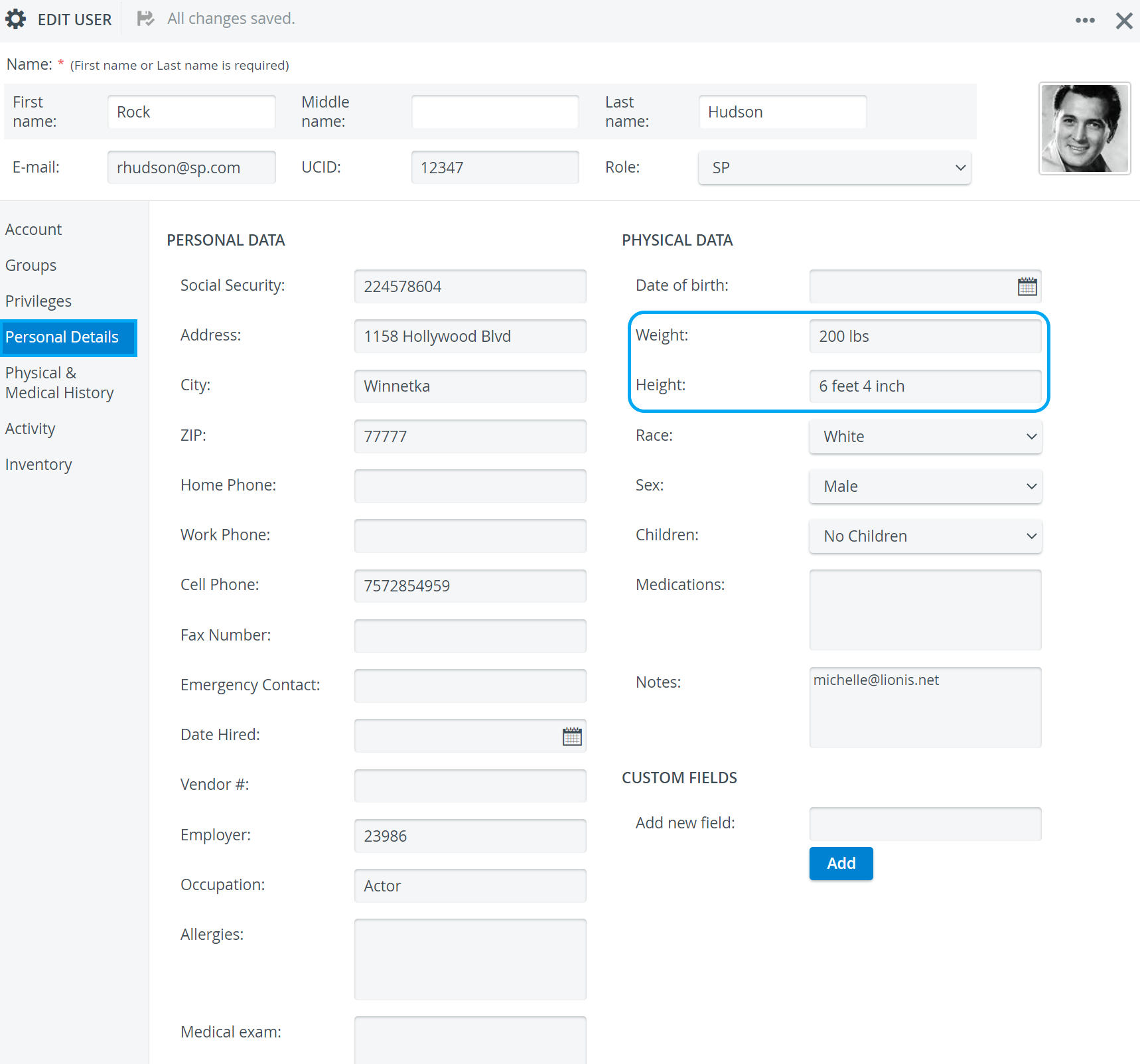
Always include units of measurement for height and weight values.
(info) Accepted units of measurements (metric and imperial): ' " feet, foot, ft, inch, in, cm, m, lbs, kg
Learn more about filtering this data in the Standardized Patient Administration module: How to Filter by Case Requirements.
Custom Fields
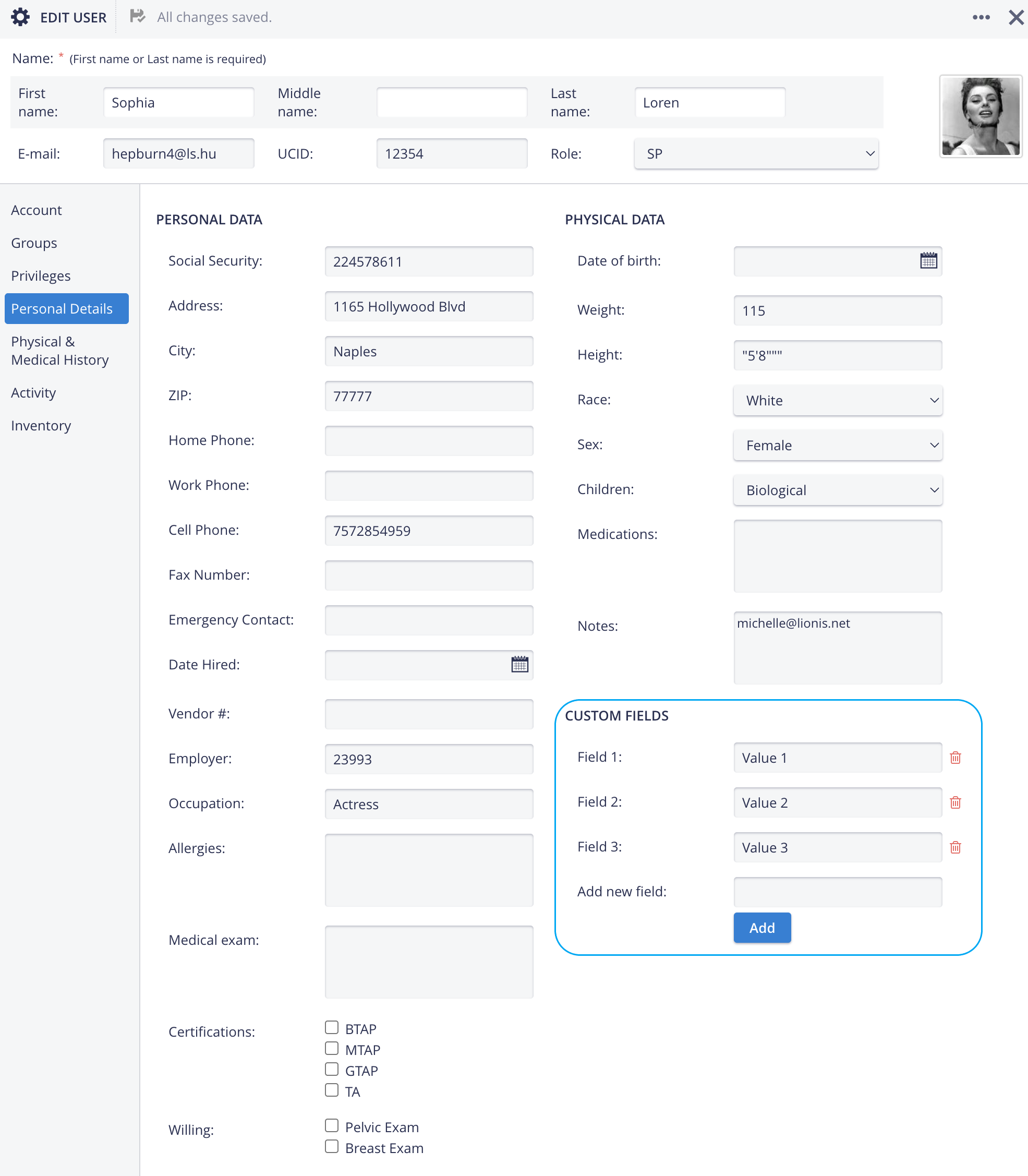
Additional fields can be added under ‘Custom Fields’ for further identification of the SPs (e.g., Mother’s Maiden Name, etc.):
Warning
A new Custom field added to an SP user will appear at every other SP profile in Personal Details.
If a custom field is deleted at an SP, it and its contents will be removed from all other SP profiles and cannot be restored.
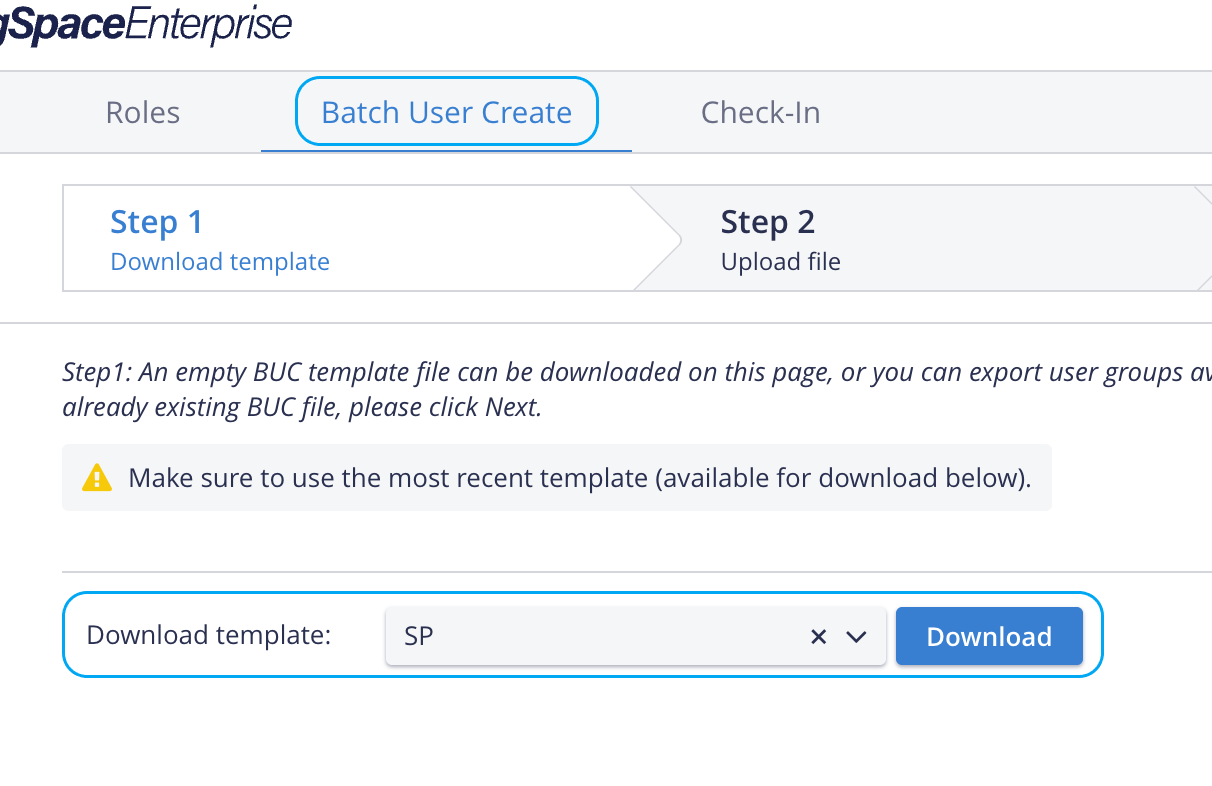
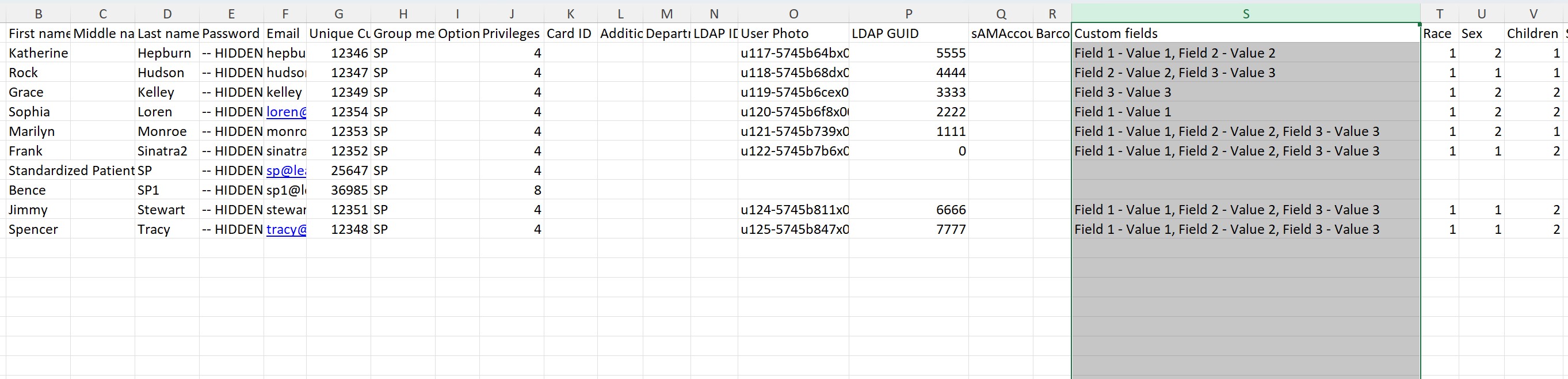
NOTE: Updating custom fields and their values through Batch user upload is not available
Physical & Medical History
Physical & Medical History is used to record the SP user's medical history and conditions.
Activity
Activity logs the latest SP data entry instances and sorts them by cases and activities.
Any other action performed by the SP can also be registered manually. The red minus sign can also be used to delete logs.