Action Sequence

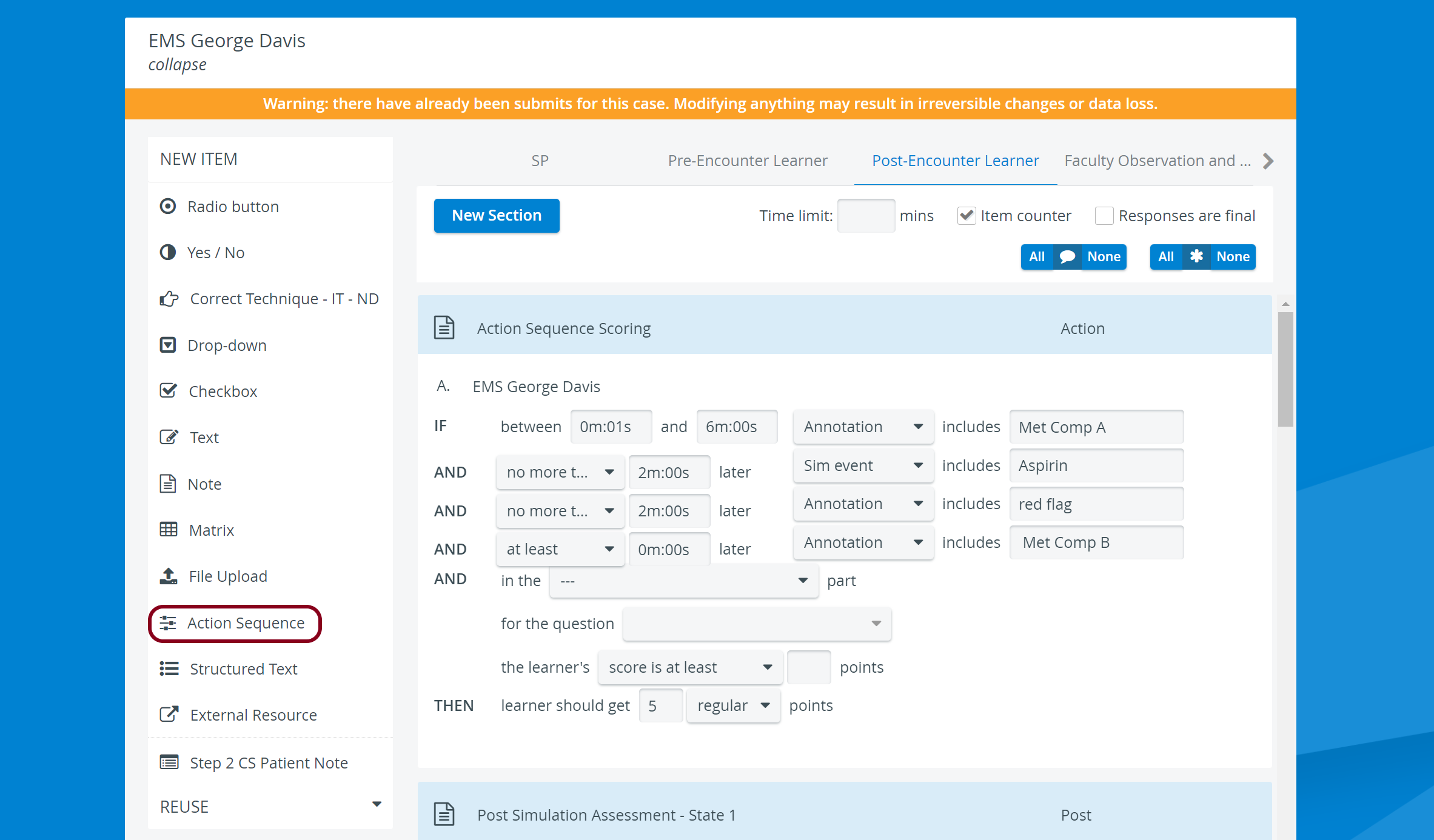
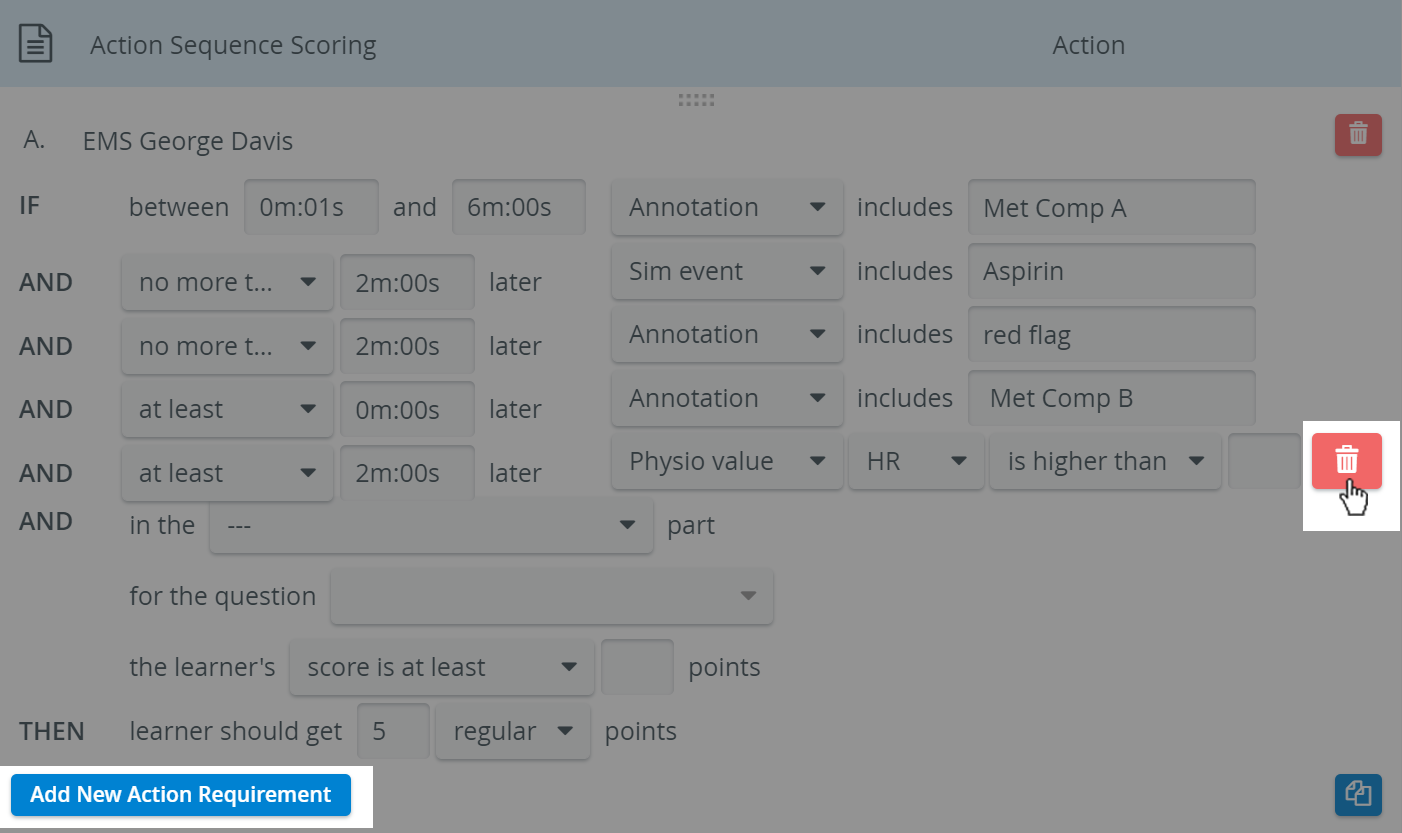
You can add new action requirements with the Add New Action Requirement button or delete any of them with the Delete Action Requirement icon, which appears when hovering over each row.

The Action Sequence item type allows for scoring learners automatically, based on:
annotations given for video recordings,
Specific physiological values appearing on the Trend chart
words or phrases appearing in the Simulation event log
The system provides an option to look for action(s) to be scored within a given recording time interval.
Scores for this item can also depend on a certain score achieved or a certain answer given for a different item within the same case ("Related item").
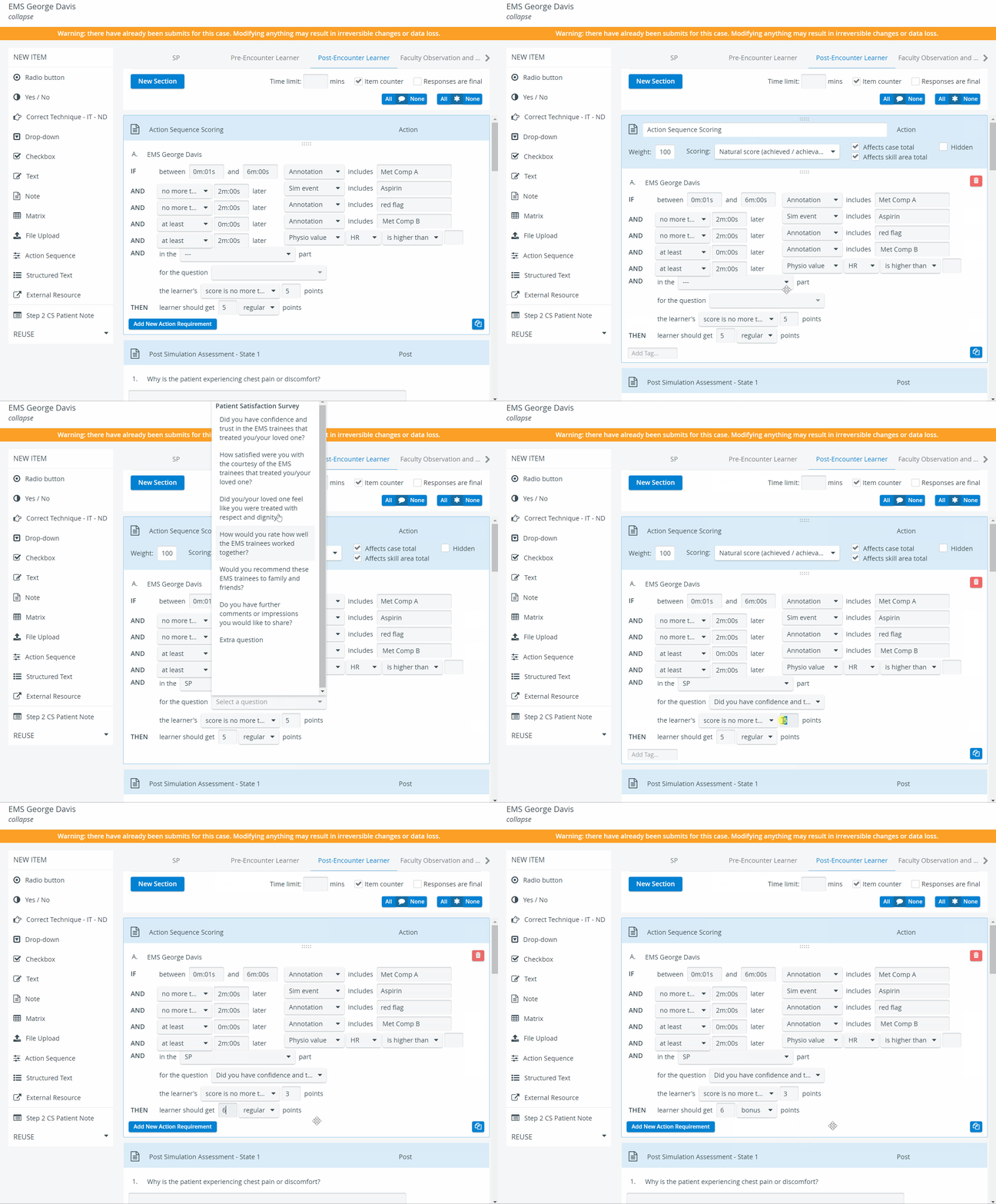
Depending on conditions and not the answers provided, this item type is not displayed on the checklist but is considered in score calculation.
For further information, visit our Case Manager and Cases - How to pages or watch our Case Manager Training Videos.