2024 January New Features - Release Notes
📅Calendar: New Room and Day View
While our Calendar previously included a Day View, it primarily emphasized room scheduling rather than a conventional daily overview.
Recognizing this, we have introduced a more familiar Day View similar to those seen in applications like Outlook or Google Calendar.
For our new release, a new Day View option has been designed for the Calendar that looks like the Week view but with just one day, taking up the entire page for one day.
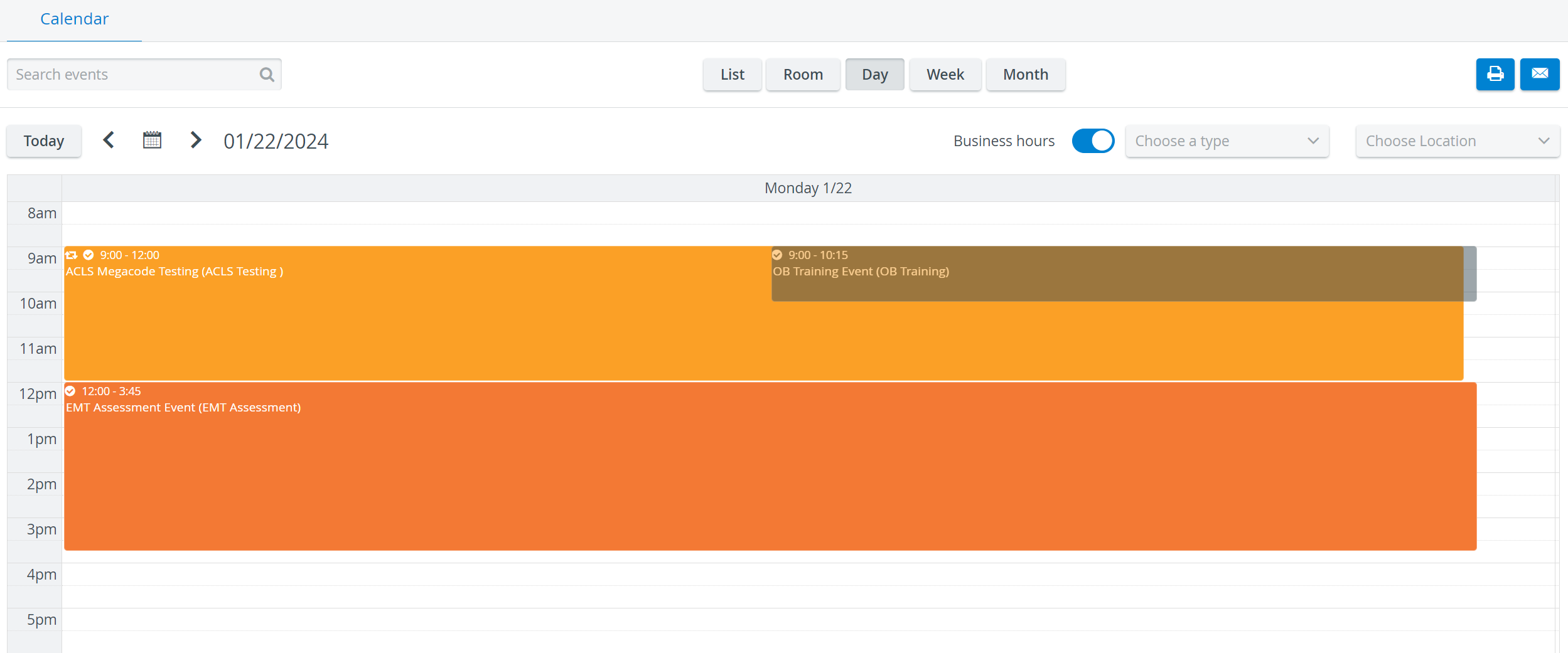
At the same time, to distinguish between the two, our original Day View has been renamed Room View—in that each room has its own row—enhancing user navigation and experience.

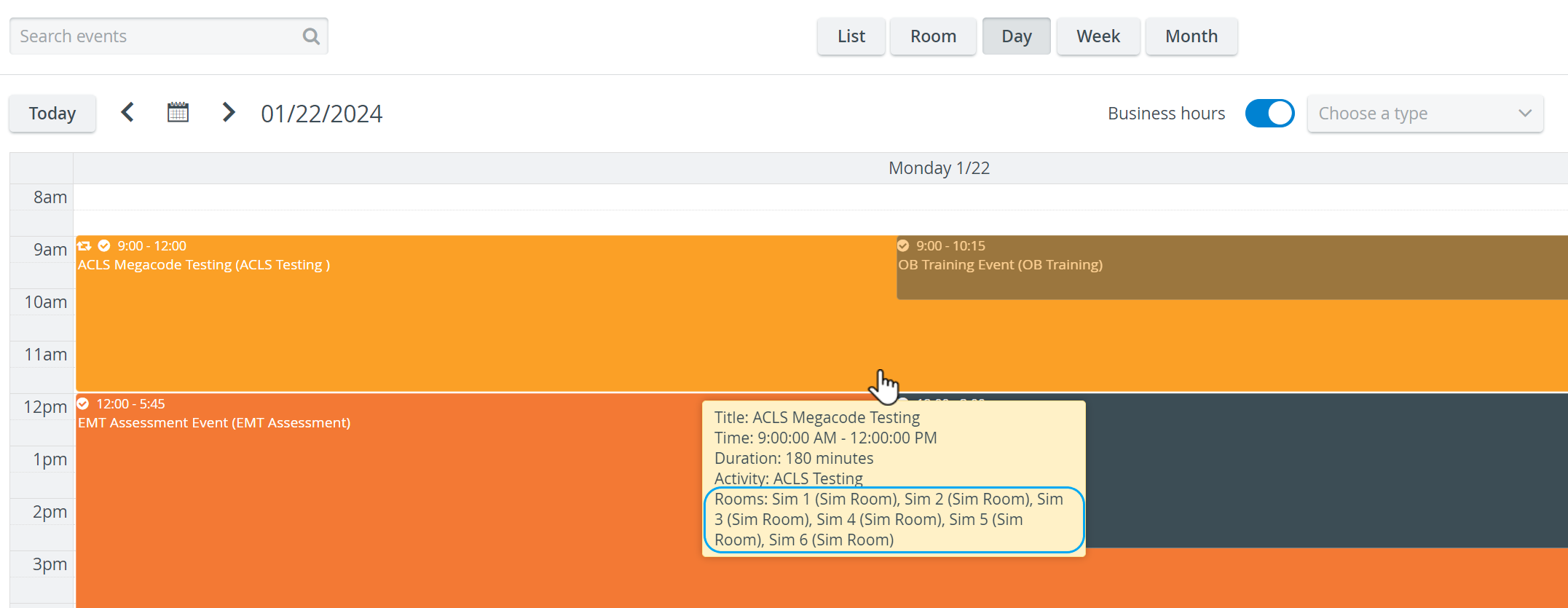
In the new Day view, room(s) assigned to an Event can be displayed in the Event information bubble by hovering over the Event.
Learn more on the How to Control the Calendar View Options page.
Jump Forward/Backward Hotkey
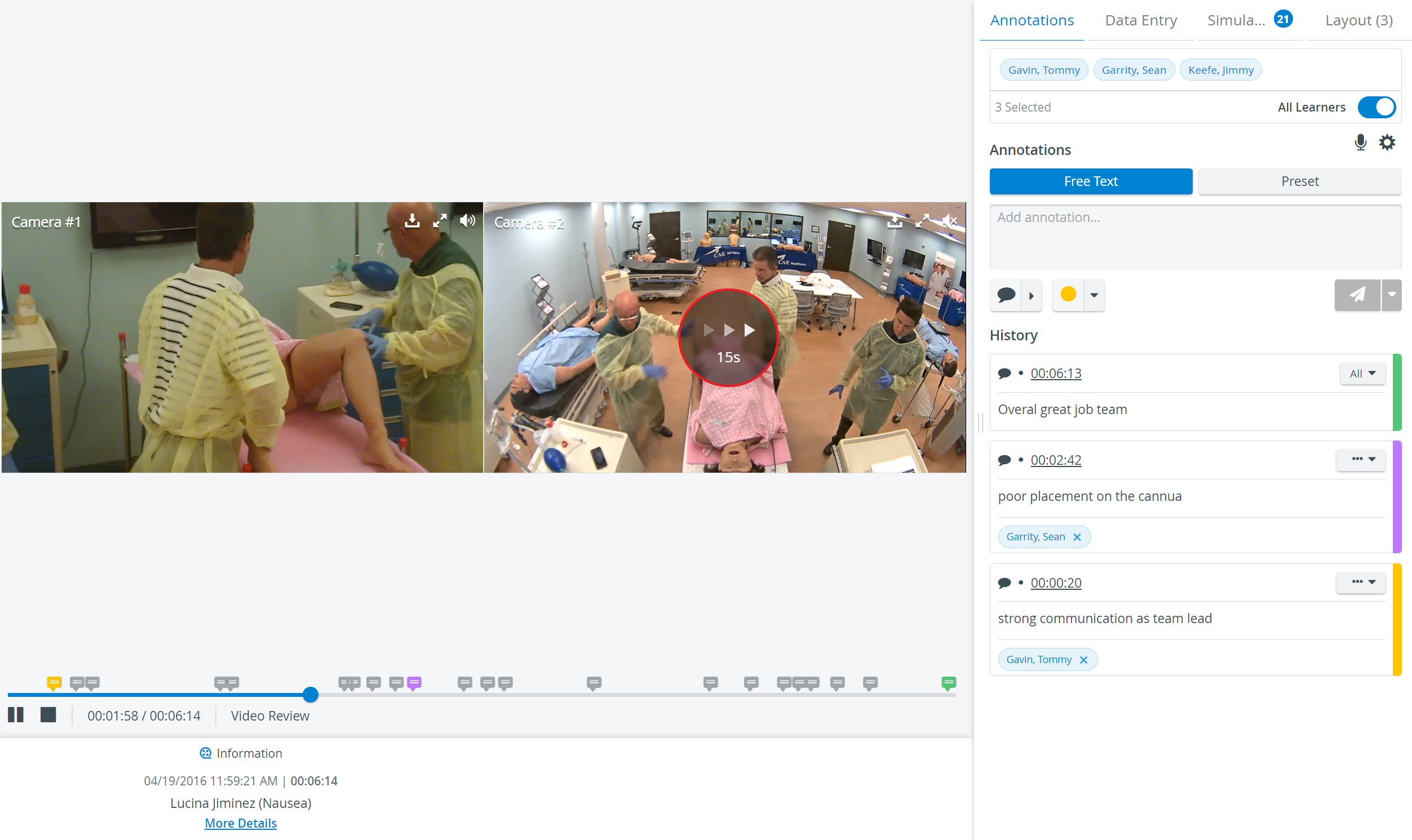
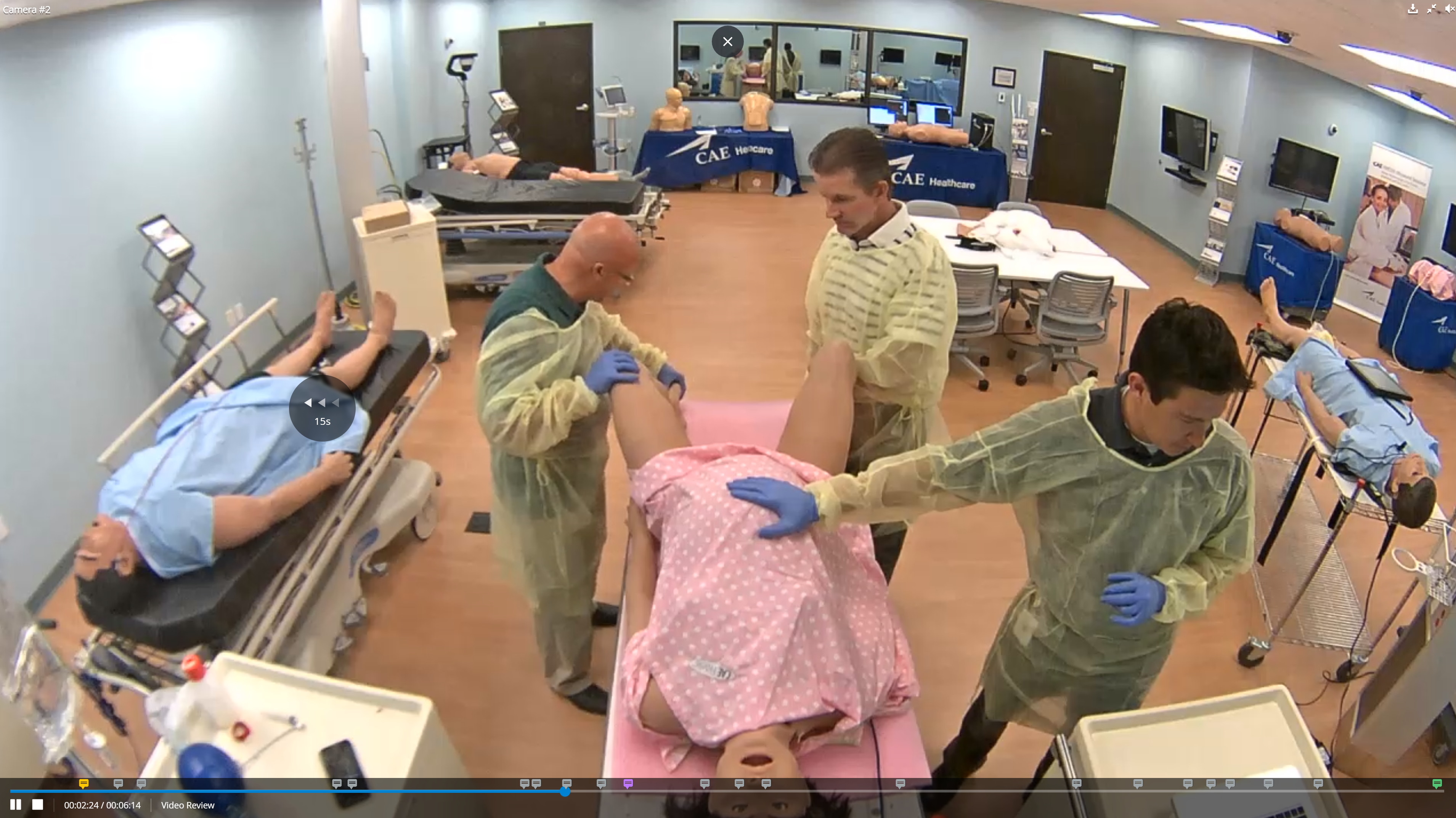
As a new feature, LearningSpace users can easily jump forward or backward in any video recording (in Video Review) by simply using the right or left arrows on their keyboard.
By pressing the respective key, the video will jump 15 seconds forward or backward, respectively.
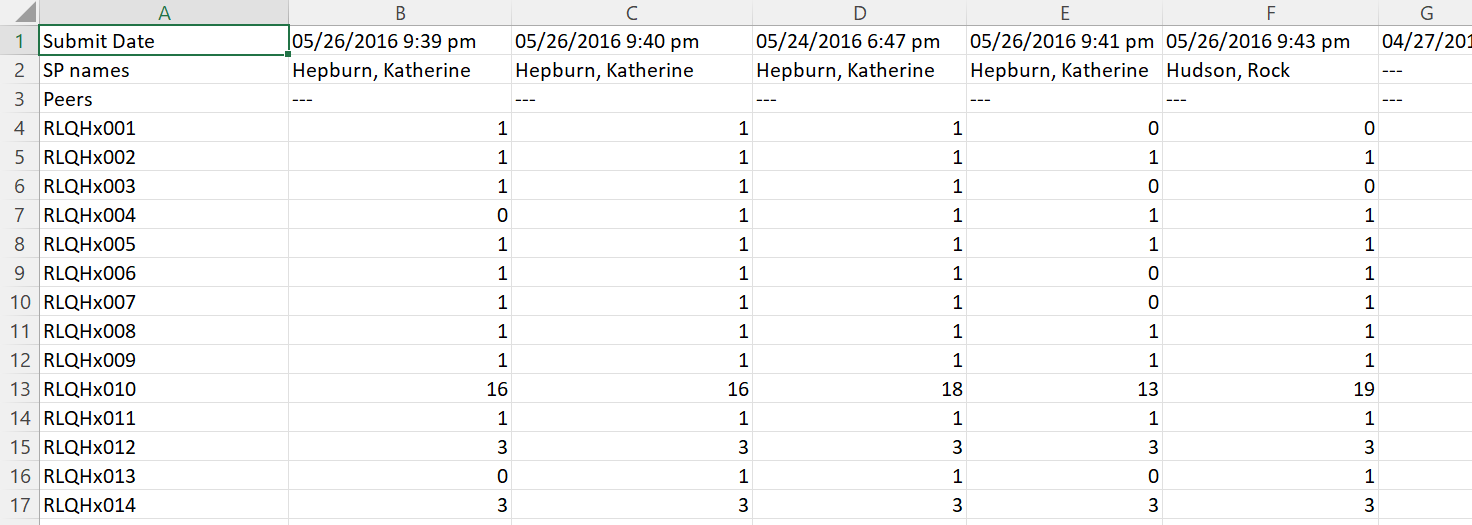
Submit Date in Raw Data Export
The 'Submit Date' column has been implemented in the Raw Data Export report, similarly to the Raw Score Export, to enhance and improve user experience.
Product Version Information
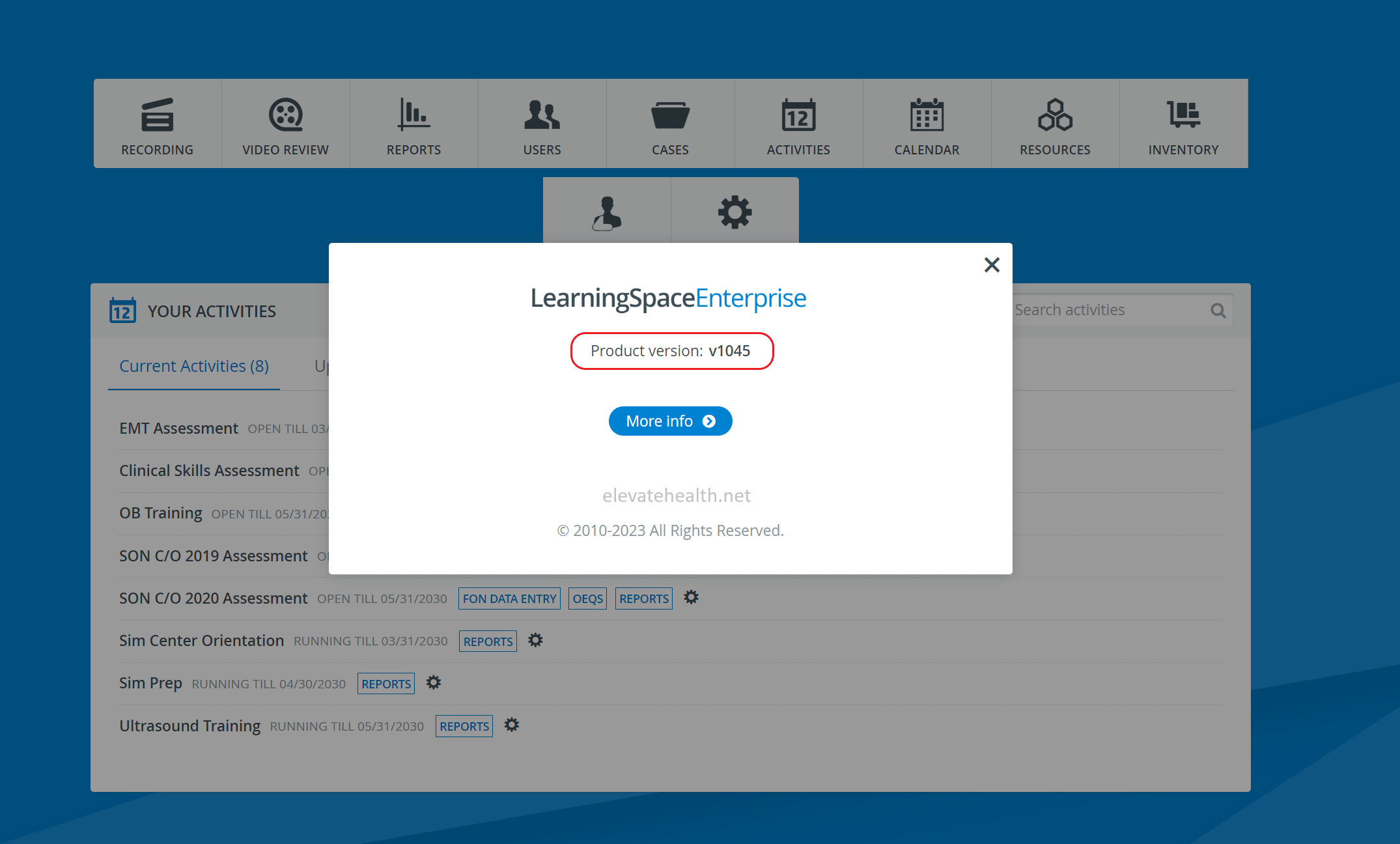
LearningSpace version is, from now on, accessible on the user interface for your convenience!
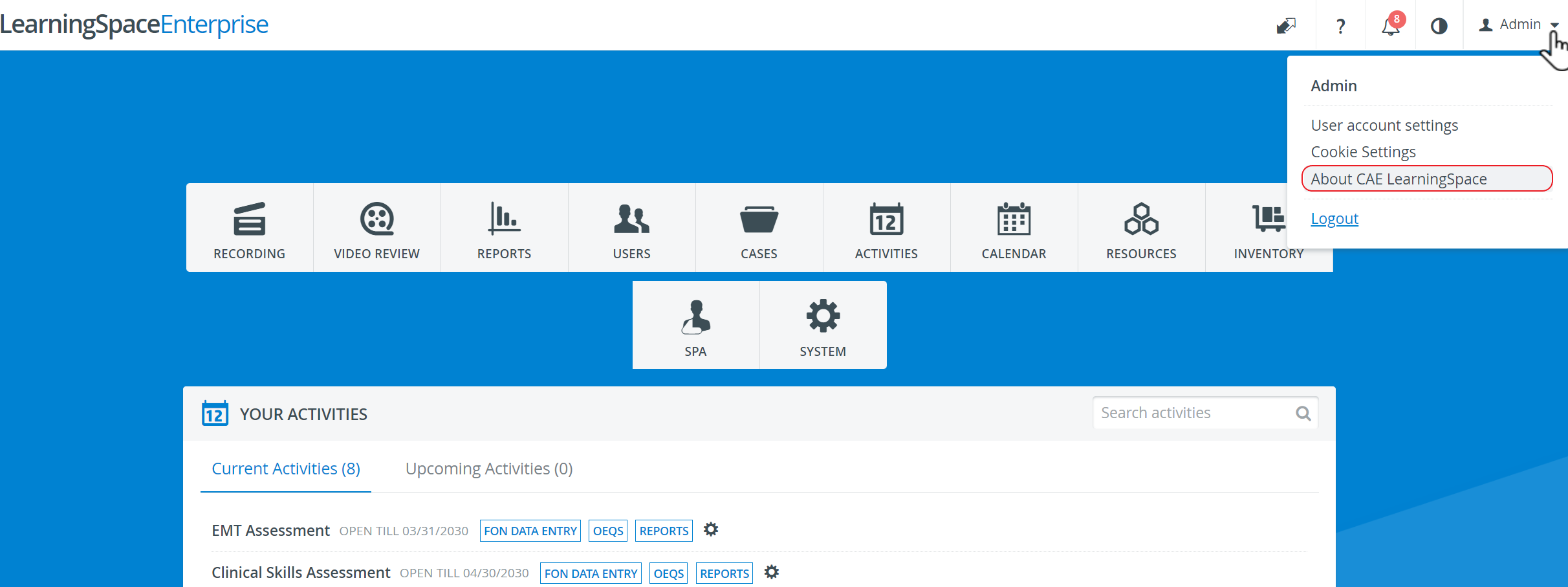
Simply click "About LearningSpace" in the top right menu to view your LearningSpace system's current product version (patch level).